Email Verification
The first time a user is registered to AGIS from User Management, they will receive a verification email titled Update Your Account. Until they completed verification, their status will remain as Invited.
The email will prompt users to verify their email and update their password. The verification link expires within one day.
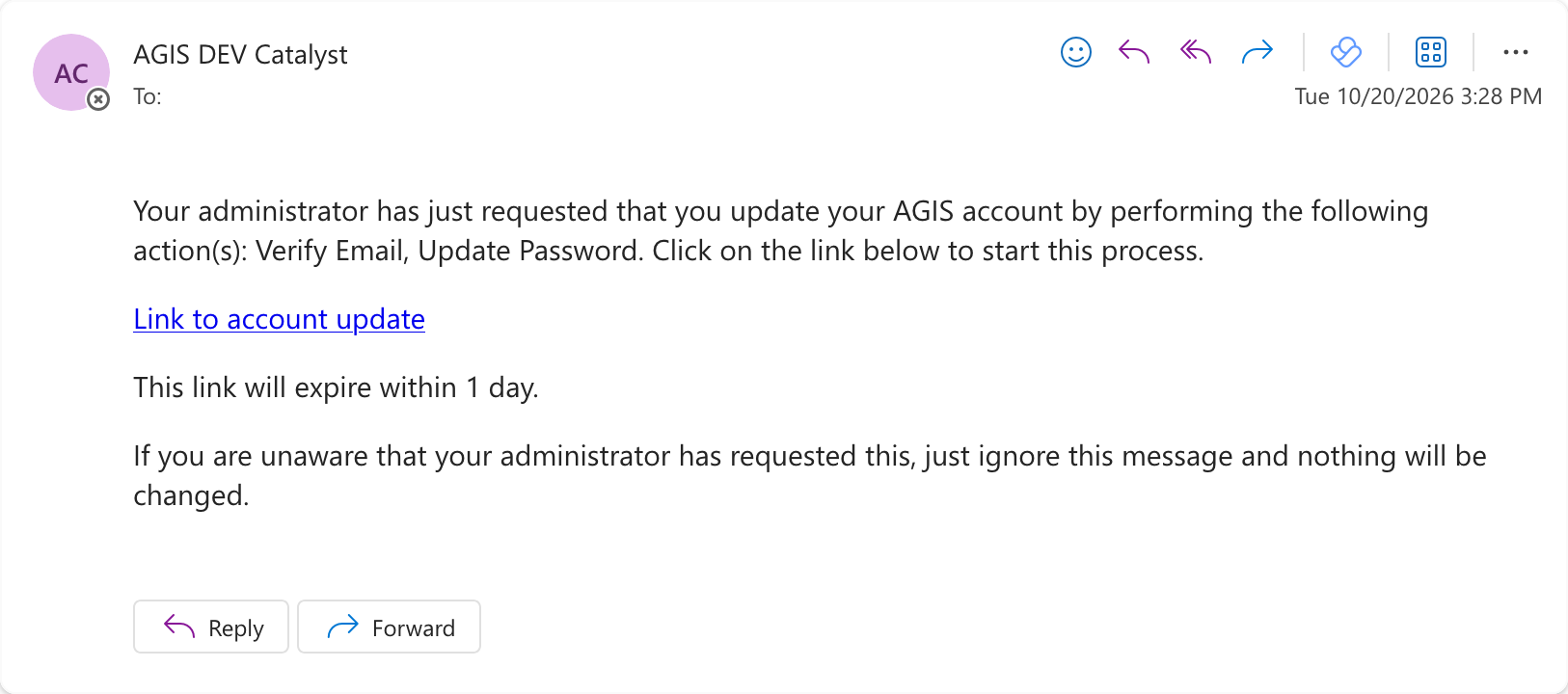
If the verification link has expired, ask an Administrator to resend the invitation.
If a user did not expect this request, the email can be ignored.
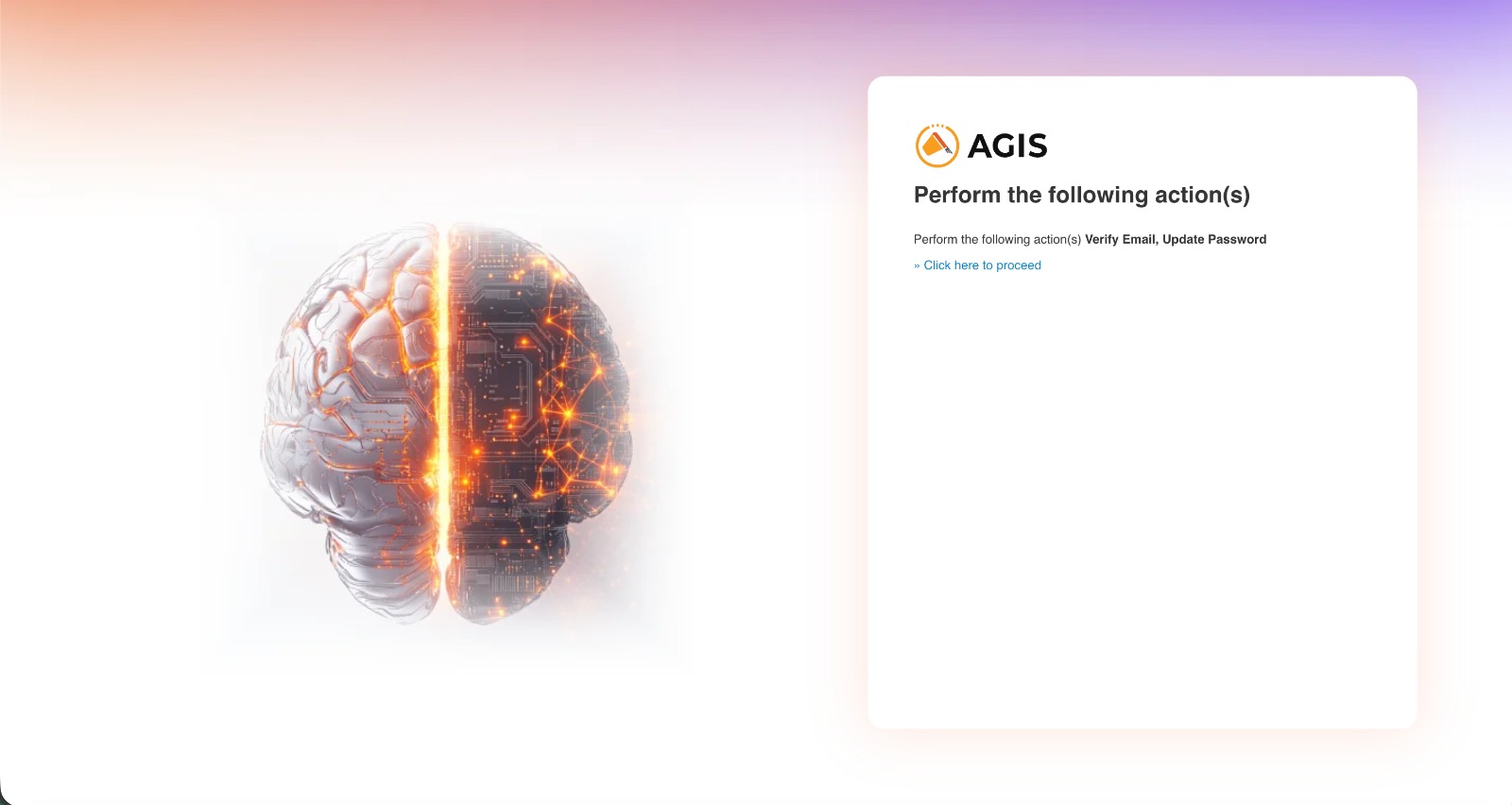
Clicking on the verification link will redirect users to a page titled Perform the Following Actions. Select Click here to proceed to continue.
Update Password
Proceeding with the verification redirect users to the Update Password page.
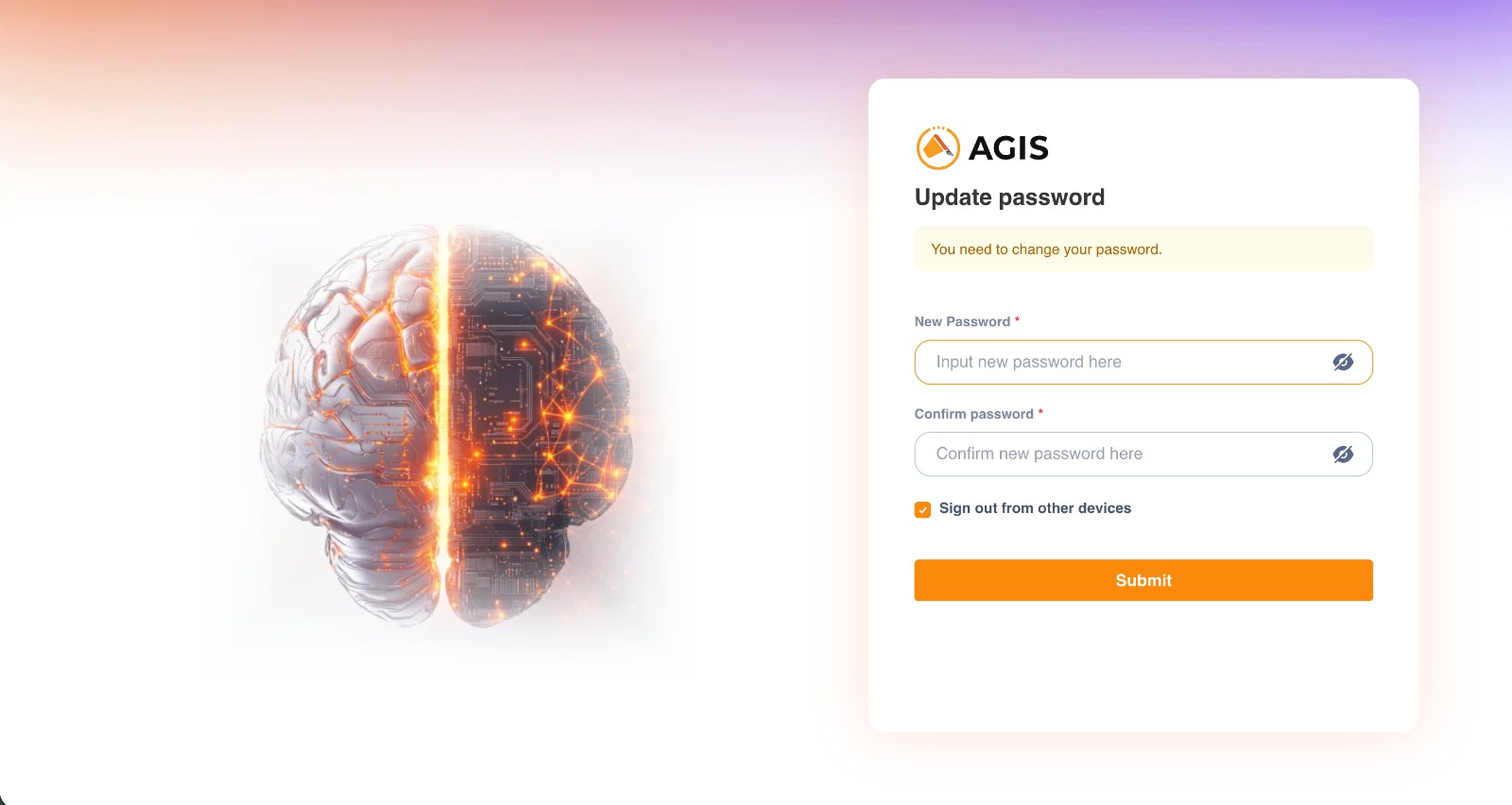
- In New Password, enter the new password. This password will be needed for logging in.
- In Confirm Password, input the same password again. The passwords in New Password and Confirm Password must match.
- Leave Sign out from other devices selected to end all other active sessions for this account once the password is changed. Clear the checkbox to keep those sessions signed in. This option is selected by default.
- Click Submit to save the new password.
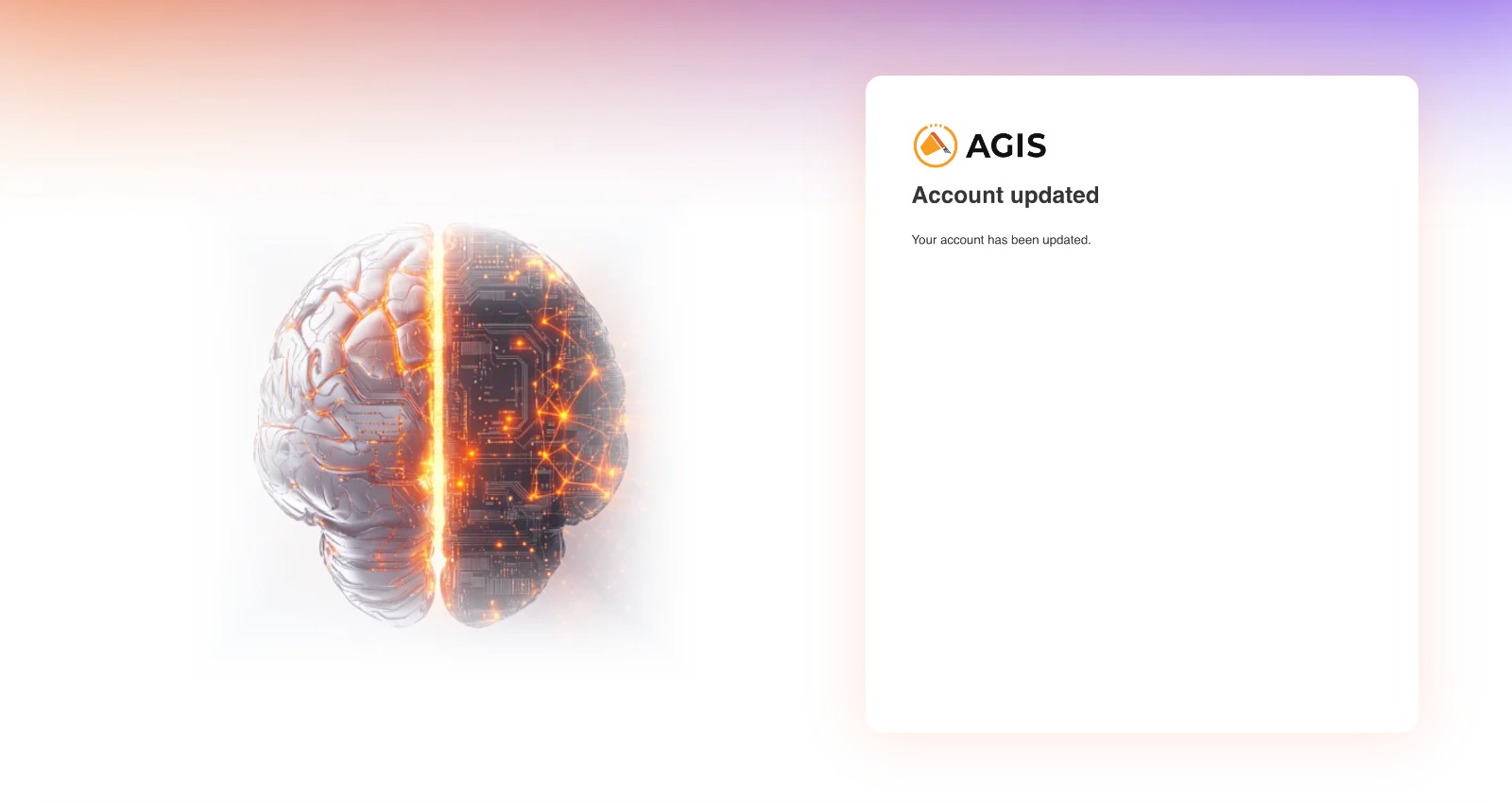
Clicking Submit will redirect users to a page displaying the message Account updated. This indicates that the user's account is now verified, and they can now login to AGIS.