Login
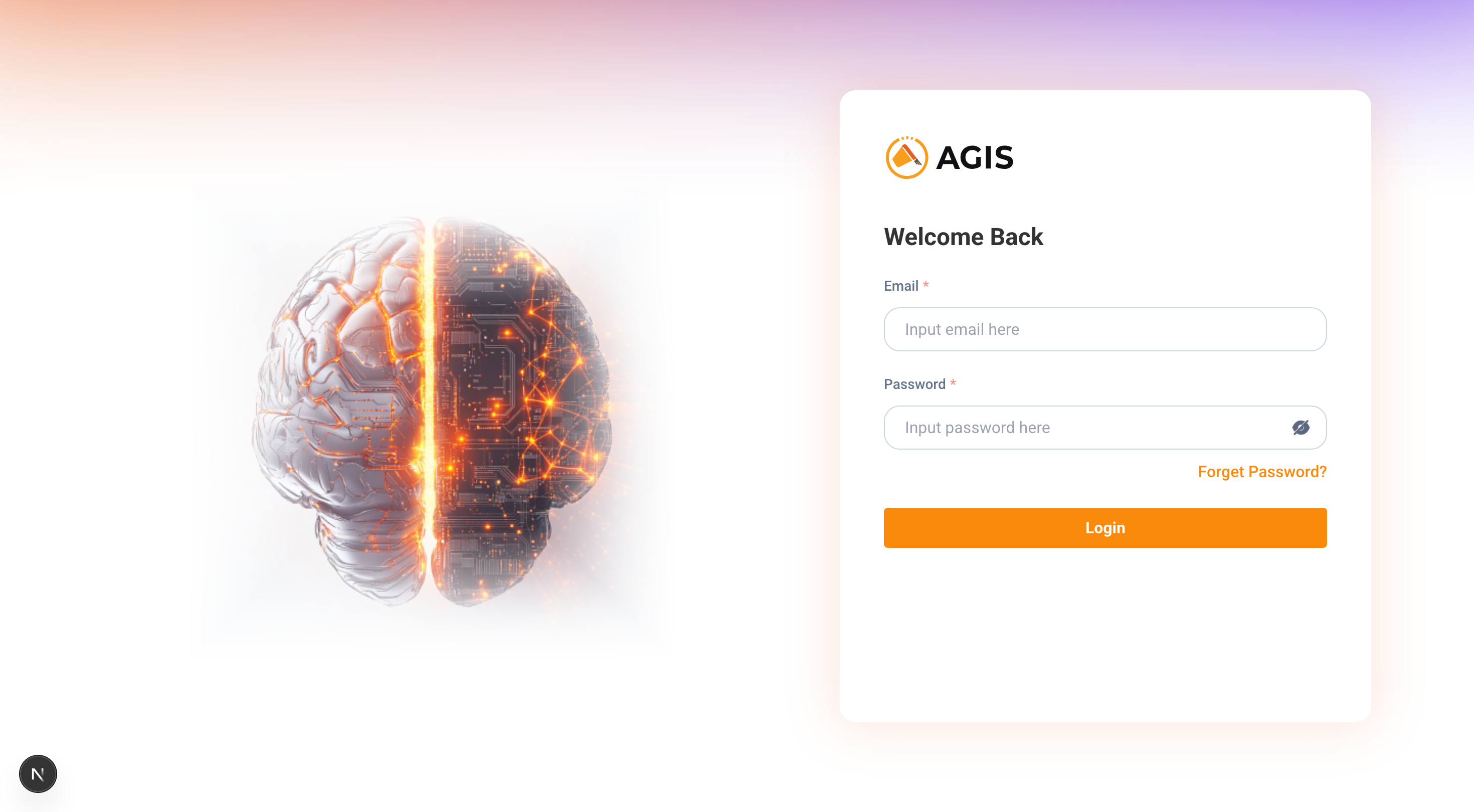
The Login page is the first page users see when accessing AGIS. Users must log in with an registered account before they can use any feature of AGIS. In legacy mode, an account cannot be registered in the same way as Keycloak. A new user must be registered through User Management.
Logging In
To log in, do the following steps:
- Enter the registered email address in the Email field.
- Enter the account password in the Password field.
- Click Login.
Both Email and Password are required fields. Click the eye icon on the right side of the Password field to show or hide the password being typed.
Once the credentials are validated, users will be redirected into AGIS.
Forgot Password
Users who do not remember their password can click on Forget Password? below the Password field. Users will be redirected to the Forgot Password page to reset their password.
