Forgot Password
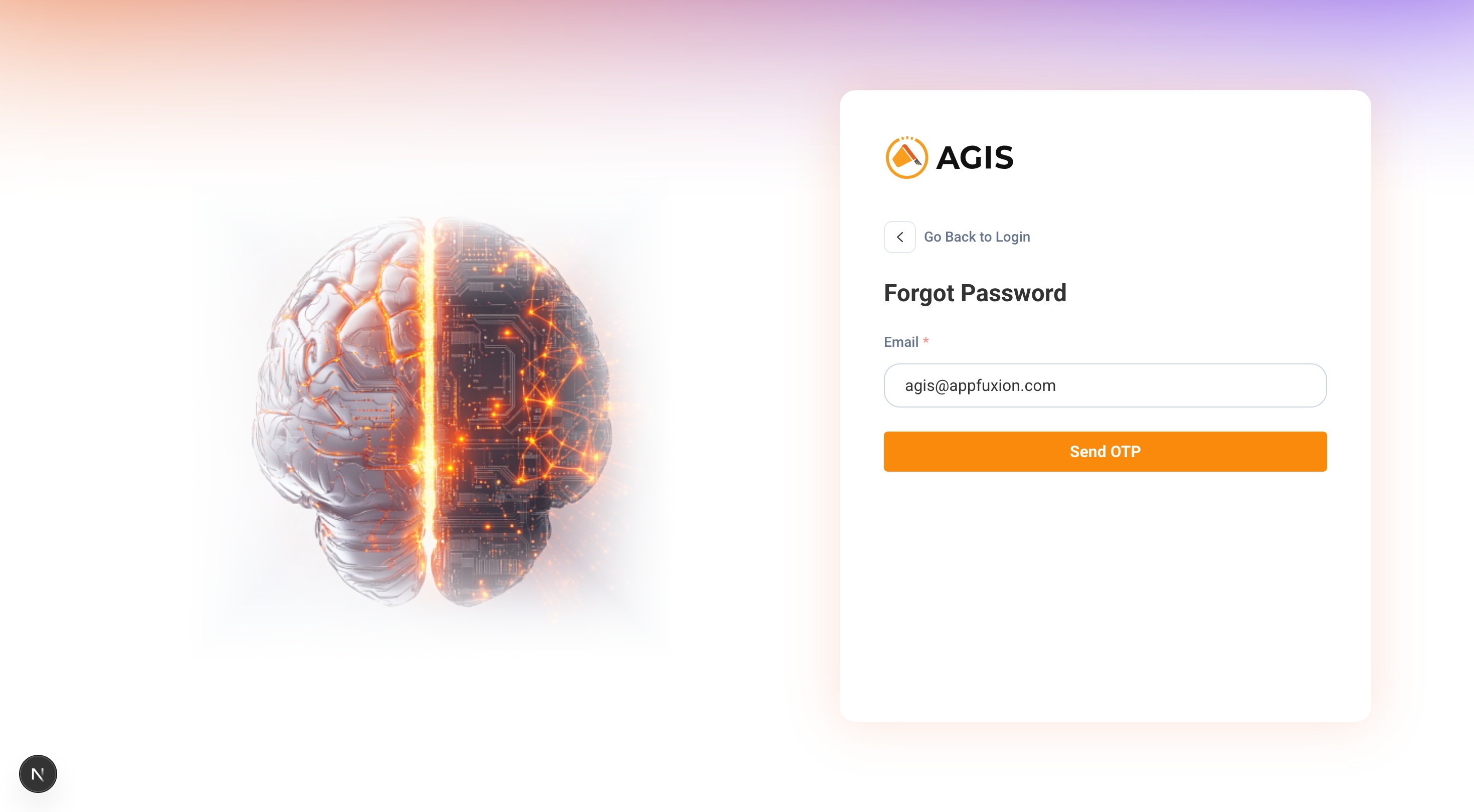
The Forgot Password page allows users to reset the password of their AGIS account. It can be accessed by clicking on Forget Password? on the Login page.
Resetting a Password
- Enter the email address associated with the account in the Email field.
- Click Send OTP.
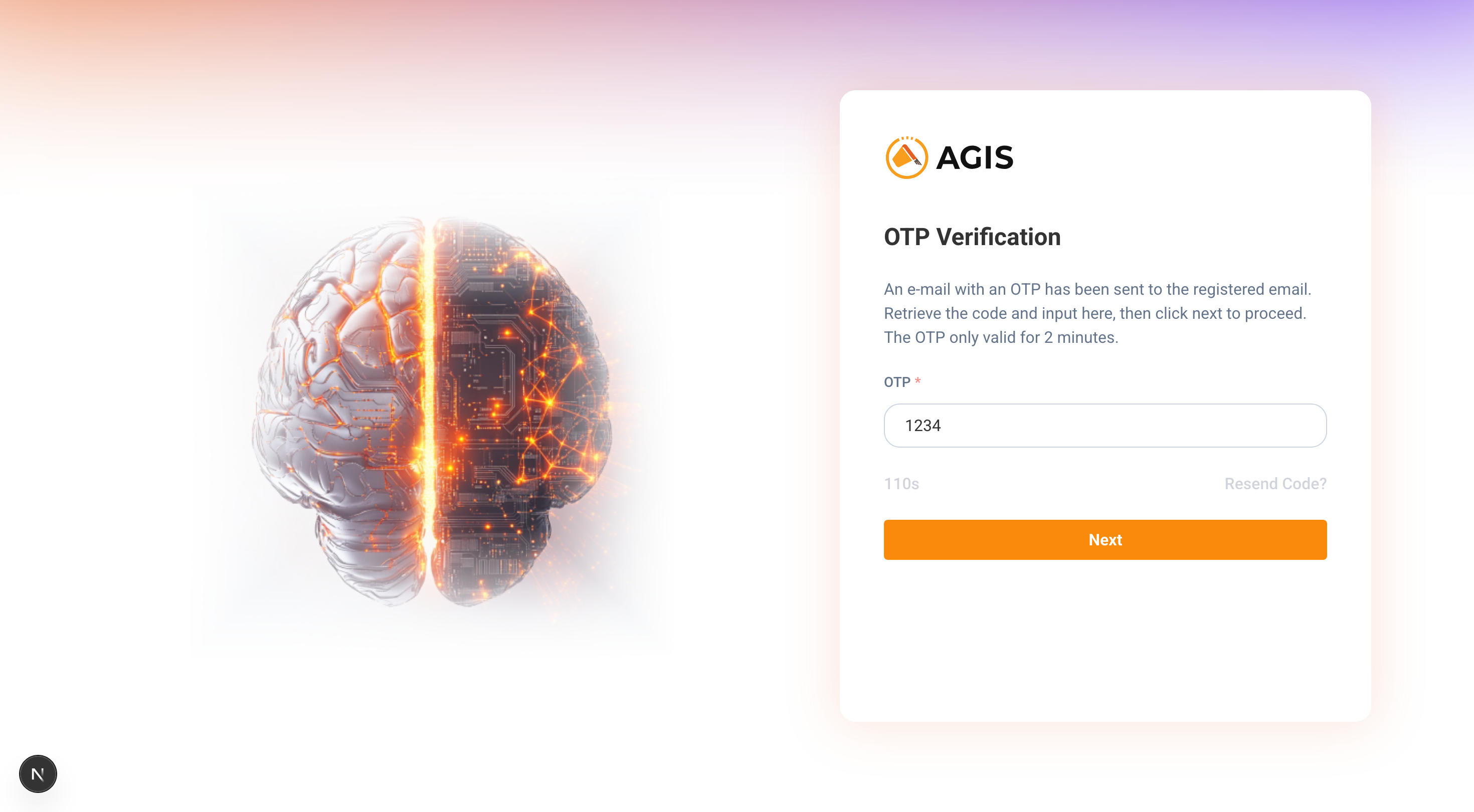
- Enter the OTP code sent to the email address. The OTP code is only valid for 2 minutes. If the OTP code expired or isn't received, click on Resend Code? to request a new code.
- If the OTP is valid, users will be redirected to the New Password page.
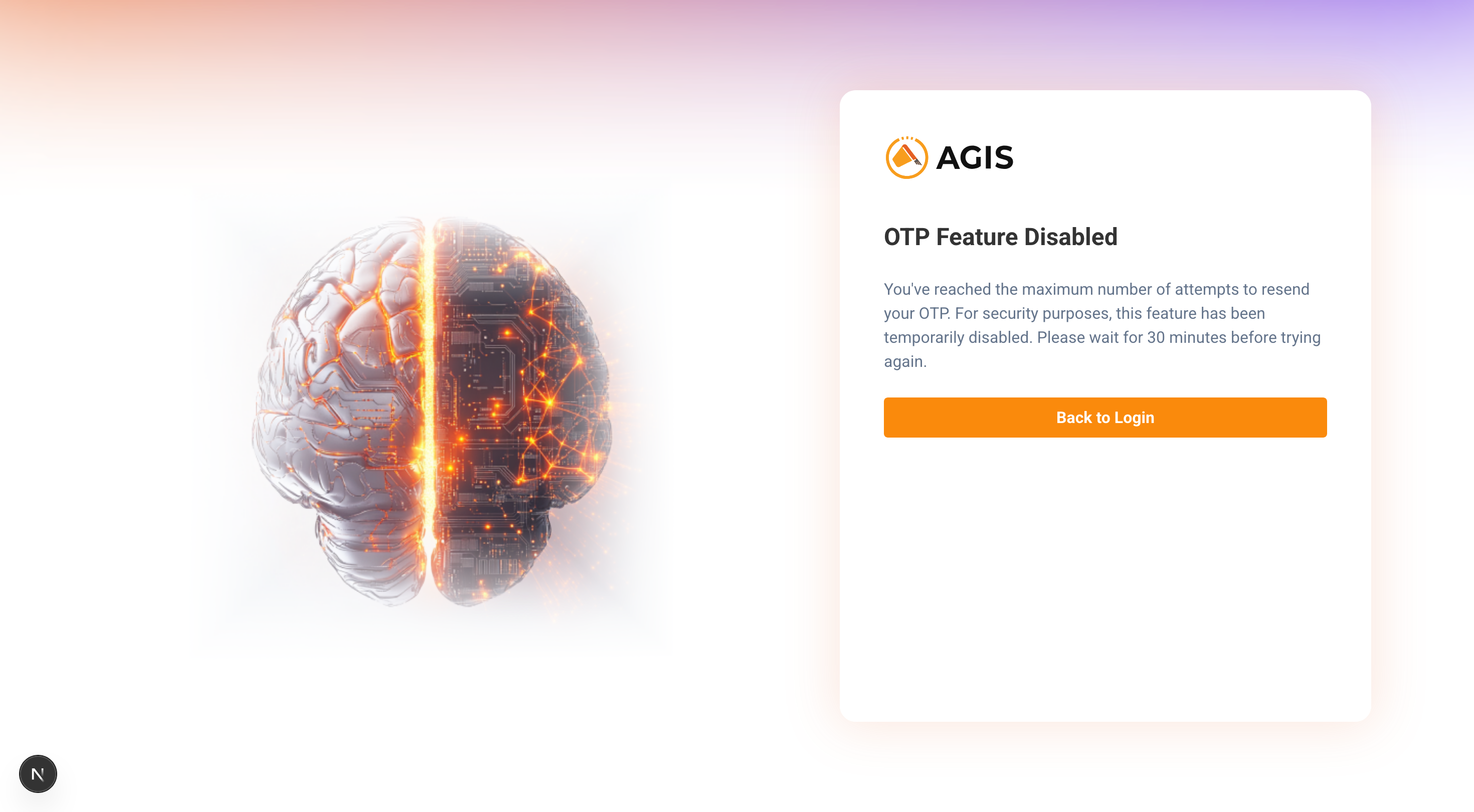
OTP Feature Disabled
For security purposes, the OTP feature is temporarily disabled after several unsuccessful verification attempts. If this happens, wait 30 minutes before trying again.
Setting a New Password
On the New Password page, enter a new password.
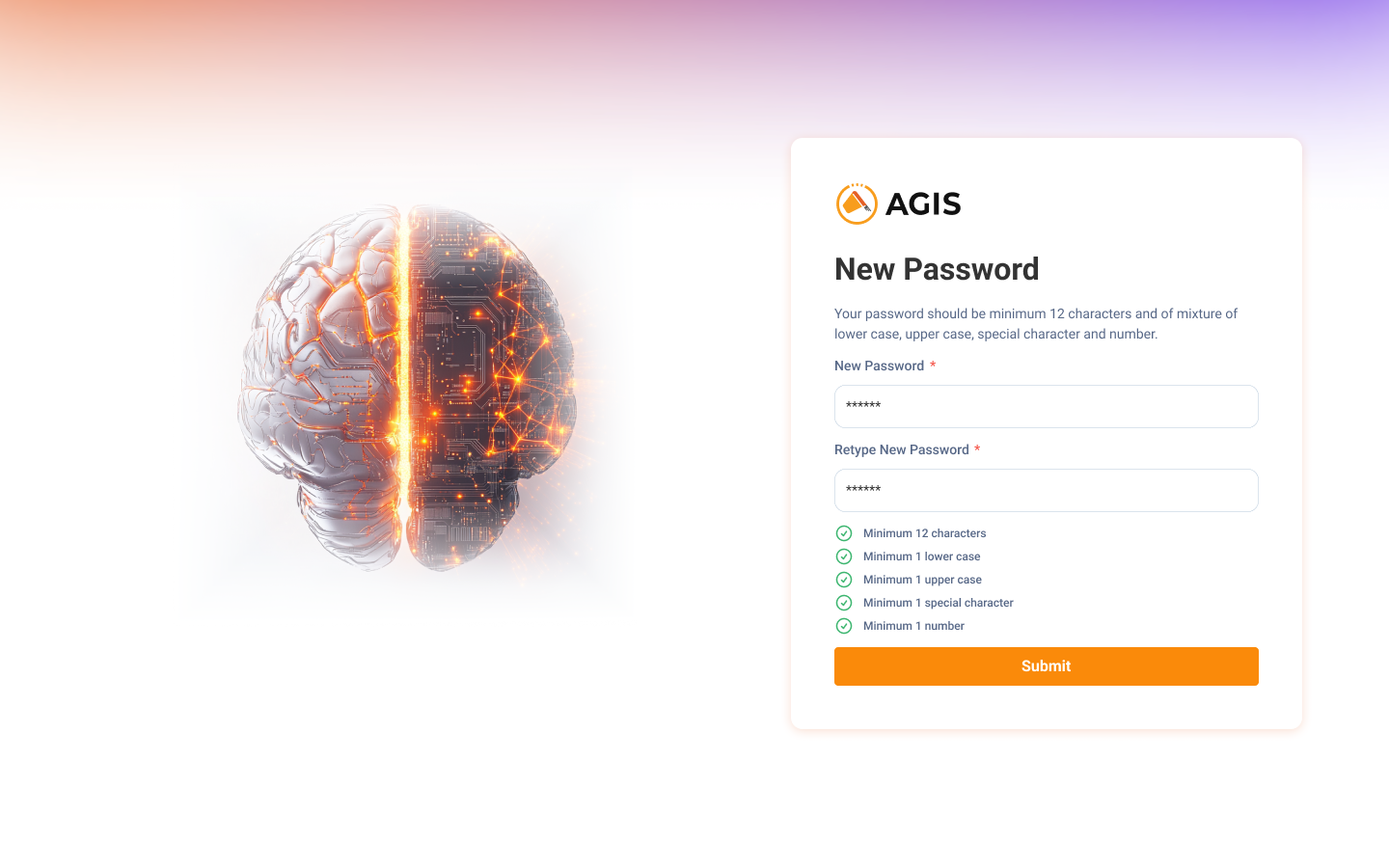
It must meet the following requirements:
- The password must contain at least 12 characters.
- The password must contain at least one lowercase letter.
- The password must contain at least one uppercase letter.
- The password must contain at least one number.
- The password must contain at least one special character.
warning
A new password cannot be a recently used password.
