Email Verification
AGIS may require users to verify their email address before their account is activated. If the email address of an account has not been verified, users will be redirected to the Email Verification page after logging in from the Login page.
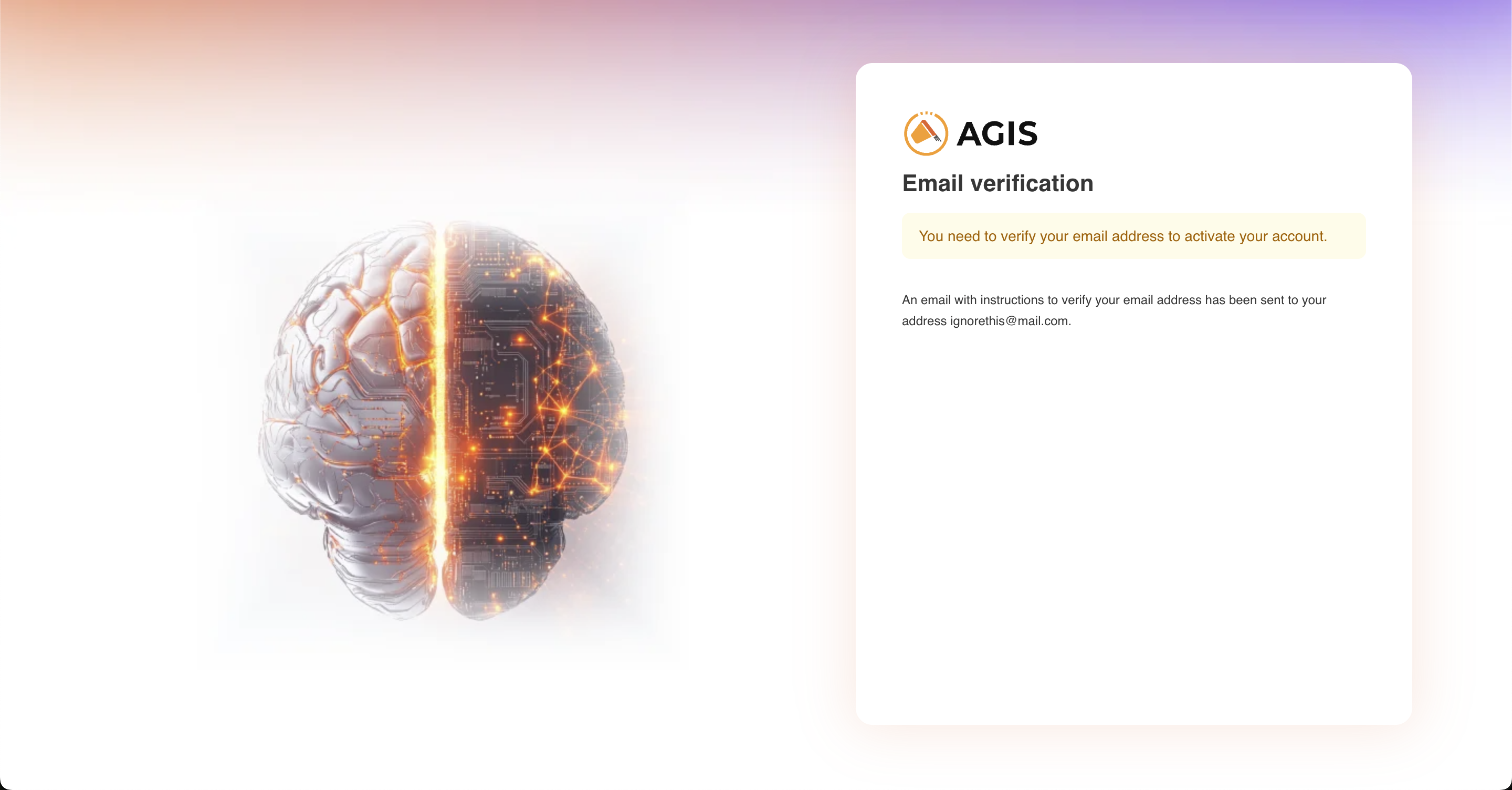
The page shows that the email address must be verified to activate the account, along with the email address the verification instructions were sent to.
Verifying an Email Address
- Open the mailbox of the email address shown on the Email Verification page.
- Open the verification email sent by AGIS.
- Click on Link to e-mail address verification inside the email.
- Return to the Login page and log in again.
Once the email address has been verified, users will be able to log in and access AGIS.
Verification Email
The verification email is sent to the email address used to create the account. It contains a Link to e-mail address verification, which verifies the email address and activates the account.
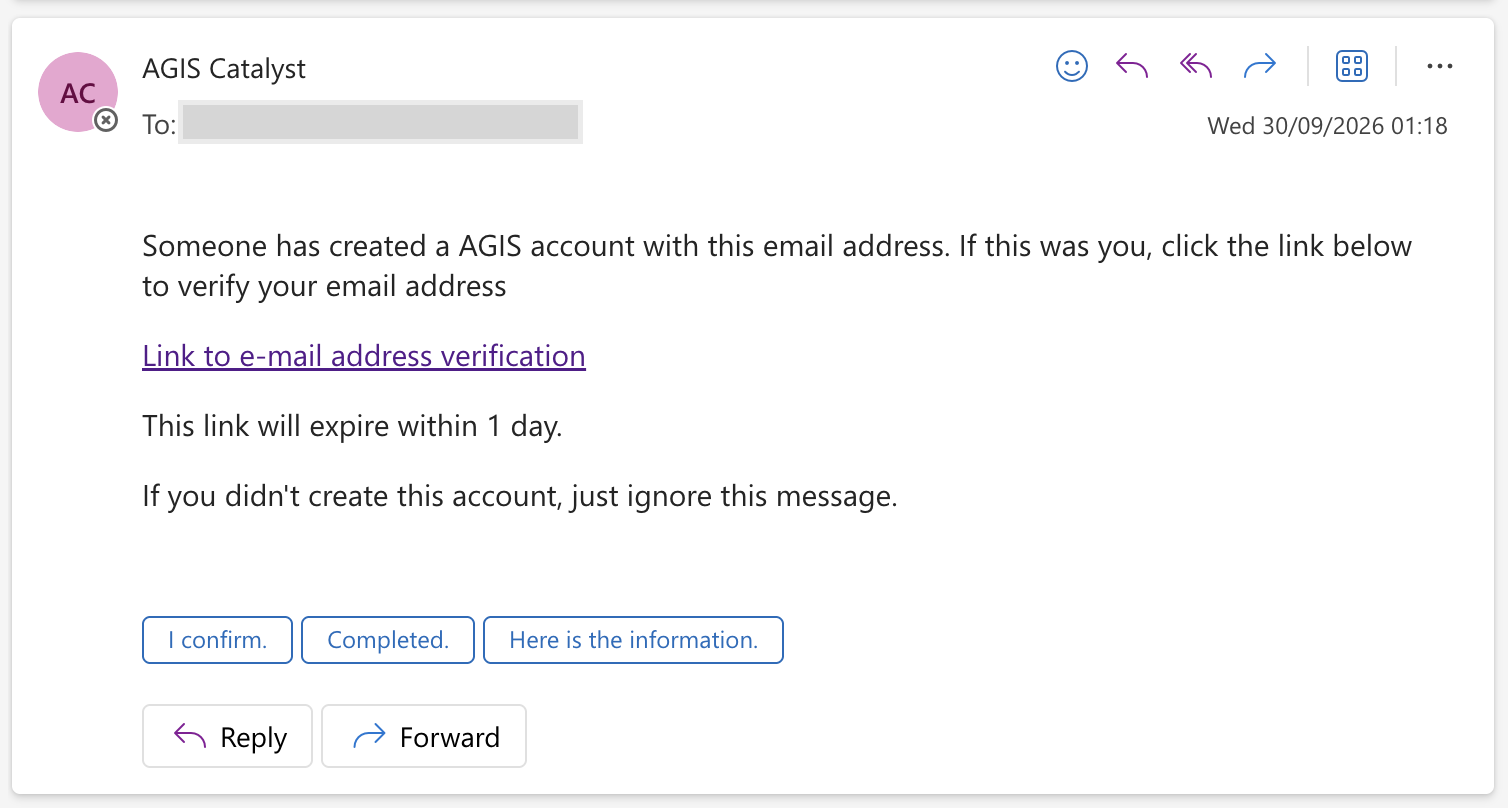
The verification link expires within 1 day. If the link has expired, log in again from the Login page to be sent a new verification email.
If the account was not created by the owner of the email address, the email can be ignored.
If the email does not arrive after a few minutes, check the spam or junk folder of the mailbox.
