Forgot Password
The Forgot Password page allows users to reset the password of their AGIS account. It can be accessed by clicking on Forgot Password? on the Login page.
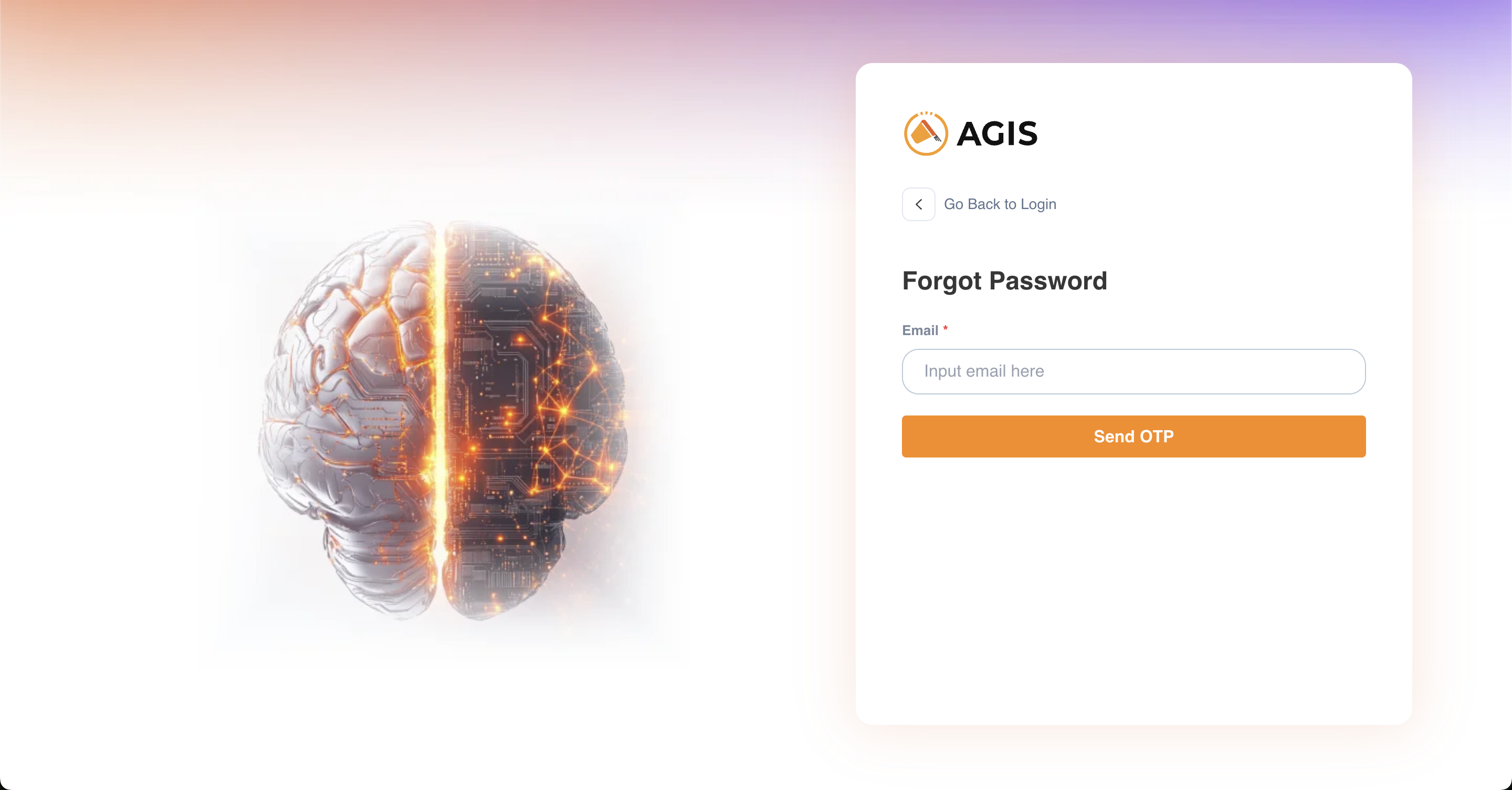
Resetting a Password
- Enter the email address of the account in the Email field.
- Click Send OTP.
- Users will be redirected back to the Login page, where a message confirms that an email with further instructions has been sent.
- Open the password reset email and click on Link to reset credentials to set a new password.
- Log in using the new password.
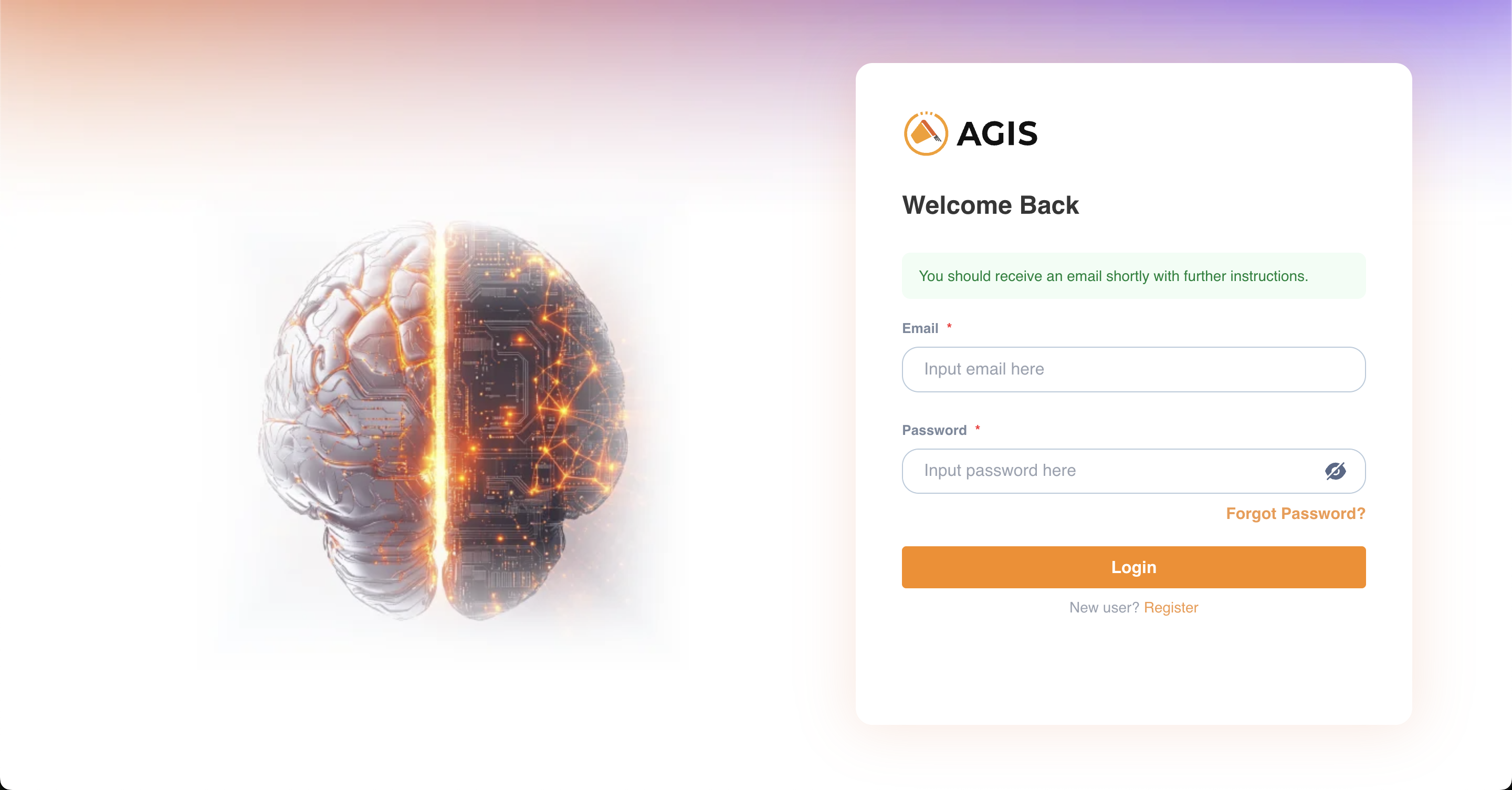
Password Reset Email
After clicking Send OTP, AGIS sends a password reset email to the email address entered. The email contains a Link to reset credentials, which takes users to a page where they can set a new password.
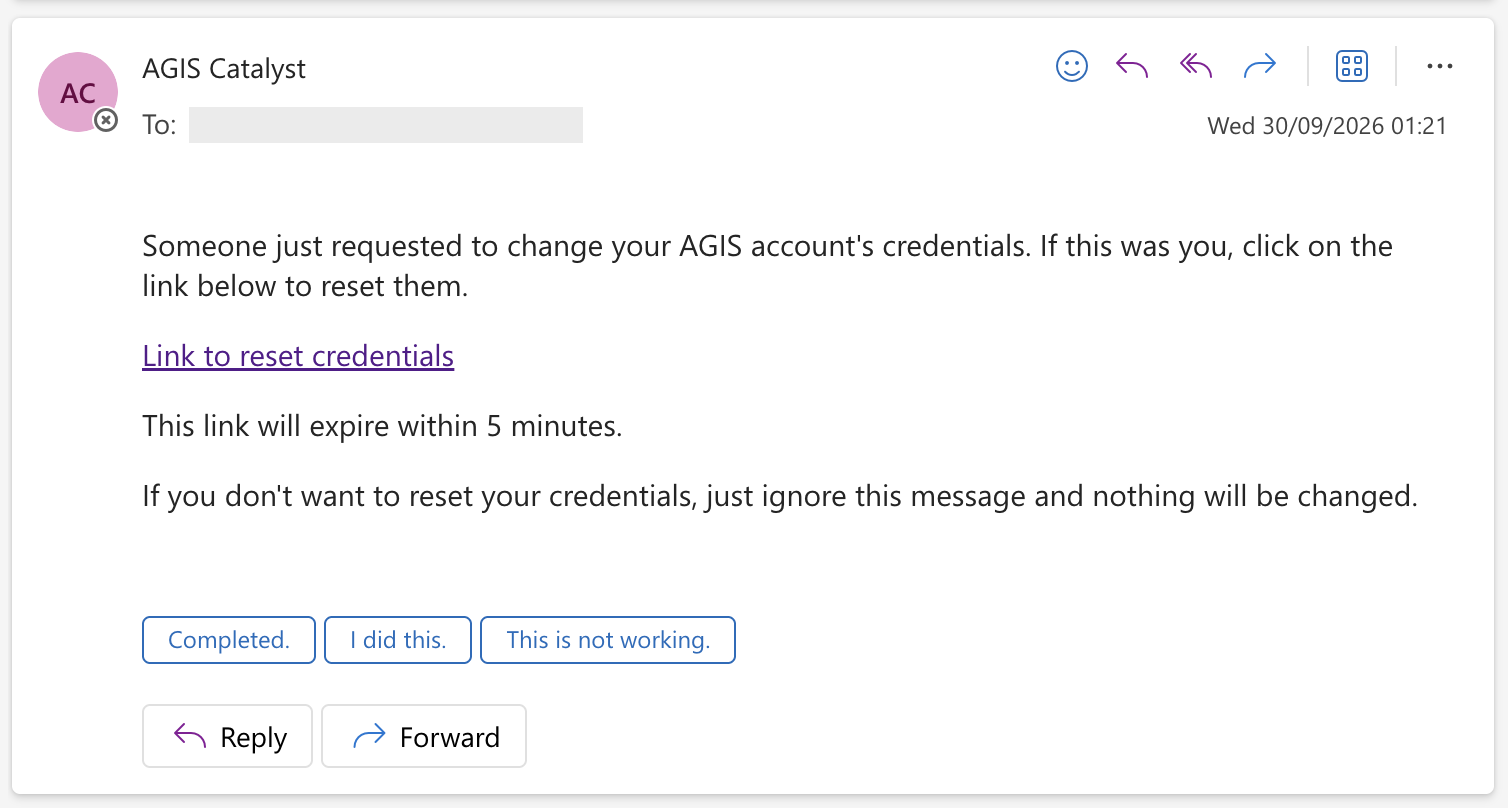
The reset link expires within 5 minutes. If the link has expired, request a new one from the Forgot Password page.
If the password reset was not requested by the account owner, the email can be ignored and the password will not be changed.
If the email does not arrive after a few minutes, check the spam or junk folder of the mailbox.
Going Back to Login
Click on Go Back to Login at the top of the form to return to the Login page without resetting the password.
