Model Providers
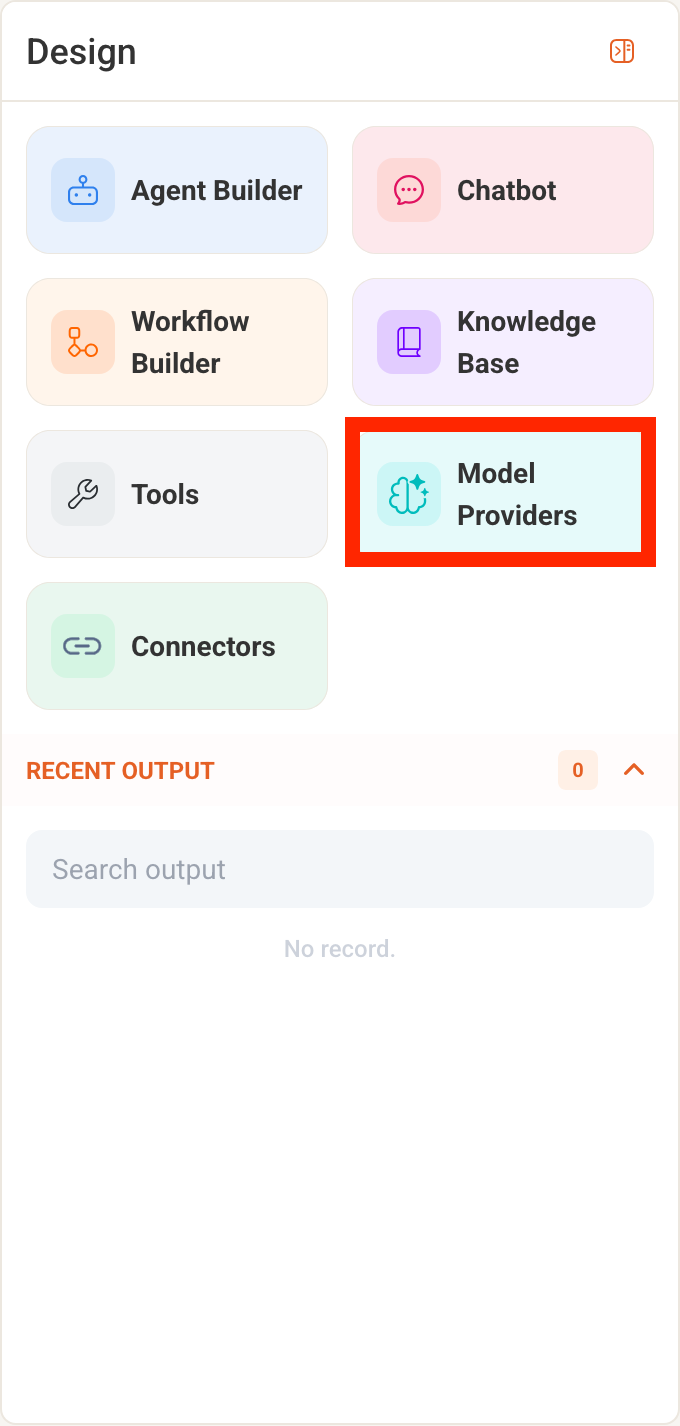
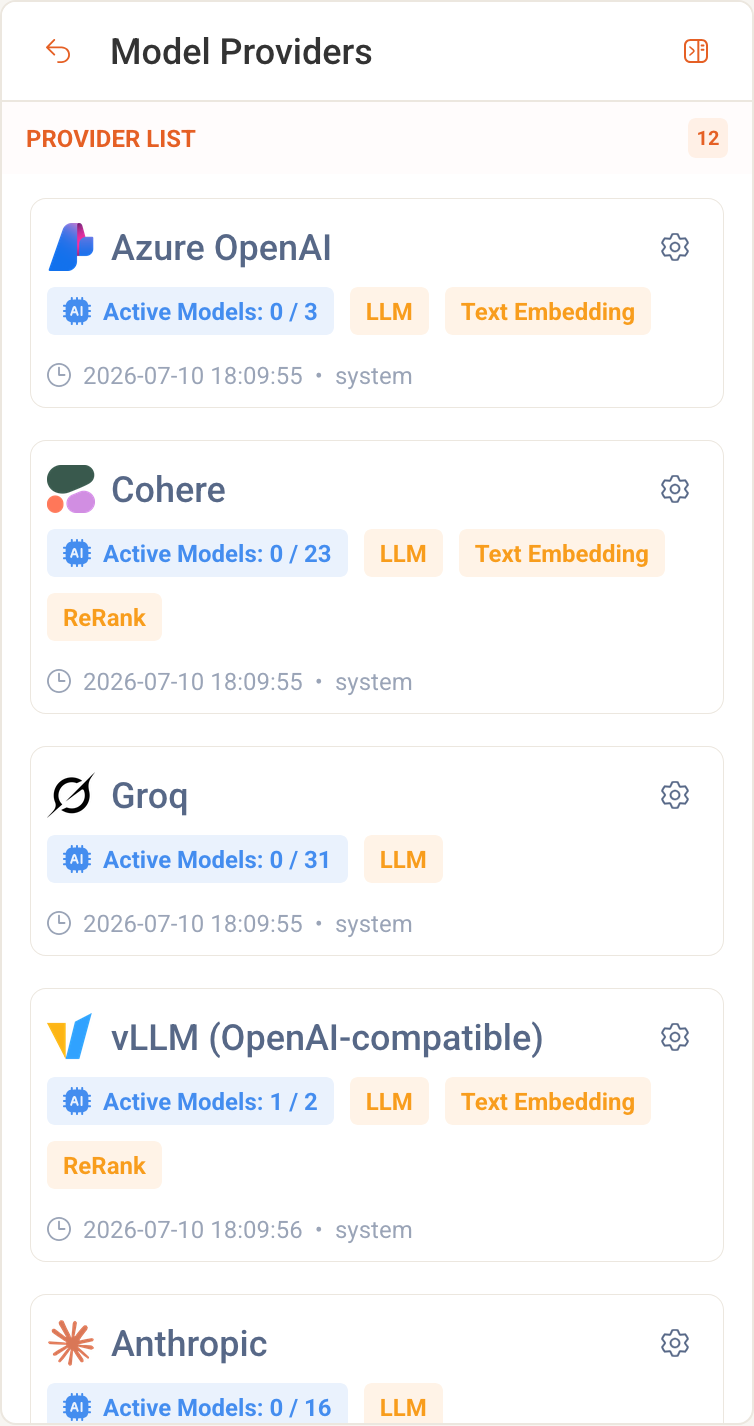
Model Providers can be found in the Build, in the panel located on the right-hand side of the screen. Model Providers displays a list of available model providers.
Configure
Users can configure a selected model provider by clicking on the gear icon. The fields shown in the configuration form vary depending on the selected provider. Some providers such as vLLM and Ollama require no credentials. Some commonly requested fields include:
- API Key, a token issued by the provider that authenticates request.
- Endpoint URL, the base URL used to send requests to the provider's API.
- API Version, specifies which version of the provider's API the requests should target. Only required for Azure OpenAI.
- API Base URL, the root URL used for OpenAI API requests. Only required for OpenAI.
- Organization ID, identifier for which OpenAI organization the API usage attributes to. Only required for OpenAI.
- AWS Access Key ID, part of the AWS credential pair used to authenticate API requests to AWS services. Only required for Amazon Bedrock.
- AWS Secret Access Key, the secret counterpart to the AWS access key. Only required for Amazon Bedrock.
- AWS Region, specifies which region the Bedrock service requests should be sent to (e.g.,
us-east-1). Only required for Amazon Bedrock.
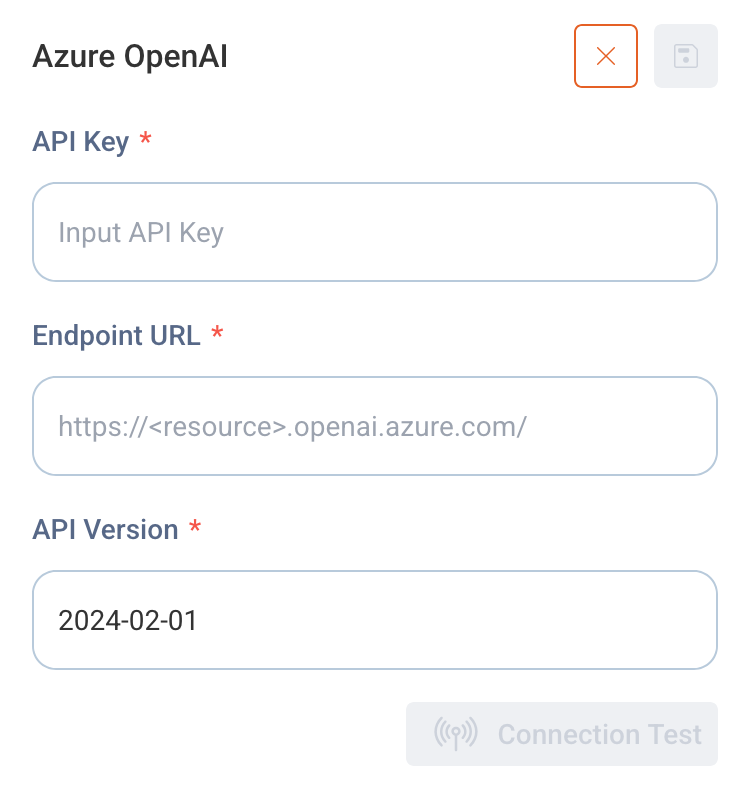
Entered credentials and endpoint can be verified by performing a connection test using the Connection Test button.
Model List
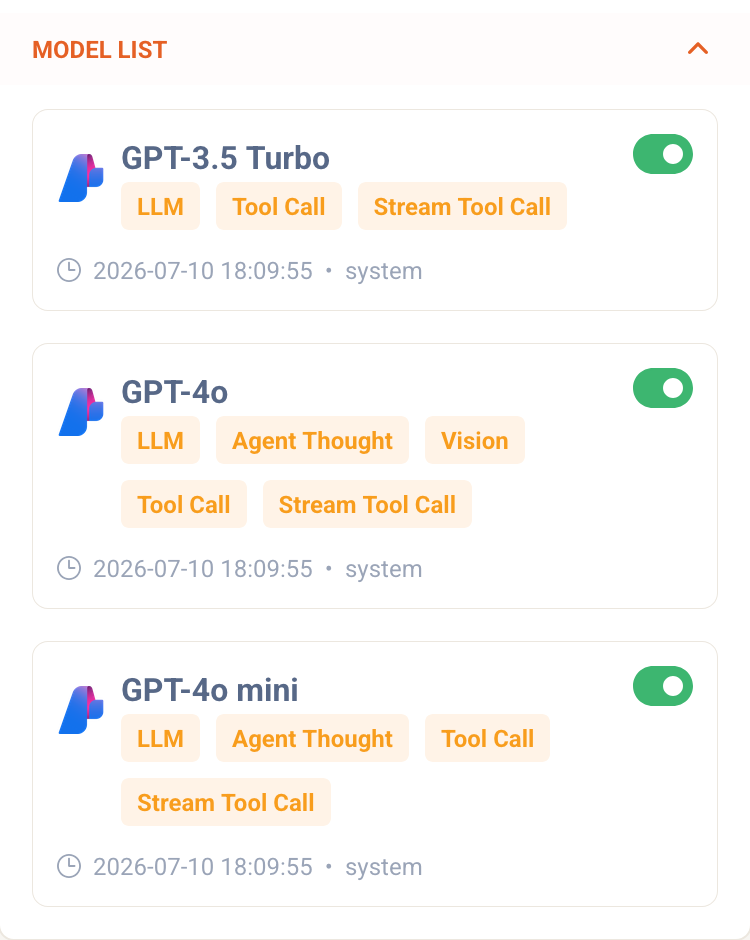
Model list shows the individual models made available through that provider. Each model entry includes the provider's icon, the model's name, and a set of tags describing what the model's capabilities are. Models can be enabled or disabled by clicking on the toggle next to each model.