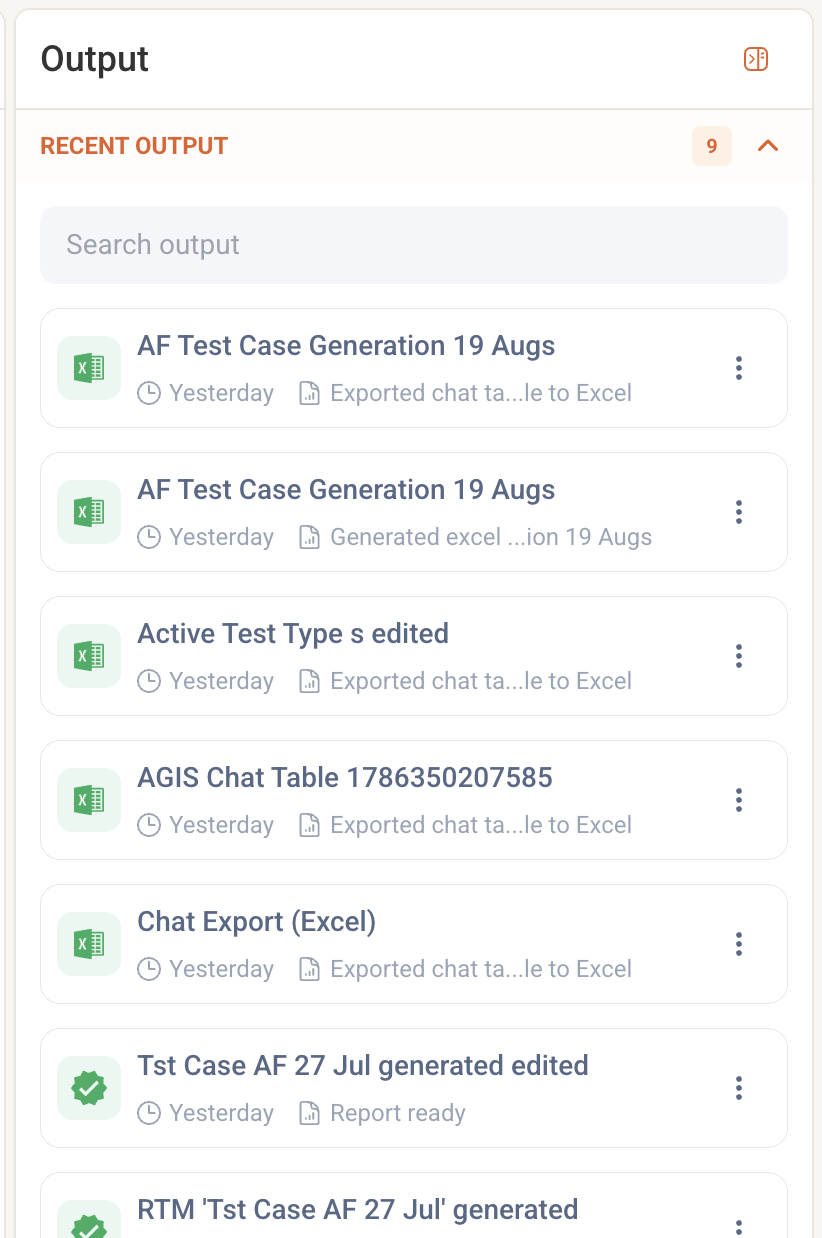
Recent Output
In this section will showing All document coming from chat.
User can able to Export Into Recent Output in chat, then the document will listing in Recent Output Section
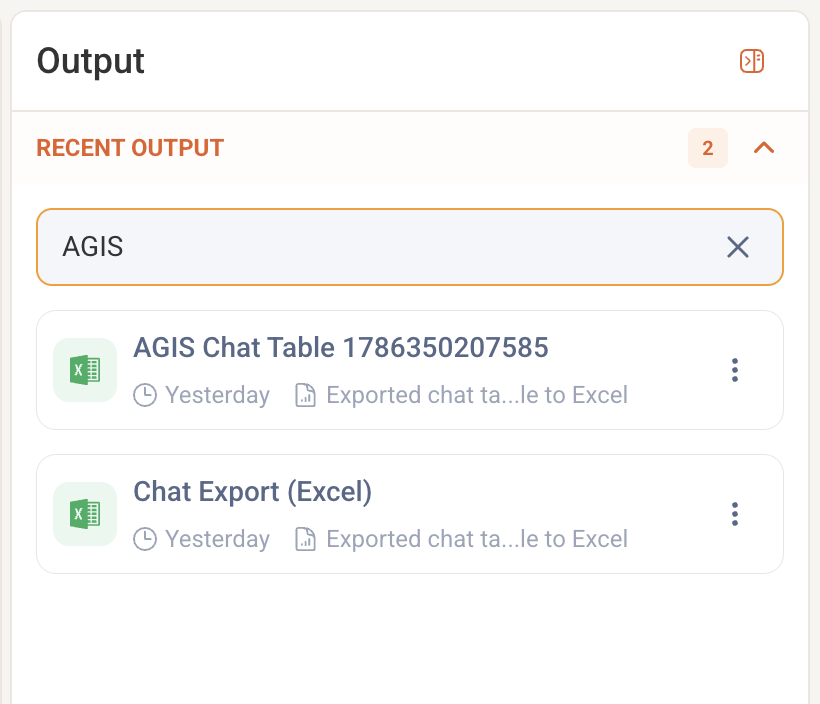
Search Recent Output
Use the search field at the top of the Recent Output panel to find a specific exported document. Enter part or all of the document title, and the list will update to show matching outputs.
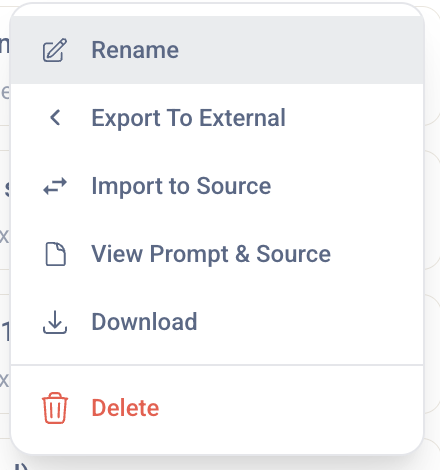
Recent Output Menu
Select the three-dot menu on an output to access these actions:
- Rename: Change the title of the output.
- Import to Source: Add the output as a source.
- View Prompt & Source: Review the prompt and source information used to create the output.
- Download: Download the output to your device.
- Delete: Remove the output from Recent Output.
Rename an Output
- Open the three-dot menu for the output and select Rename.
- Enter the new title in the output title field.
- Select the save icon to confirm the new title, or select the close icon to cancel.

Delete an Output
- Open the three-dot menu for the output and select Delete.
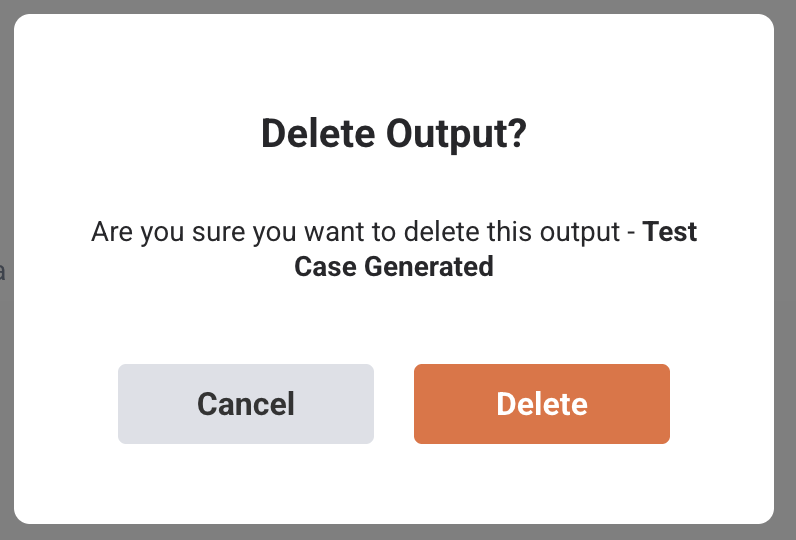
- Review the output title in the confirmation dialog.
- Select Delete to permanently remove the output, or select Cancel to keep it.