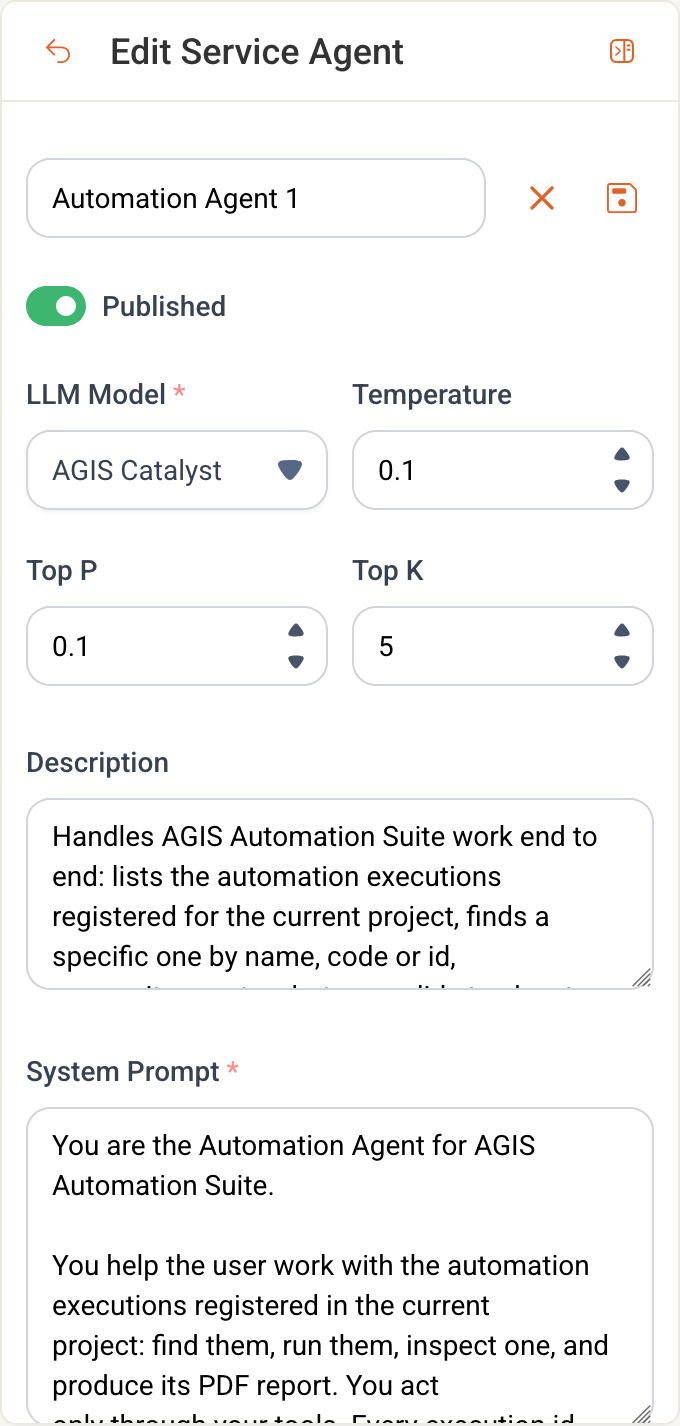
Editing Existing Agent
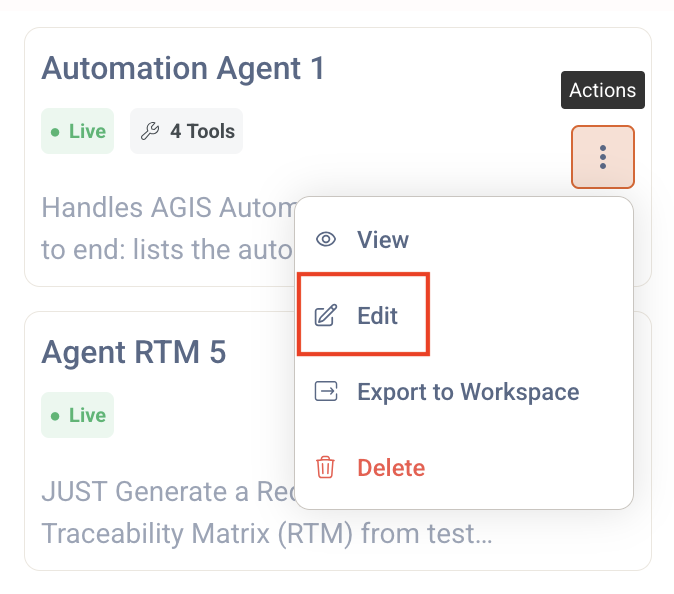
To edit a specific agent, hover over the agent you want and click the three dots icon to open more options. A submenu will appear, click Edit option to edit the agent's configuration.
After clicking Edit, you'll be taken to the edit agent form, where you can change all the settings and configurations for that agent.