External Sources
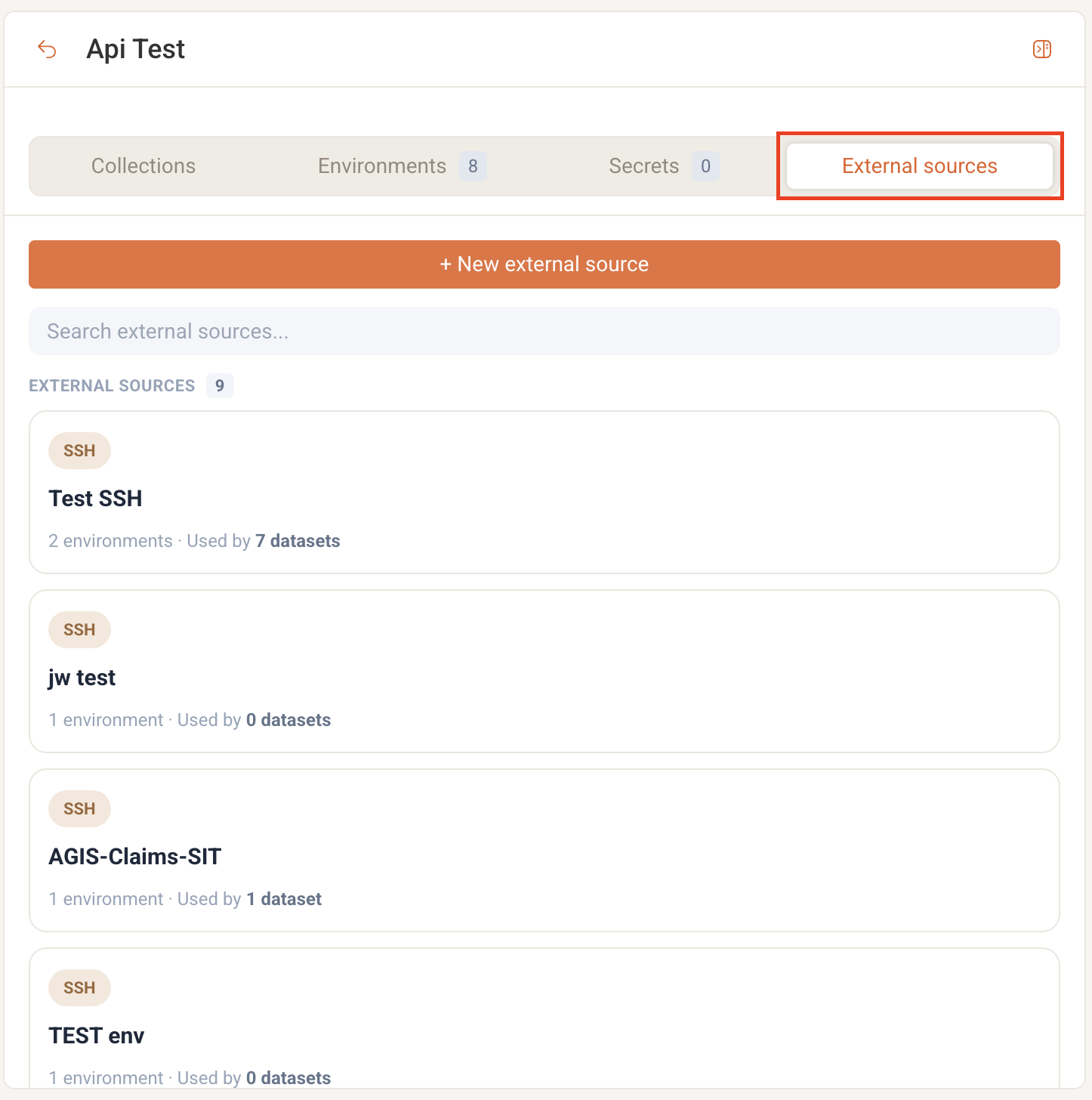
The External sources tab in API Test lists the external sources you have created. To open it, select API Test in the Design panel, then select the External sources tab.
Search External Sources
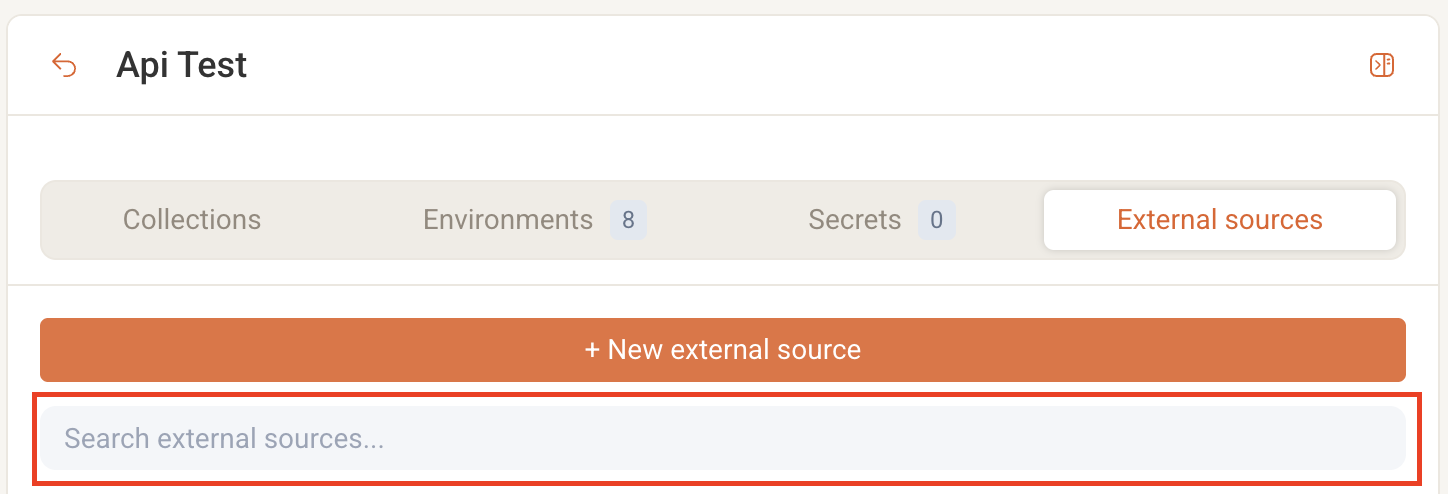
Use the Search external sources... field to search the list.
View the External Source List
Below the search field, the EXTERNAL SOURCES heading shows the total number of external sources, such as 9.
Each external source is shown as a card with the following information:
- Connector — the connector type of the external source, such as
SSH - Name — the name of the external source
- Environments — the number of environments the external source is configured for, such as
2 environments - Used by — the number of datasets that use the external source, such as
Used by 7 datasets
