Create a New Collection
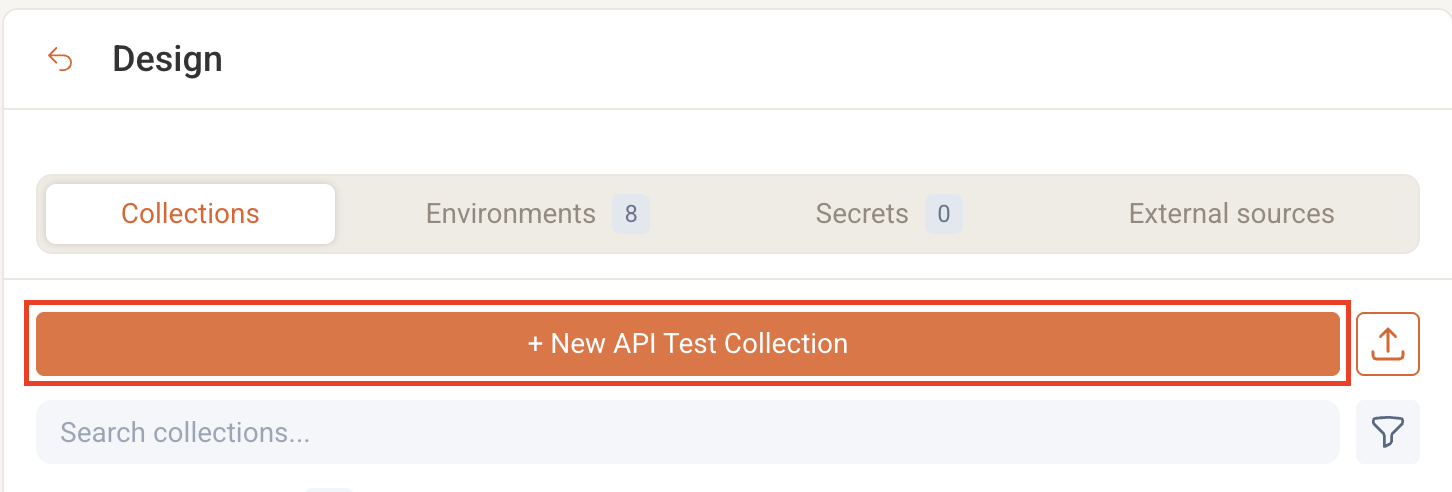
Select the + New API Test Collection button on the API Test listing. You will be taken to the New Collection page.
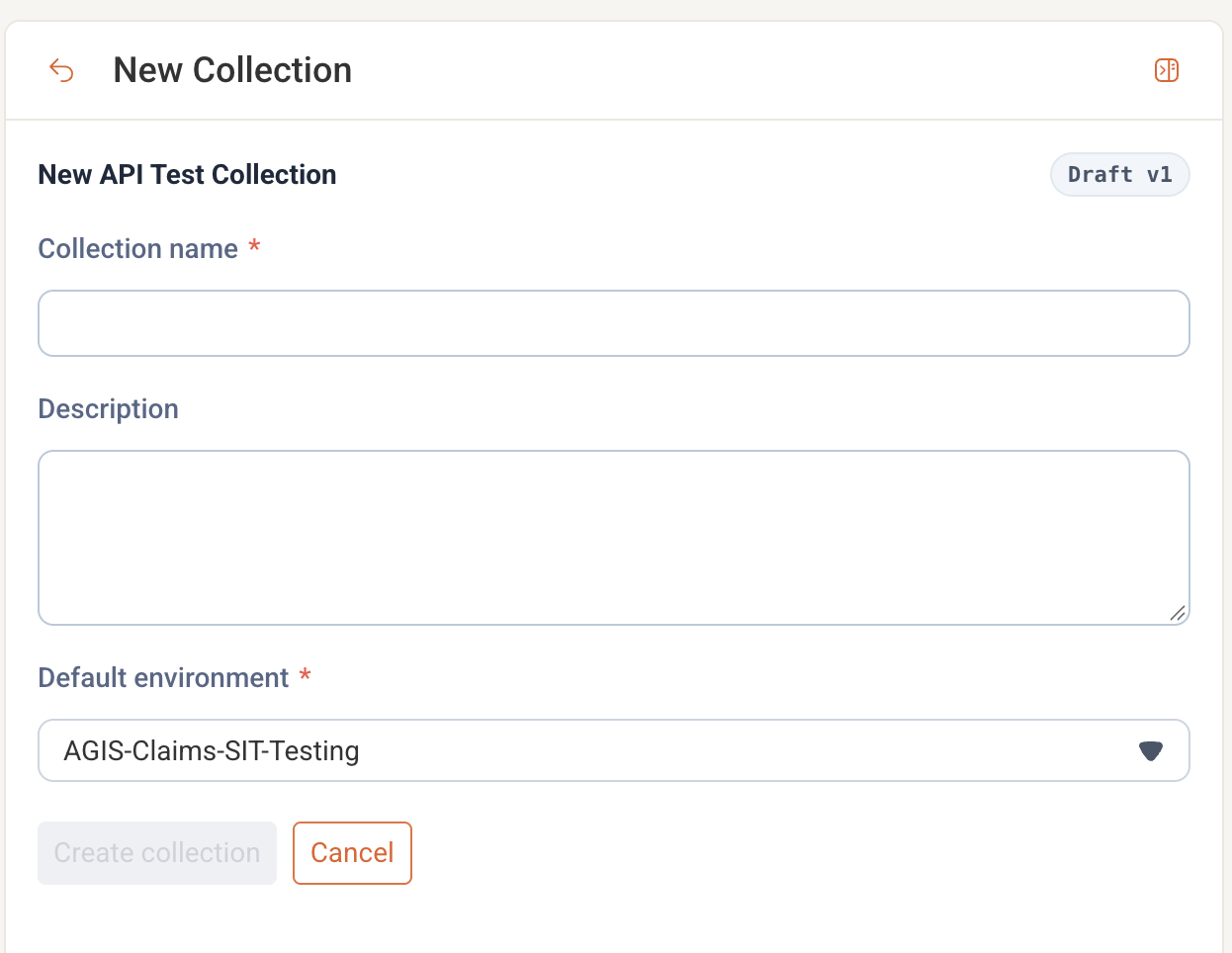
The page contains the following fields:
- Collection name — the name of the collection (required)
- Description — a description of the collection
- Default environment — the default environment used by the collection (required)
New collections start as Draft v1. After filling in the required fields, select Create collection to create it, or Cancel to go back to the listing.
