Variables
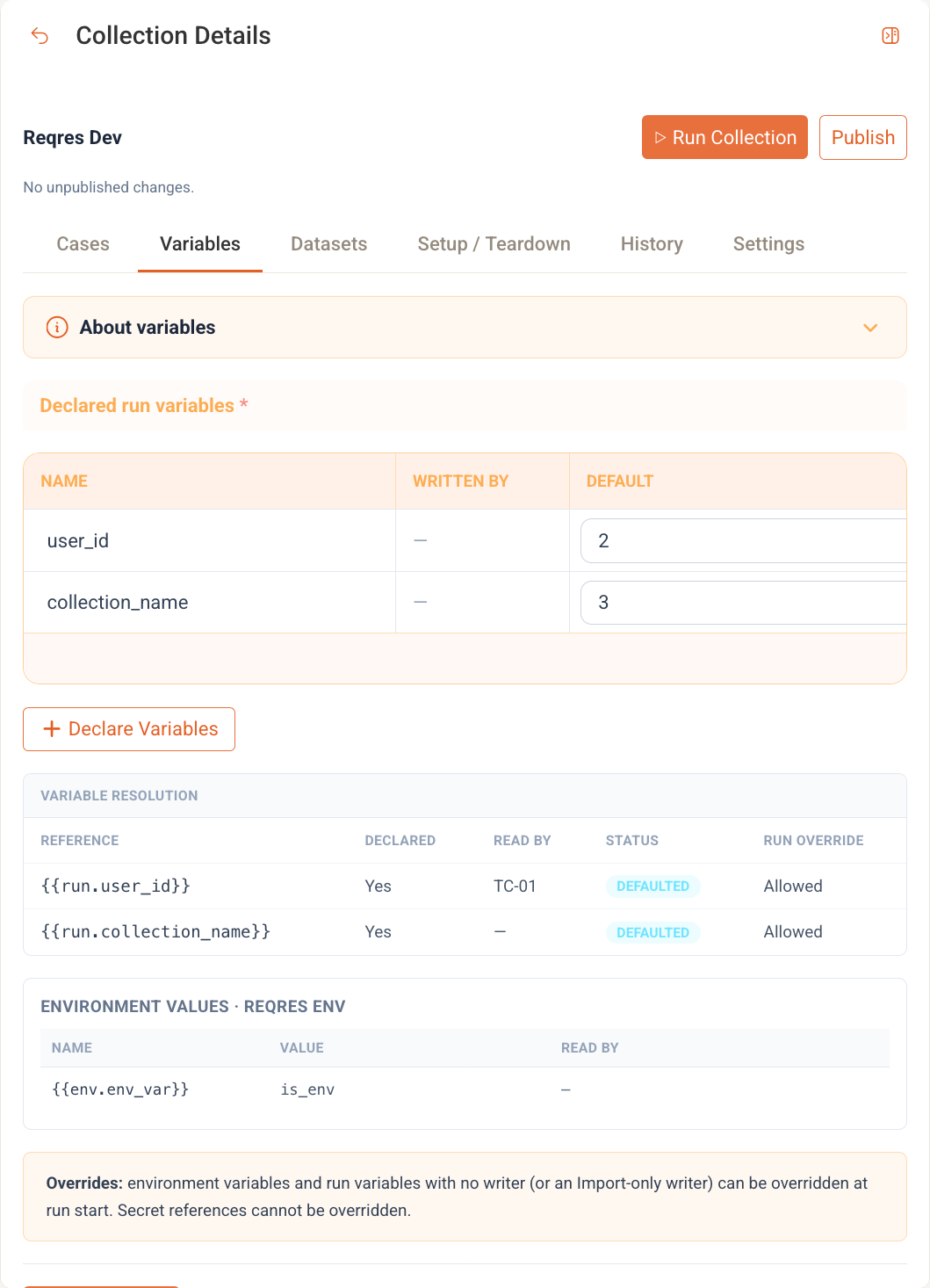
Variables declare the values of a collection that are referenced as {{run.name}} and shows which cases write and read each value.
A variable is referenced using double-brace syntax.
Declared Run Variables
Run variables are declared in the Declared Run Variables table.
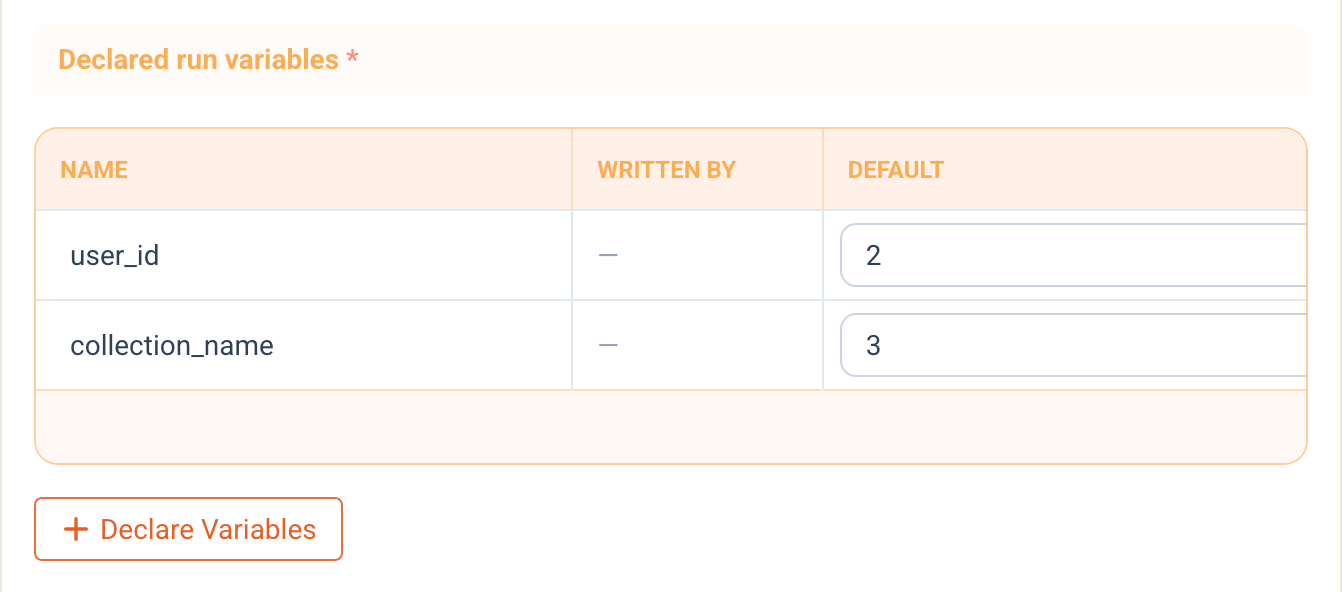
The table contains the following columns:
- Name, the identifier of the variable. A variable declared as
user_idis referenced as{{run.user_id}}. - Written By, the case that assigns a value to the variable during a run. A dash (
-) indicates that no writer exists. - Default, the value used when no writer or override supplies one. An empty field is displayed as
None.
Adding a Variable
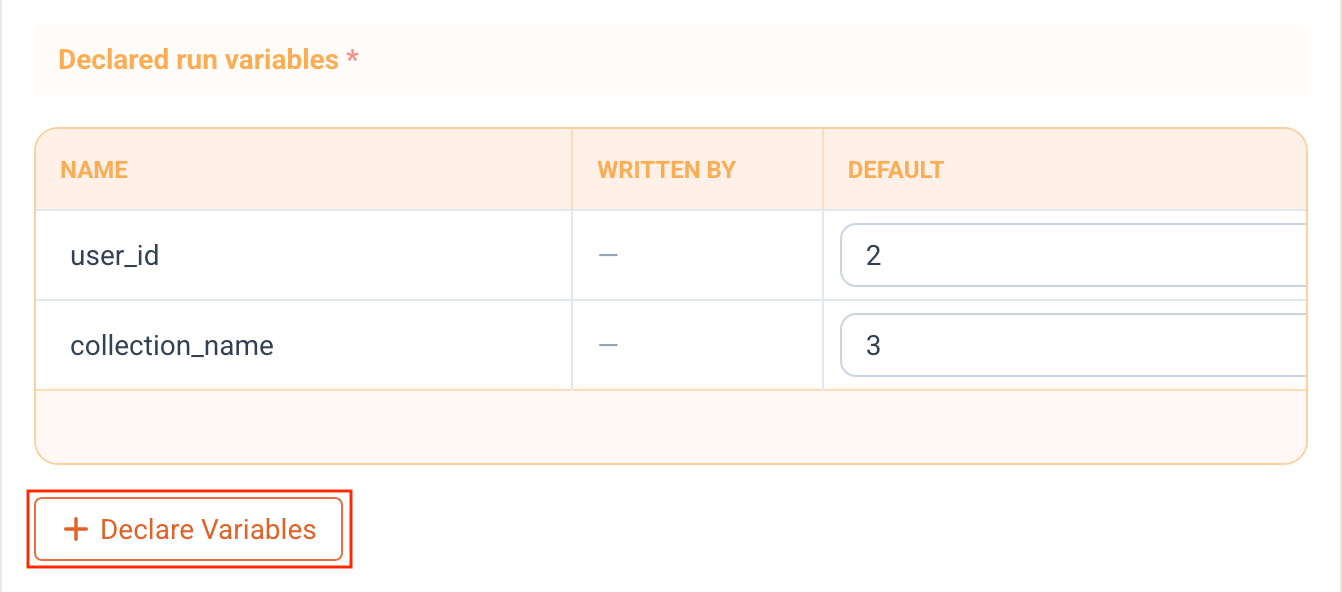
A new row can be added by clicking on + Declare Variables. Changes take place only after clicking on Save Variables.
Removing a Variable
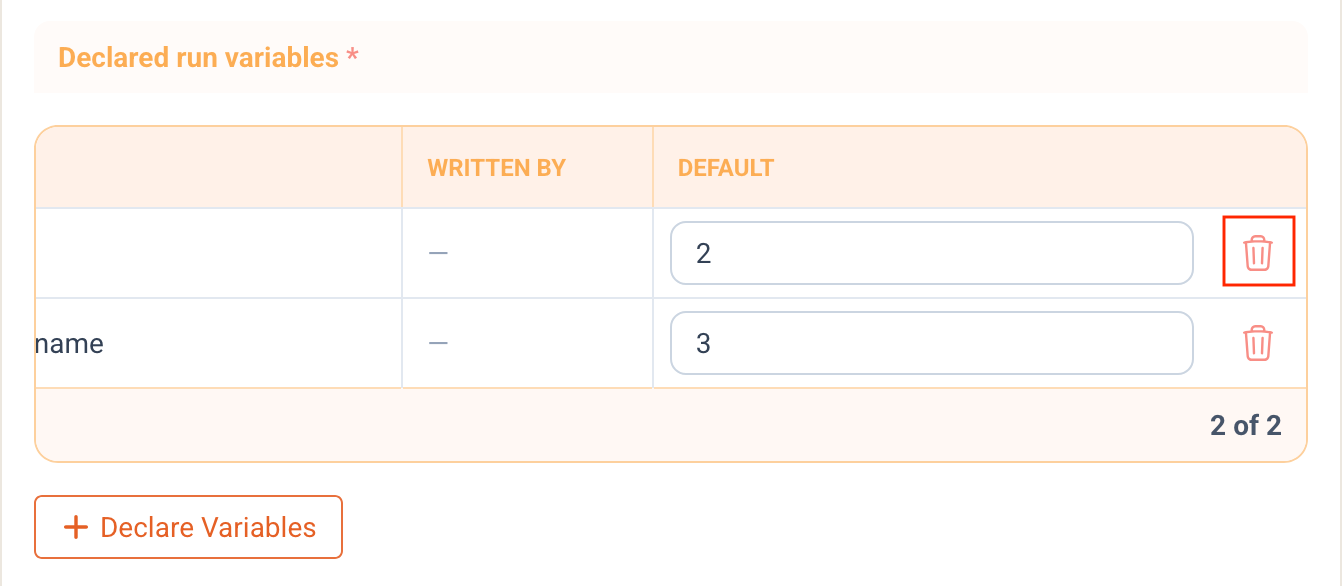
A variable can be removed by clicking on the trashcan icon at the end of its row. Changes take place only after clicking on Save Variables.
Variable Resolution
Variable Resolution summarizes how each reference is resolved for the collection.
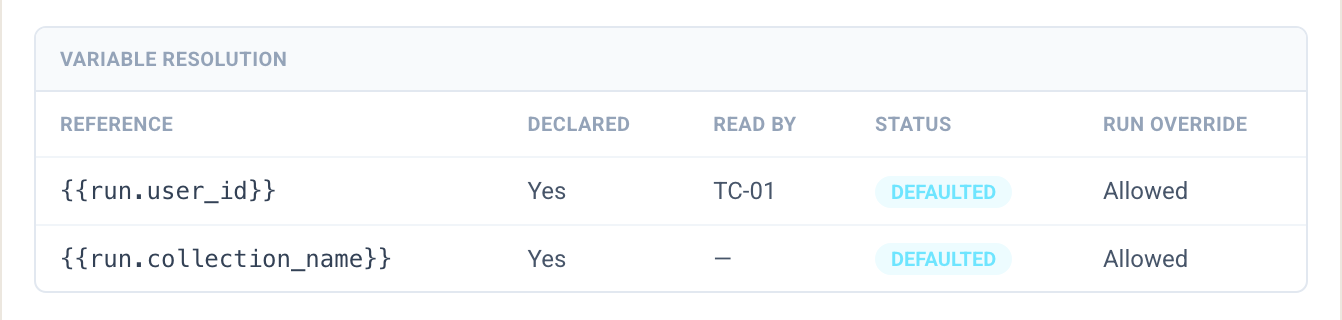
The table contains the following columns:
- Reference, the full reference (e.g.,
{{run.user_id}}). - Declared, whether the variable has been declared.
- Read By, the case that consumes the variable (e.g.,
TC-01). A dash (-) indicates that no case reads it. - Status, the resolution state of the variable.
DEFAULTEDindicates that the declared default value is used. - Run Override, whether the value may be replaced at run start.
Environment Values
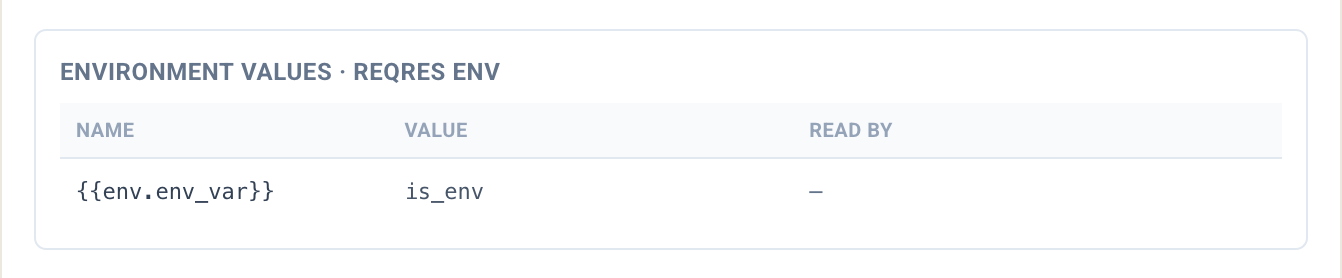
Environment Values lists the variables defined on the selected environment, together with the cases that read them. These values are read-only in this section and must be modified in Environments.