Datasets
A dataset is a data source bound to the cases of a collection. Datasets are submitted from Source, or retrieved from an external source.
Datasets are of two types:
- Row, tabular data whose rows drive case iterations.
.csvand.jsonfiles result in this dataset type. - Document, a file or captured output that provides log captures. Document content is referenced as
{{doc.name}}..xlsx,.xls,.log, and.txtfiles result in this dataset type.
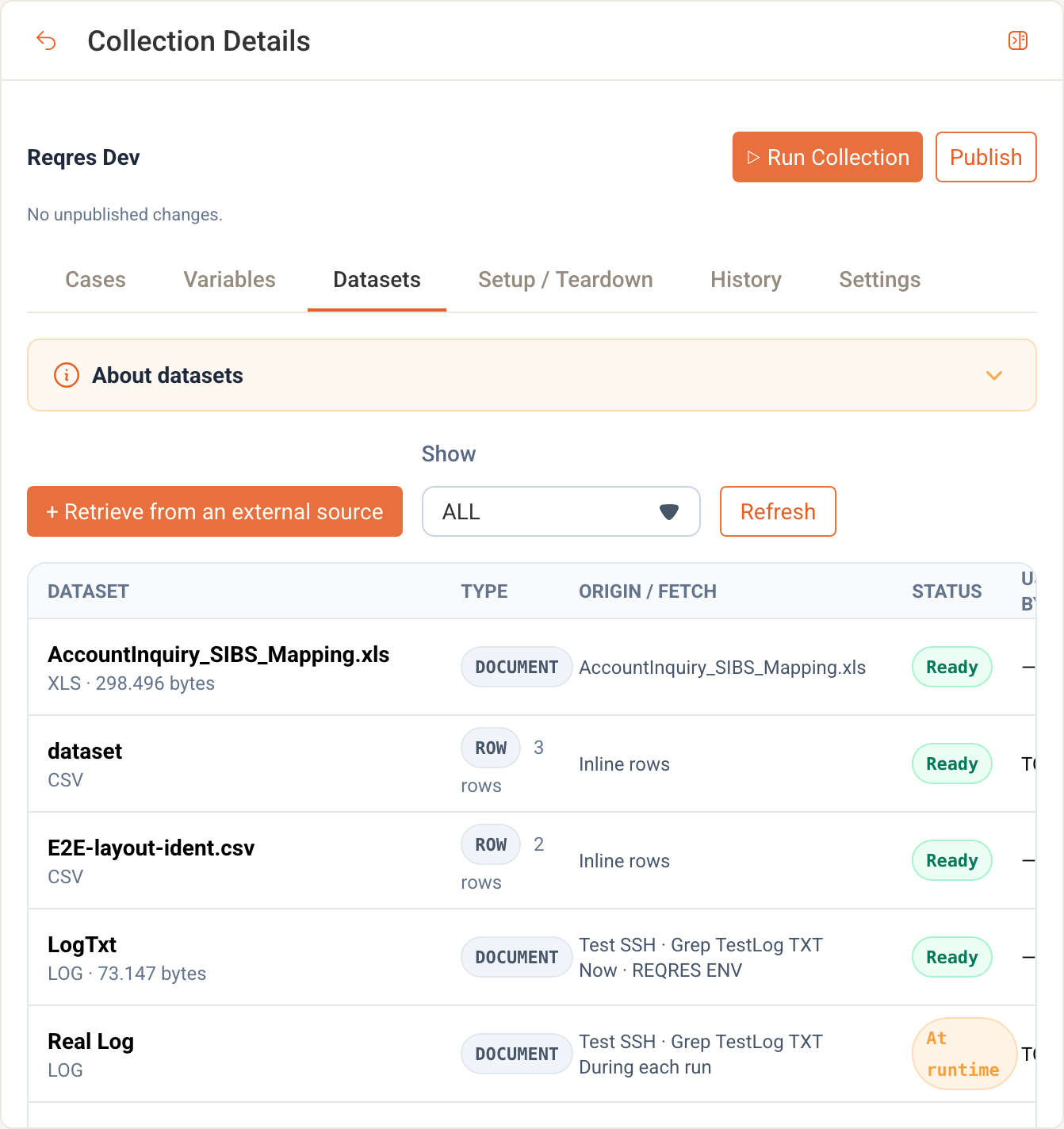
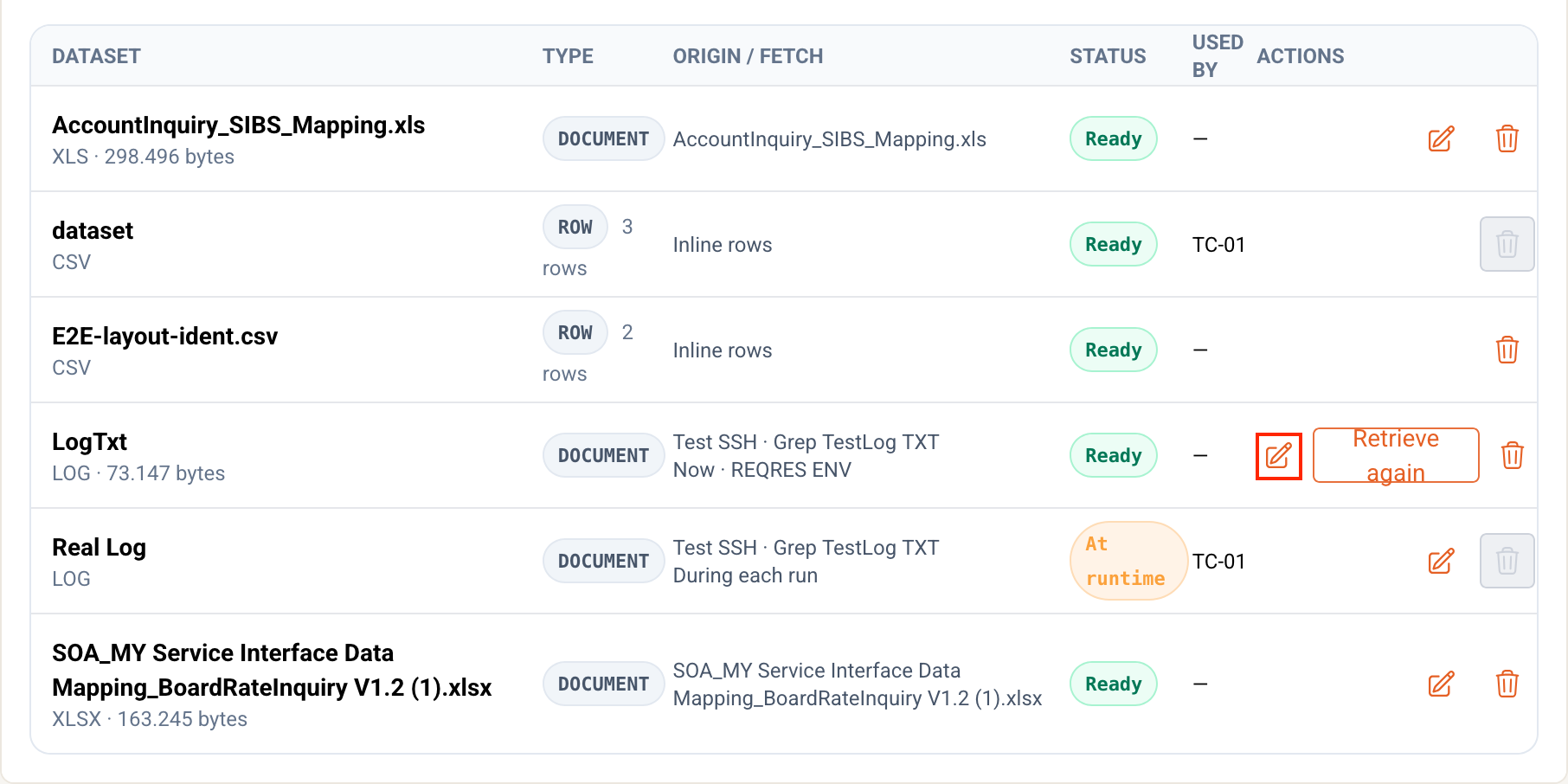
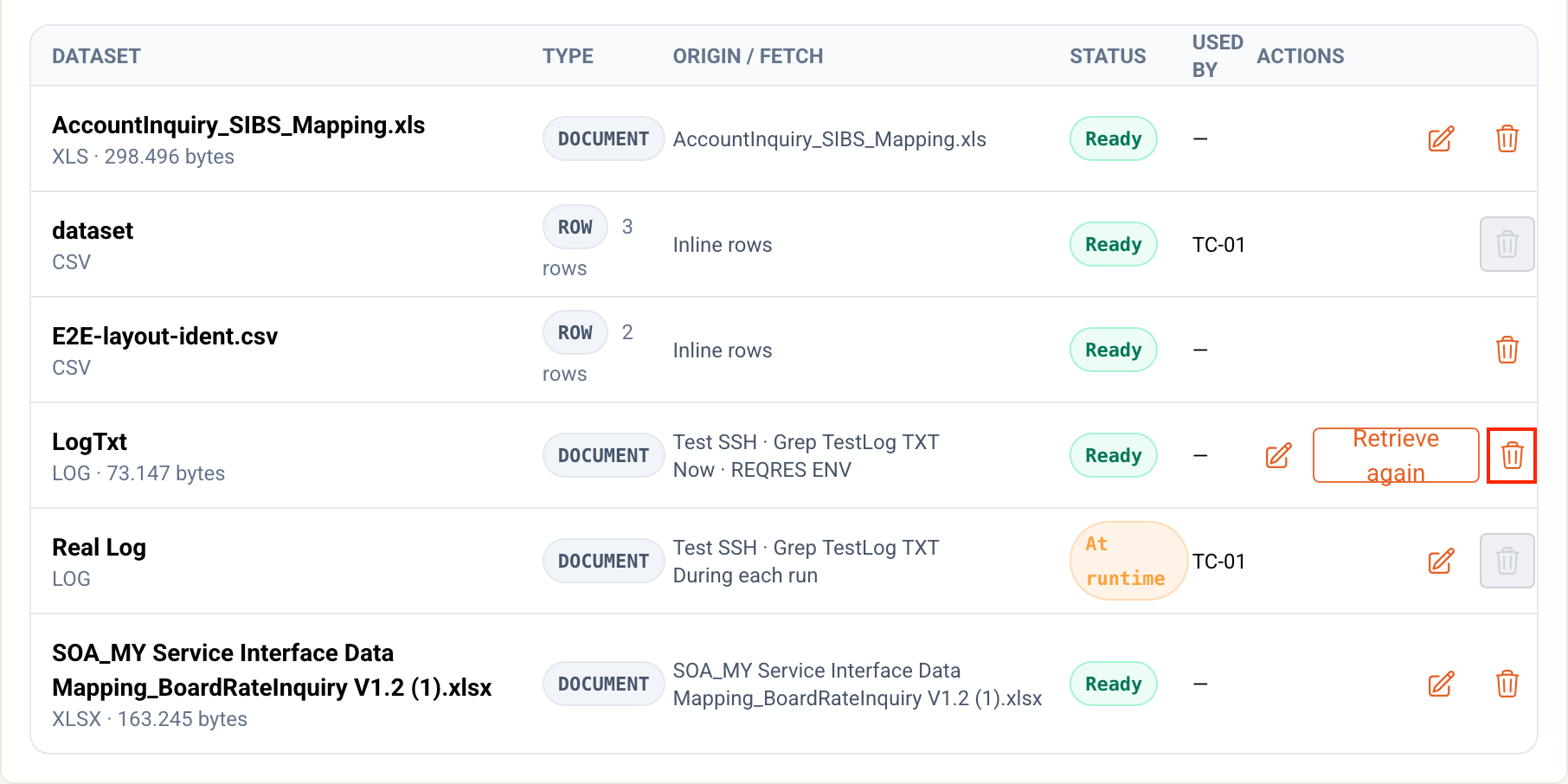
The datasets of a collection are listed in a table containing the following columns:
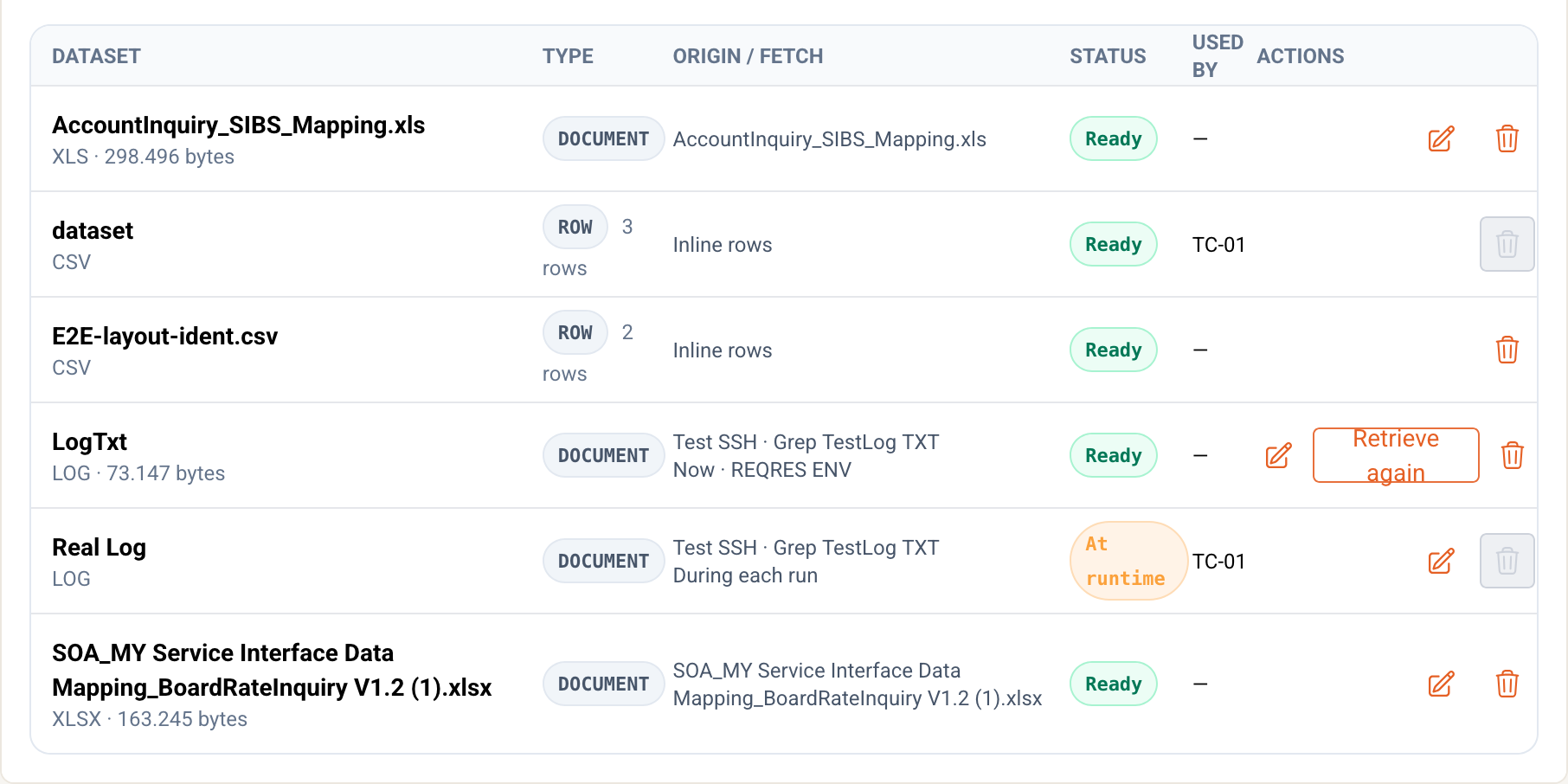
- Dataset, the name of a dataset. For a document, its size in bytes is also displayed.
- Type, the type of the dataset, either
ROWorDOCUMENT. For a row dataset, the number of rows is also displayed. - Origin/Fetch, the origin of the dataset. A row dataset displays
Inline rows. A document displays either the name of the source file or, for a document retrieved from an external source, the name of the external source together with the retrieval timing. - Status, the availability of the dataset. A
Readystatus indicates that the dataset is available for use, whileAt runtimeindicates that the document is retrieved during the run. - Used By, the cases that are bound to the dataset. A dash (
-) indicates that no case is bound to it. - Actions, the operations available for the dataset: rename, delete, and retrieve again for eligible datasets.
The list can be filtered by type using the Show dropdown (ALL, ROW, or DOCUMENT) and reloaded by clicking on Refresh.

Retrieve From an External Source
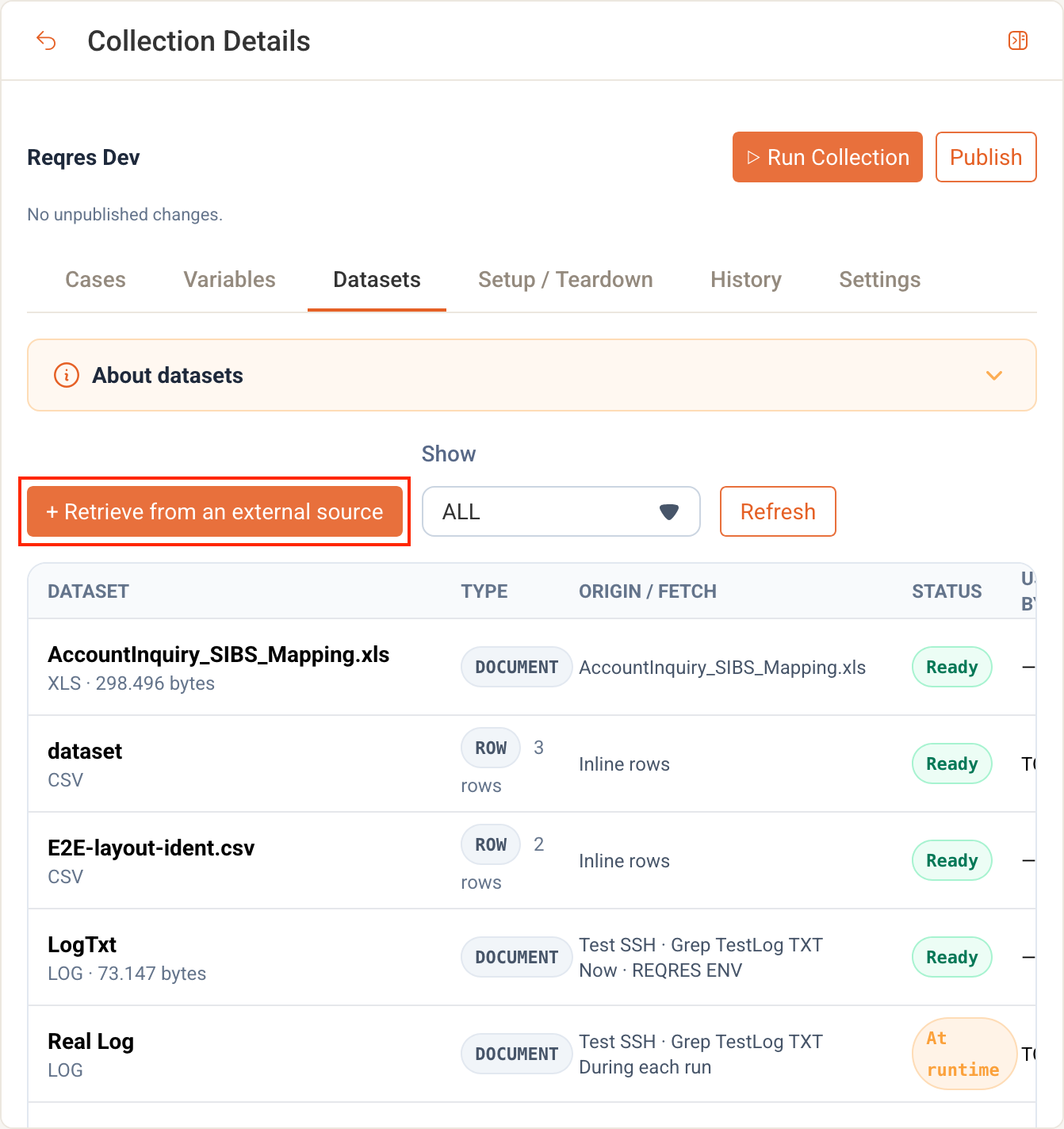
A dataset can be retrieved from an external source by clicking on Retrieve From an External Source. To retrieve a dataset from an external source, an External Source SSH is required. This can be setup in External Sources.
The following fields must be specified before retrieving from an external source:
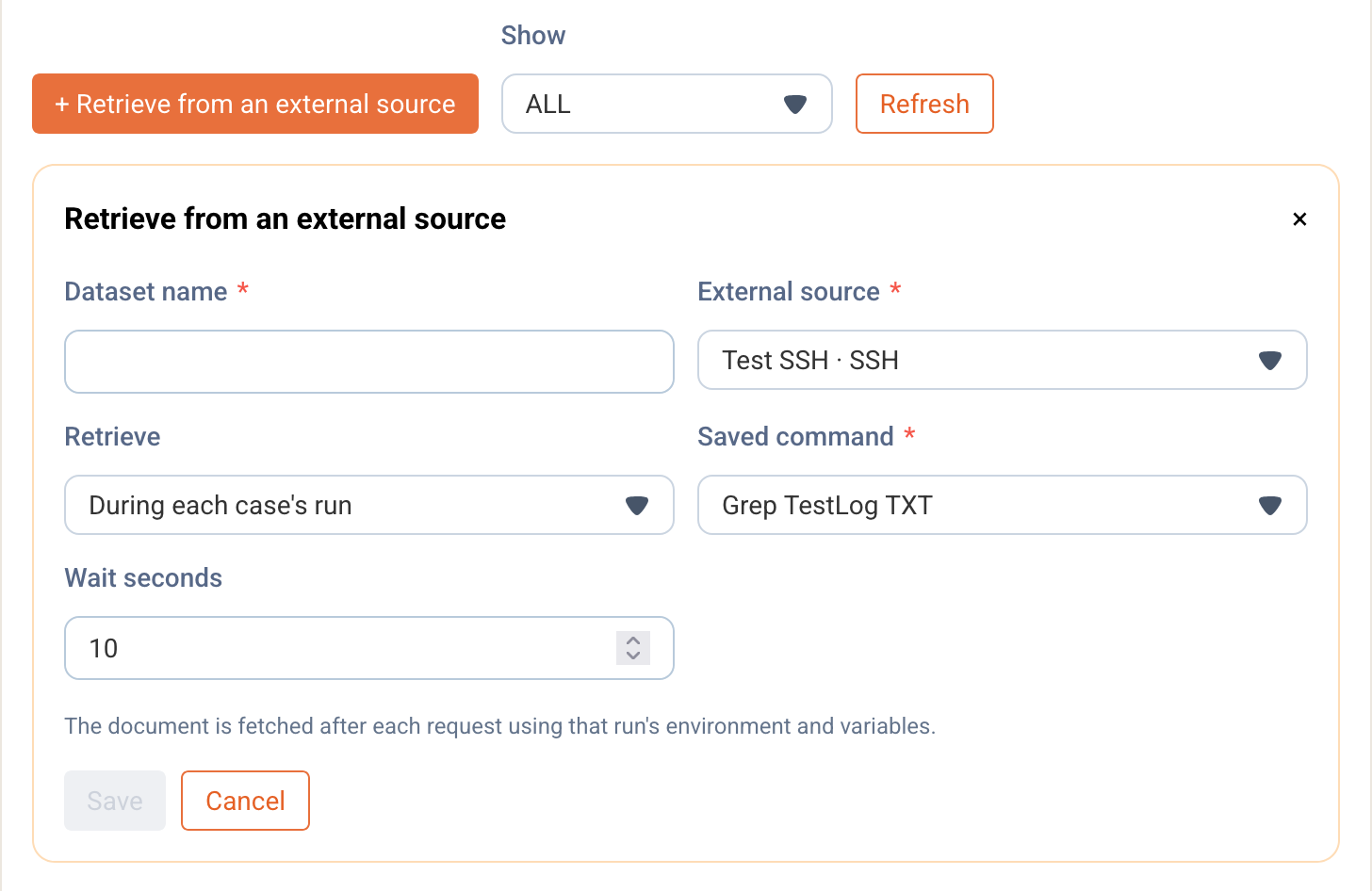
- Dataset Name, the name under which the retrieved document is stored.
- External Source, the SSH-configured external source from which the document is retrieved.
- Retrieve, when the document is retrieved.
- Source Definition, the command or definition executed on the external source.
Nowretrieves the document immediately, using the selected environment whileDuring each case's runfetches the document after each request, using the environment and variables of that run. - Environment, the environment used to retrieve the document when
Nowis selected. - Wait Seconds, the delay in seconds before the document is fetched. This field is displayed for runtime retrieval.
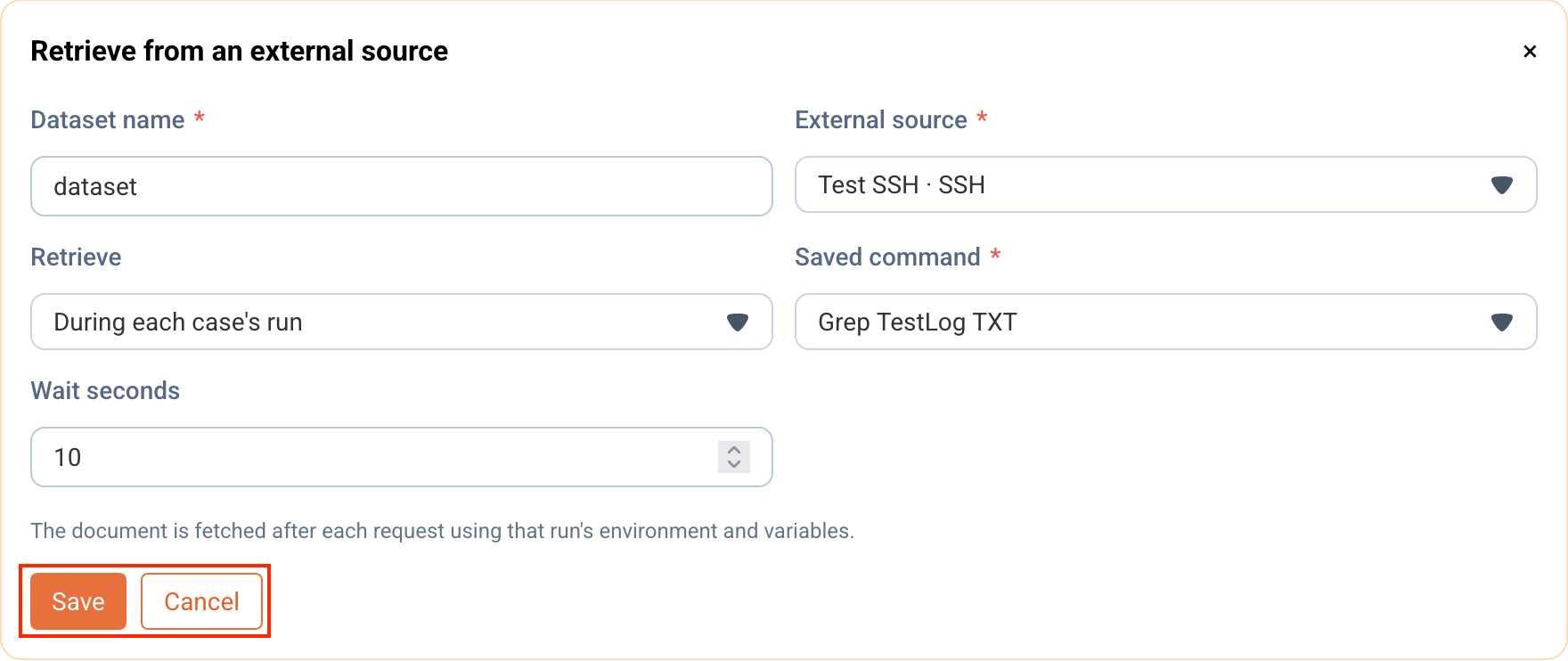
Click Save to store the definition, or Cancel to discard it.
Rename
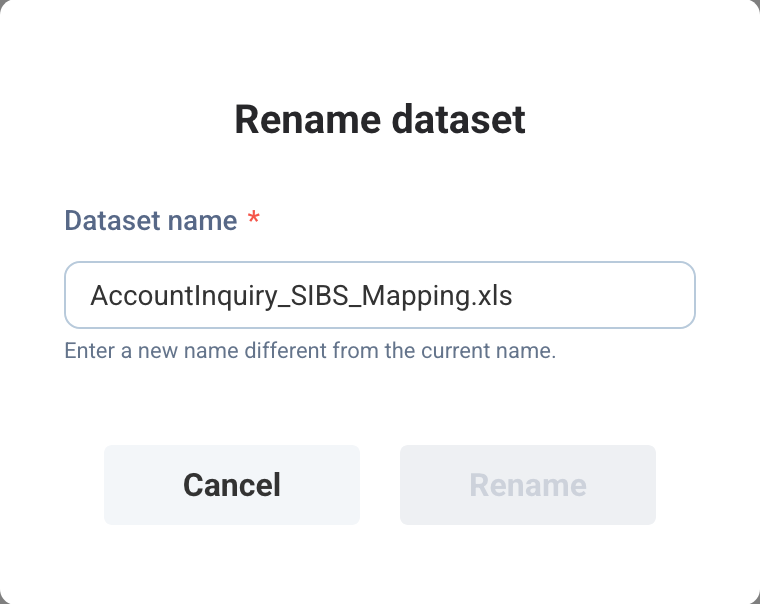
A dataset can be renamed by clicking on the pencil icon in the Actions column.
Delete
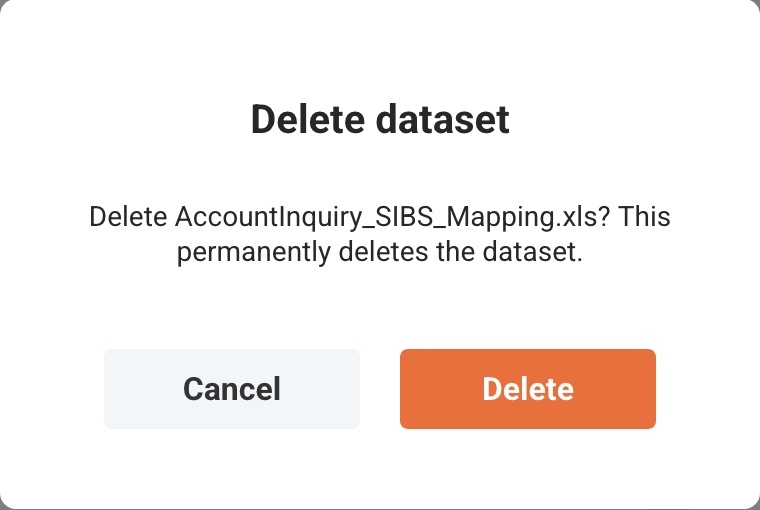
A dataset can be deleted by clicking on the trashcan icon in the Actions column. Deletion is disabled if the dataset is bound to a case, which is indicated in the Used By column. A spreadsheet used as a field layout is bound on the case's Data, and deletion is disabled while that binding exists. Users will be prompted to confirm their choice.
Retrieve Again
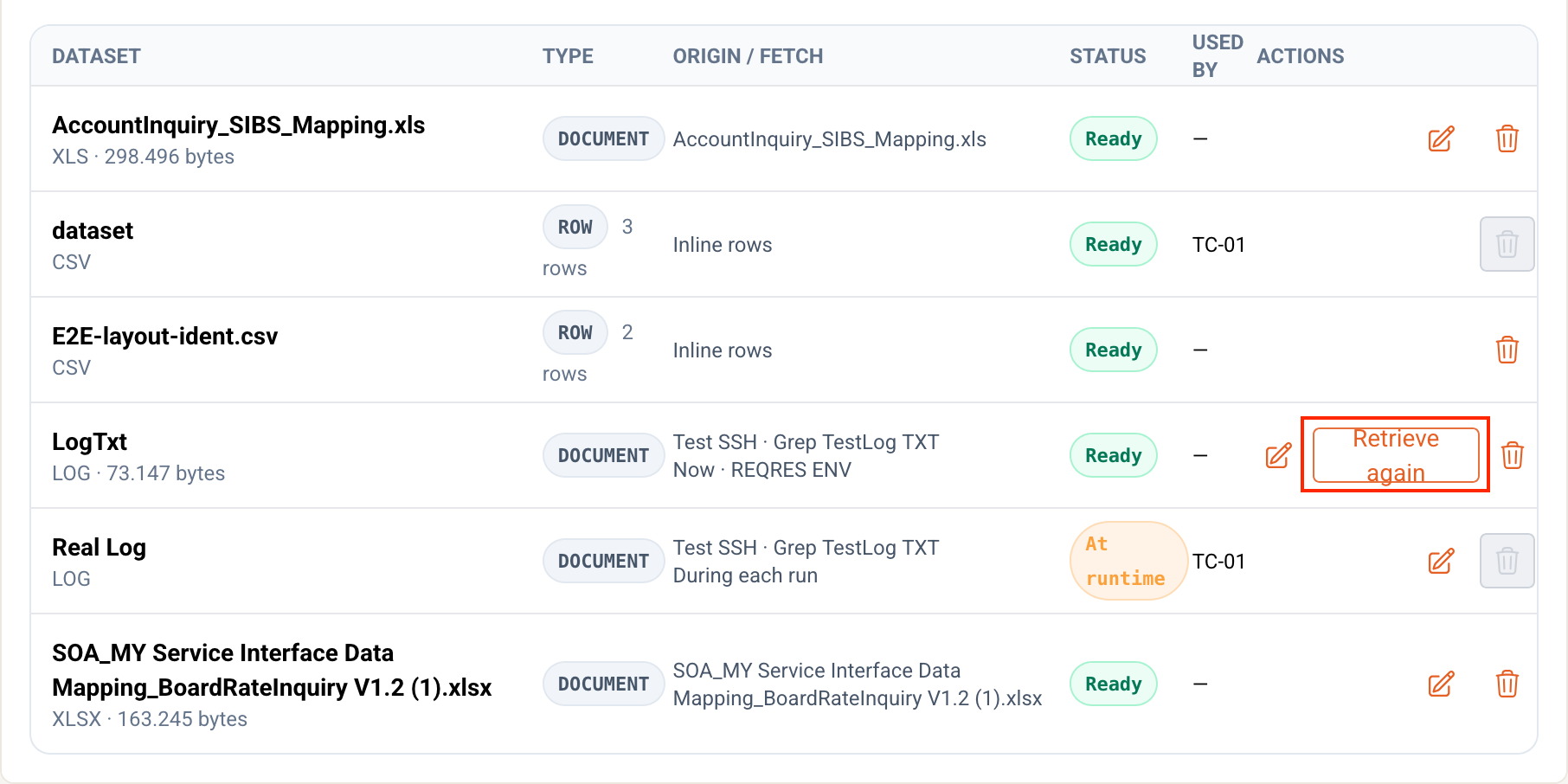
Retrieve Again is available for a document that was retrieved from an external source with the Now option.
Selecting it repeats the retrieval and refreshes the content of the document.
The retrieved document will also be exported to Source.