Settings
Settings controls case behavior wherever this case runs. Settings contain the following fields:
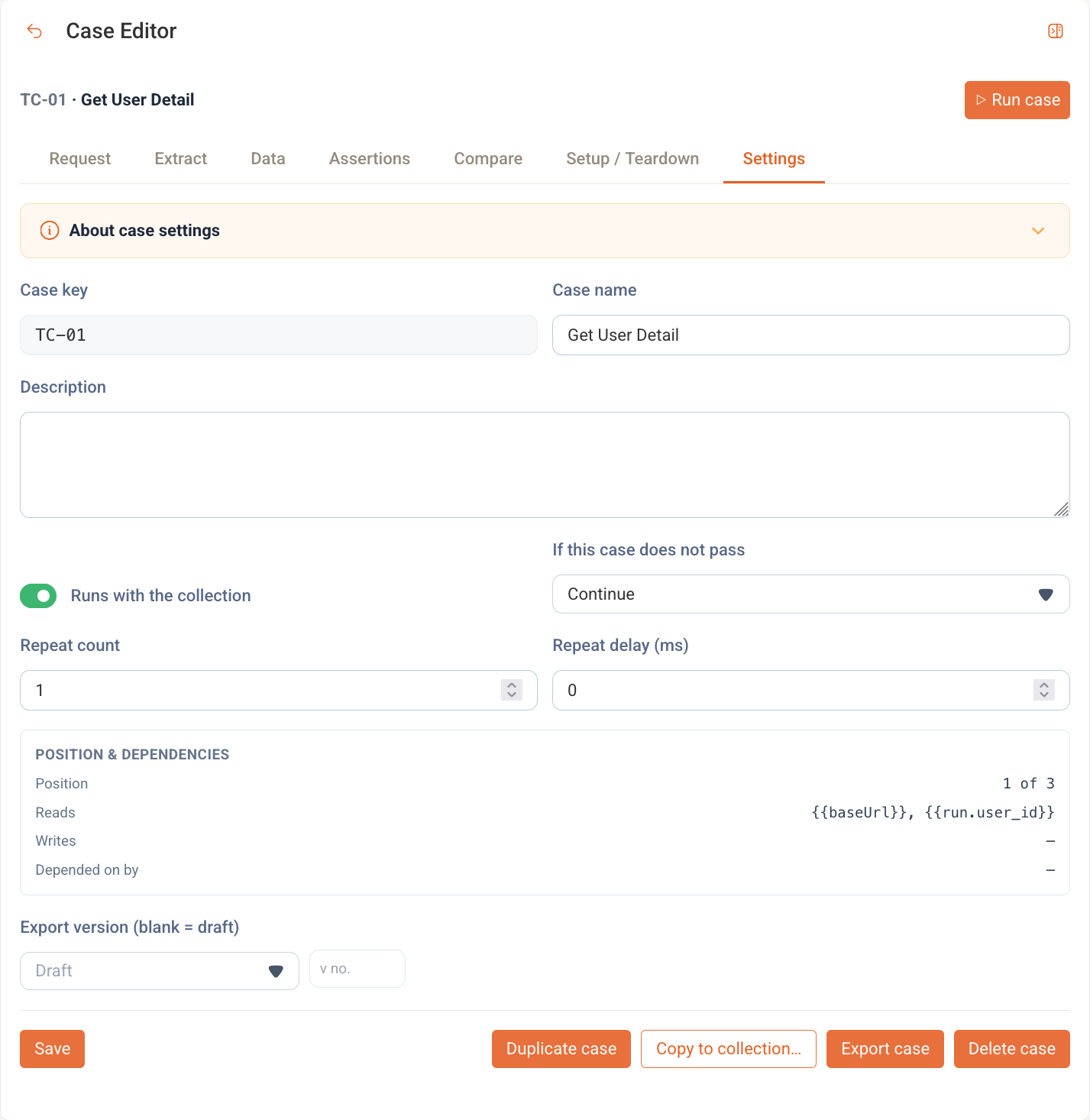
- Case Key, the identifier of this case. It is read-only.
- Case Name, the name of the case.
- Description, a free-text description of the case.
- Runs With the Collection, when enabled, the case executes whenever the collection runs. When disabled, the case is excluded from collection runs.
- If this case does not pass, the behaviour of the run when the case does not pass.
- Repeat count, the number of times the case is executed (default 1).
- Repeat delay (ms), the delay between repetitions (default 0).
- Export version, the version of the case to export.
A blank value or
Draftexports the current draft. A version number may be entered in v no.
Duplicate Case
A case can be duplicated by clicking on Duplicate Case.

Copy to Collection
A case can be copied to another collection by clicking on Copy to Collection. Users will be prompted to select a target collection and its source version.


Export Case
A case can be exported by clicking on Export Case.
Saves the case to the user's device in .agis.json format.

Delete Case
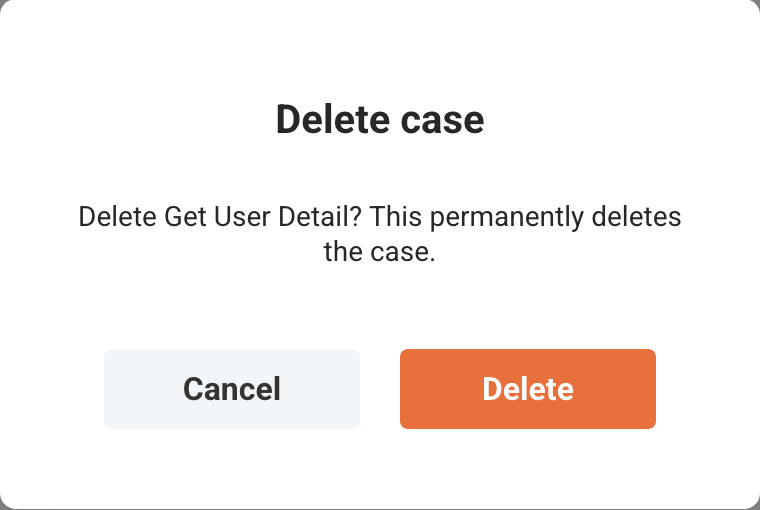
A case can be deleted by clicking on Delete Case. Users will be prompted to confirm their choice.

Positions and Dependencies
Positions and Dependencies summarizes the relationships of the case.
- Position, the position of the case in the collection.
- Reads, the variables that the case consumes.
- Writes the variables that the case writes. A dash (
-) indicates none. - Depended on by, the later cases that depend on this case. A dash (
-) indicates none.
