Extract
Extract reads values from the response of this case and stores them in variables.
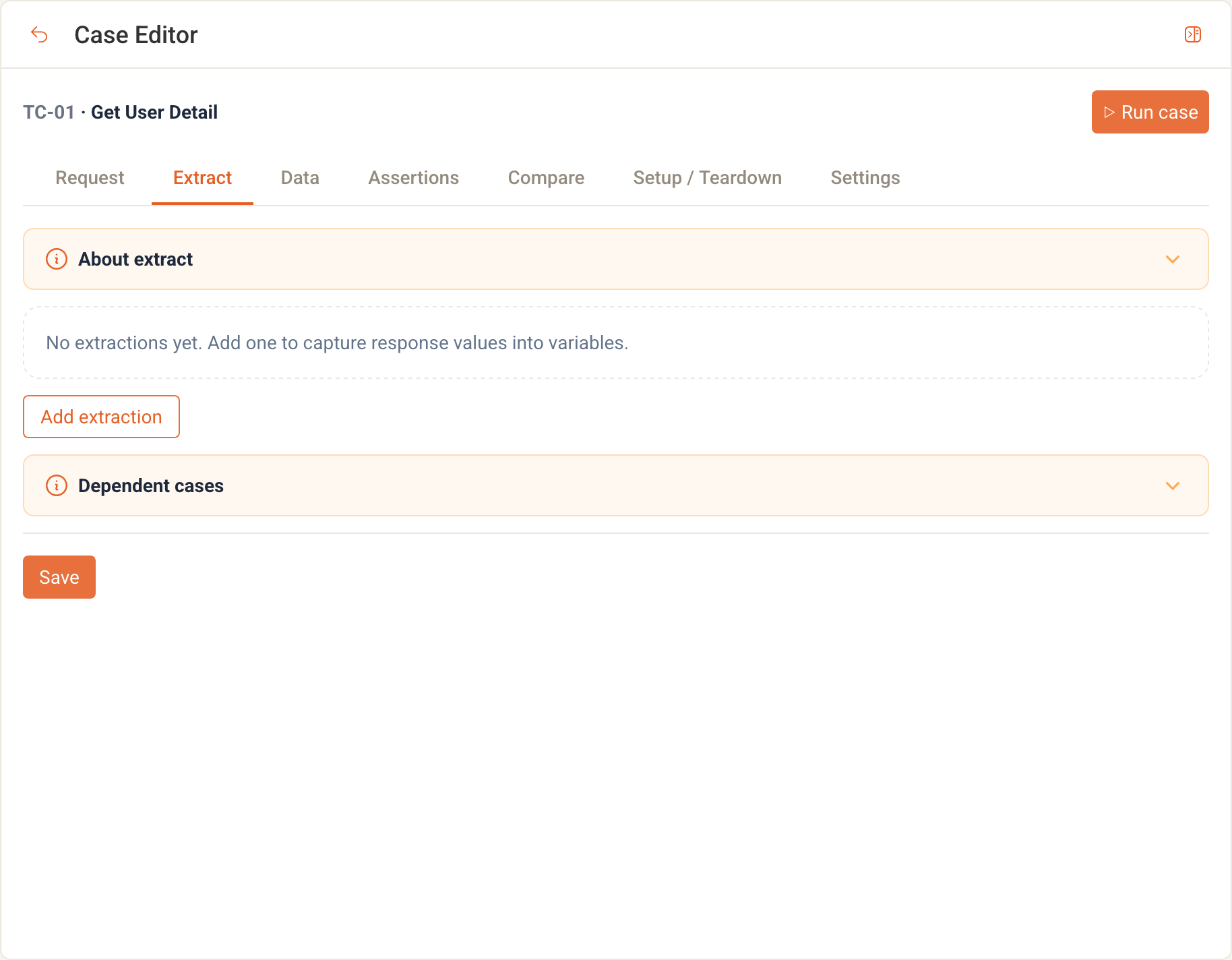
Dependent cases lists the later cases that depend on values written by this case.
Add Extraction
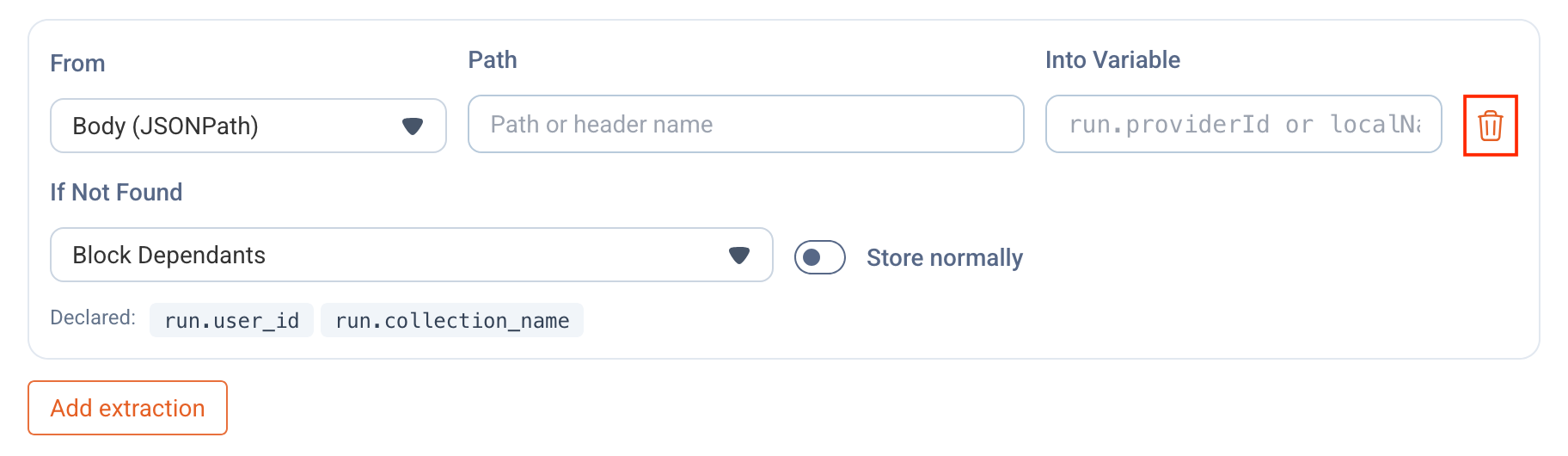
A new extraction can be added by clicking on Add Extraction. Addition of a new extraction requests for the following fields to be filled-in:

- From, the part of the response from which the value is read:
Body (JSONPath),Body (XPath),Header,Cookie,Status,Body (raw). - Path, the expression or header name when a header is used.
- Into Variable, the variable that receives the value. For example
run.providerIdorlocalName. - If Not Found, the behavior set when the value cannot be located.
Block Dependantsblocks the later cases that depend on the variable, andSet Nullsets the value of the variables to null.
A {{run.}} target must be declared beforehand in Variables.
The declared run variables are shown beneath the extraction as Declared: references. For example, run.user_id.
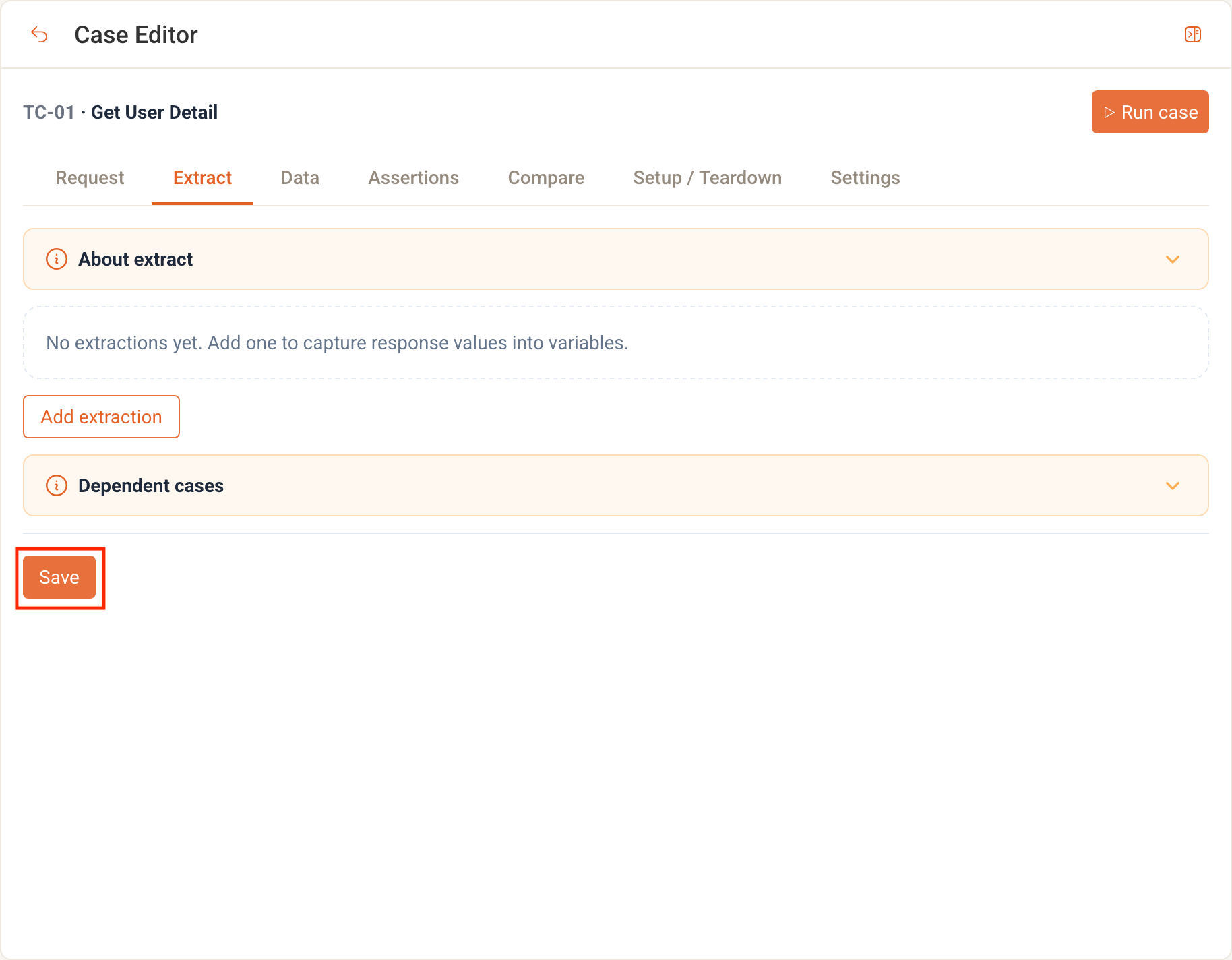
Changes take place only after clicking on Save.
Remove Extraction
An extraction can be removed by clicking on the trashcan icon at the end of its row.
Changes take place only after clicking on Save.
