Skills
Skills is one of the building blocks available to AGIS Chat, located in Studio.
The Skills listing contains both workspace-level skills and user-uploaded skills.
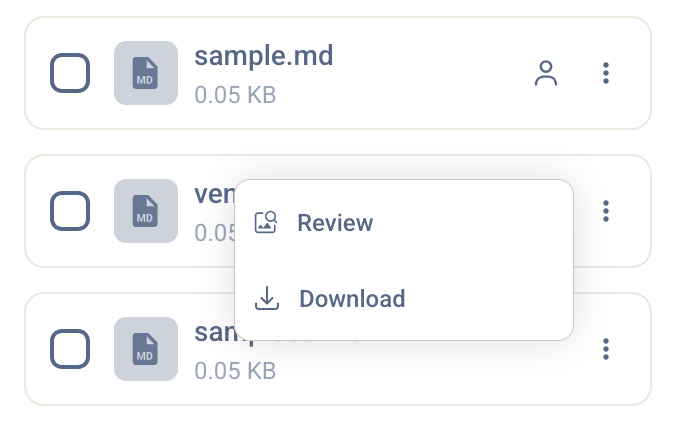
- Workspace-level skills are skills that have been uploaded from Workspace Management in Admin Center. Workspace-level skills are available to all users in the respective workspace.
- User-uploaded skills are skills that have been uploaded by the user from Studio and can be distinguished from workspace-level skills by the Private Files icon.
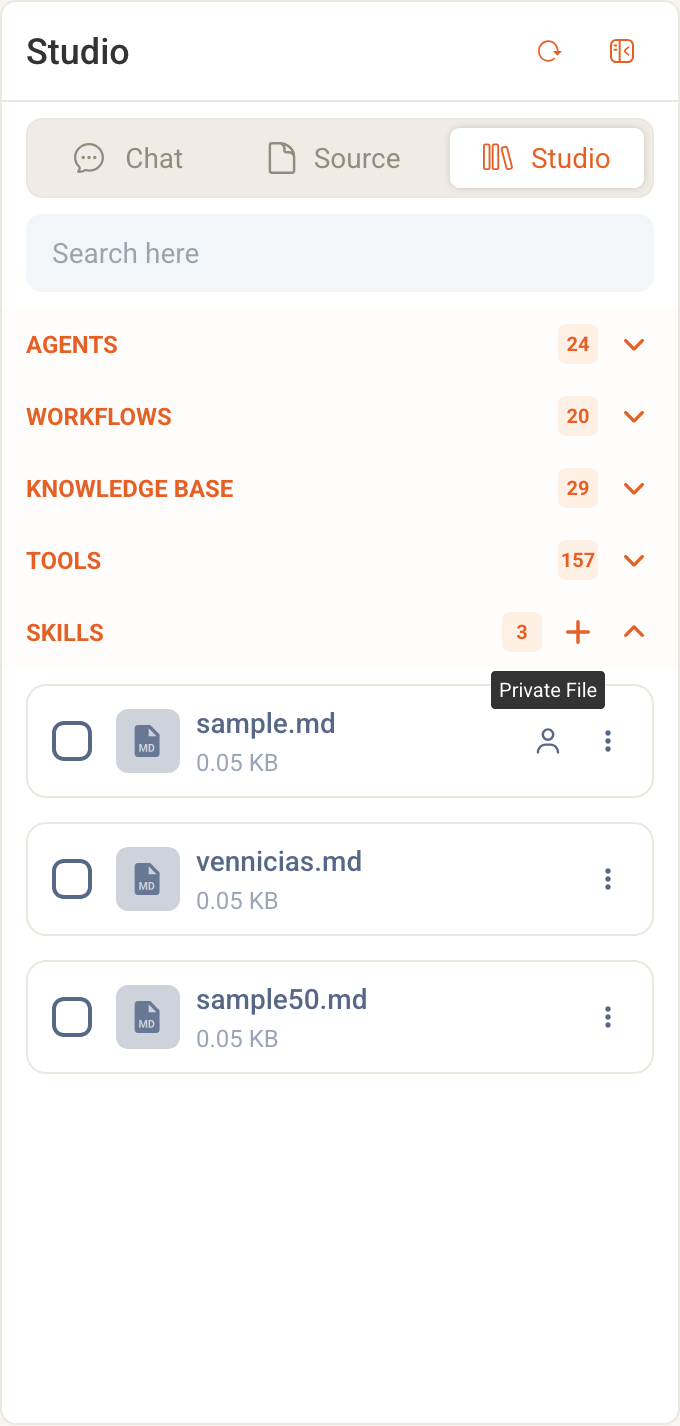
Add New Skill
Users can add new skill(s) by clicking on the + icon.
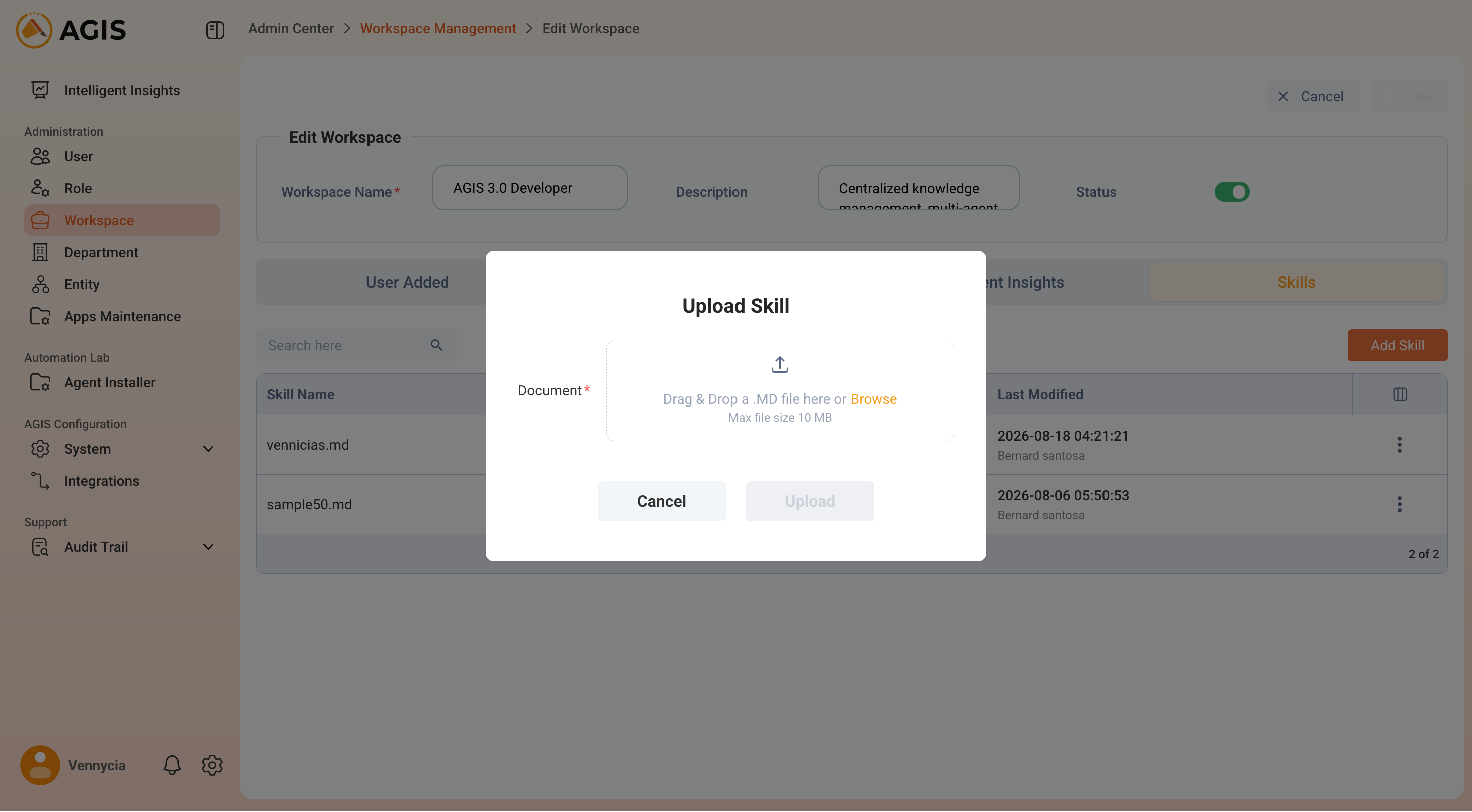
Only .md files can be uploaded to Skills, with a maximum of 5 files per upload and each file not exceeding 50 MB in size.
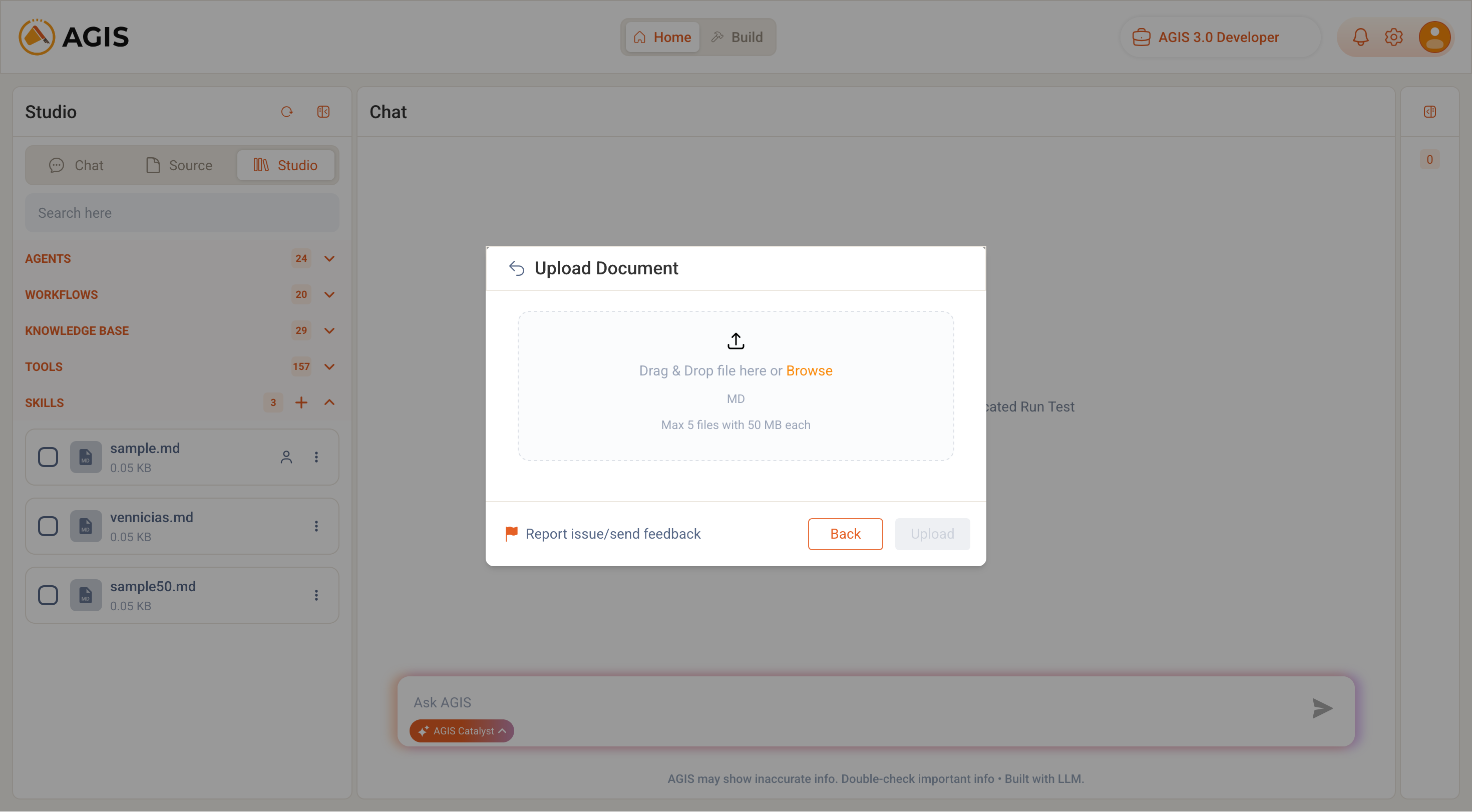
Only users with access to Admin Center and Workspace Management can add new workspace-level skills from Workspace Management. Only .md files can be uploaded, with a maximum filesize of 10MB.
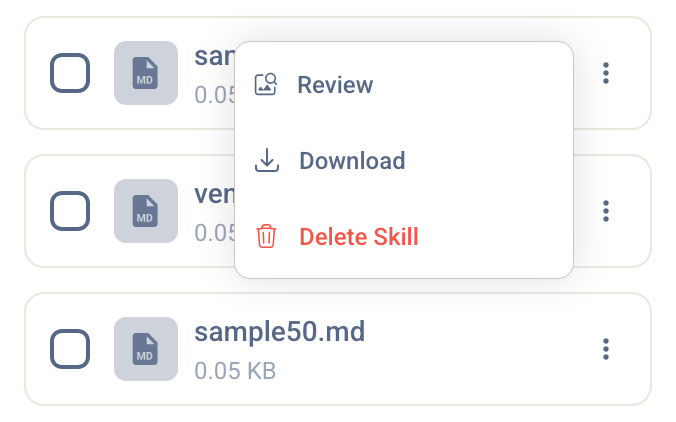
Review
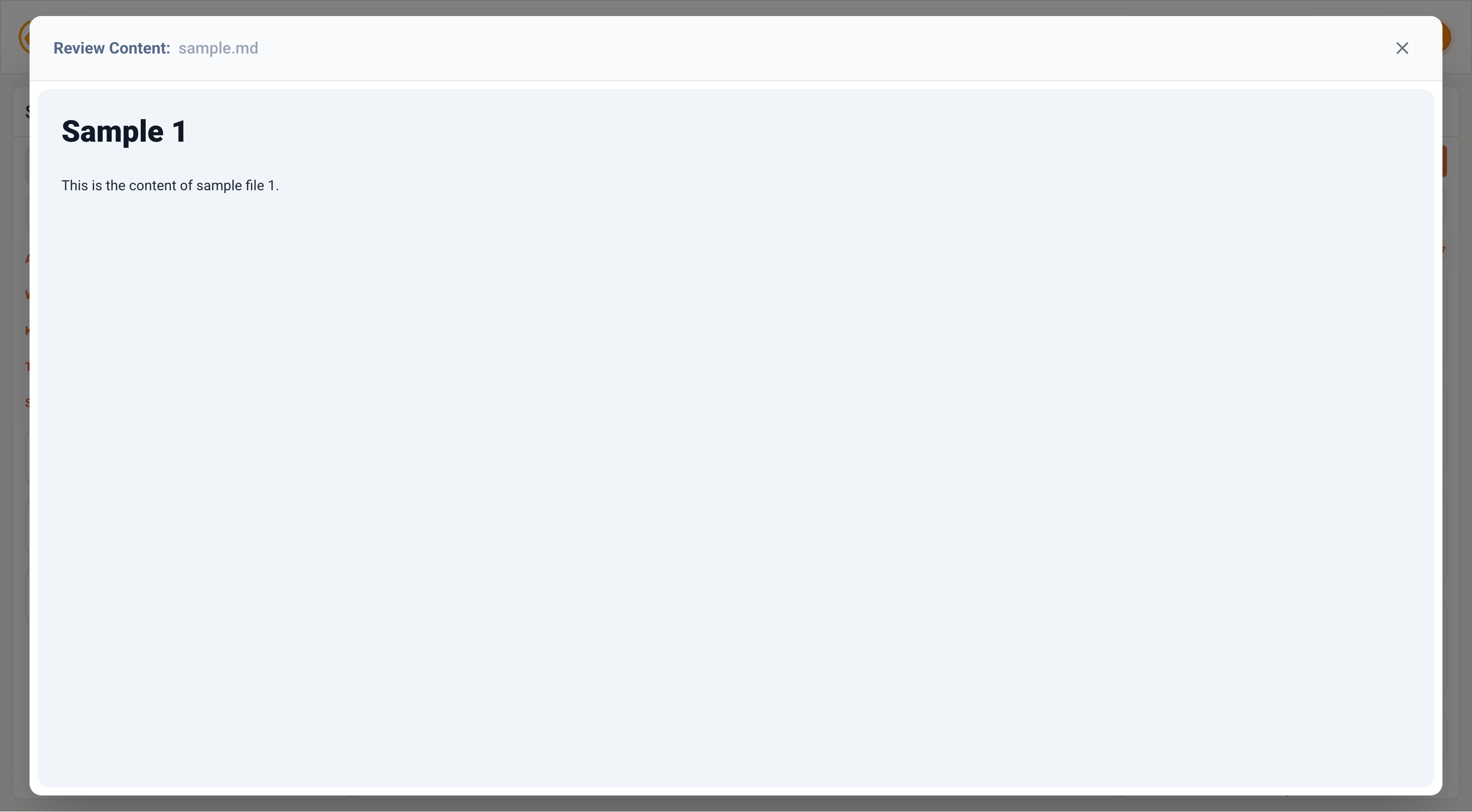
Review can be accessed by clicking on the three-dots menu on a skill. Displays the content of the selected skill.
Download
Download can be accessed by clicking on the three-dots menu on a skill. Downloads the selected skill in .md format.
Delete
Delete can be accessed by clicking on the three-dots menu on a skill.
Deletes the skill from the user's Skills listing.
Users will be prompted to confirm their choice.
This option will only be displayed for user-uploaded skills. Workspace-level skills cannot be deleted from Studio and can only be deleted from Workspace Management. Deleting a workspace-level skill removes it for all users in the respective workspace.