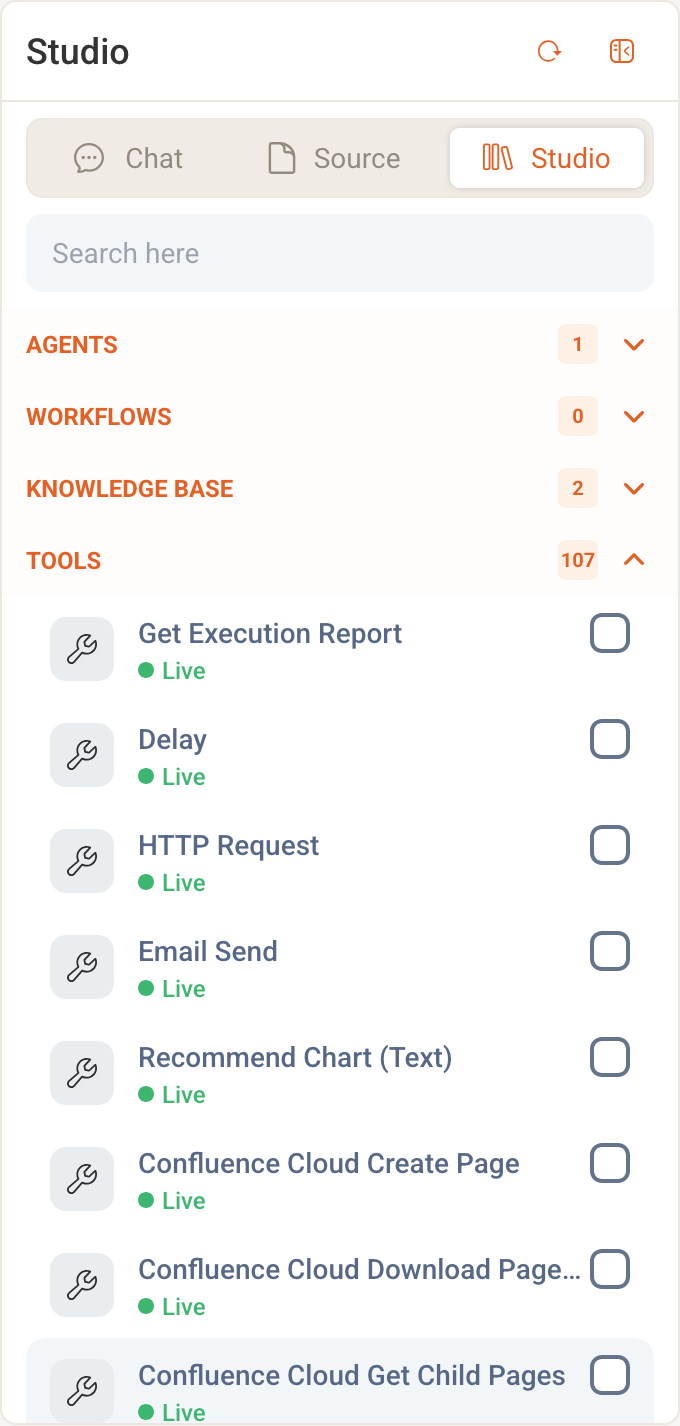
Studio
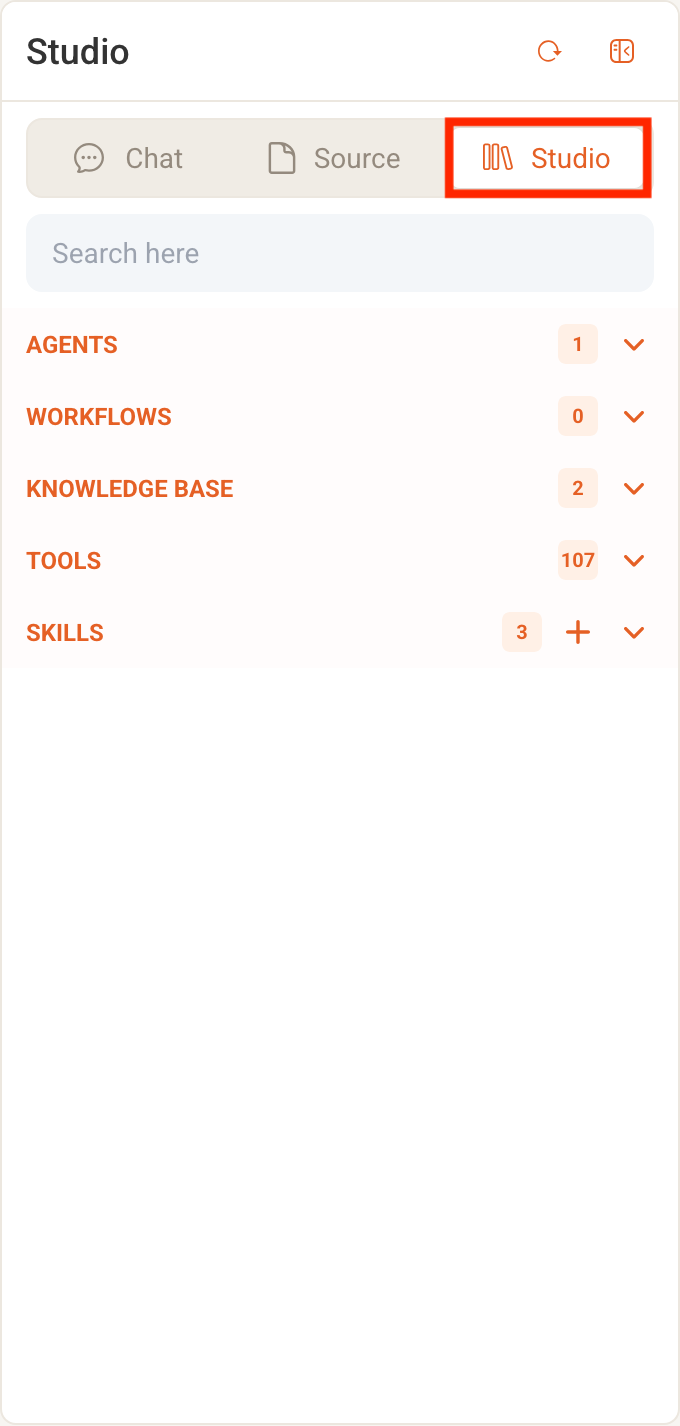
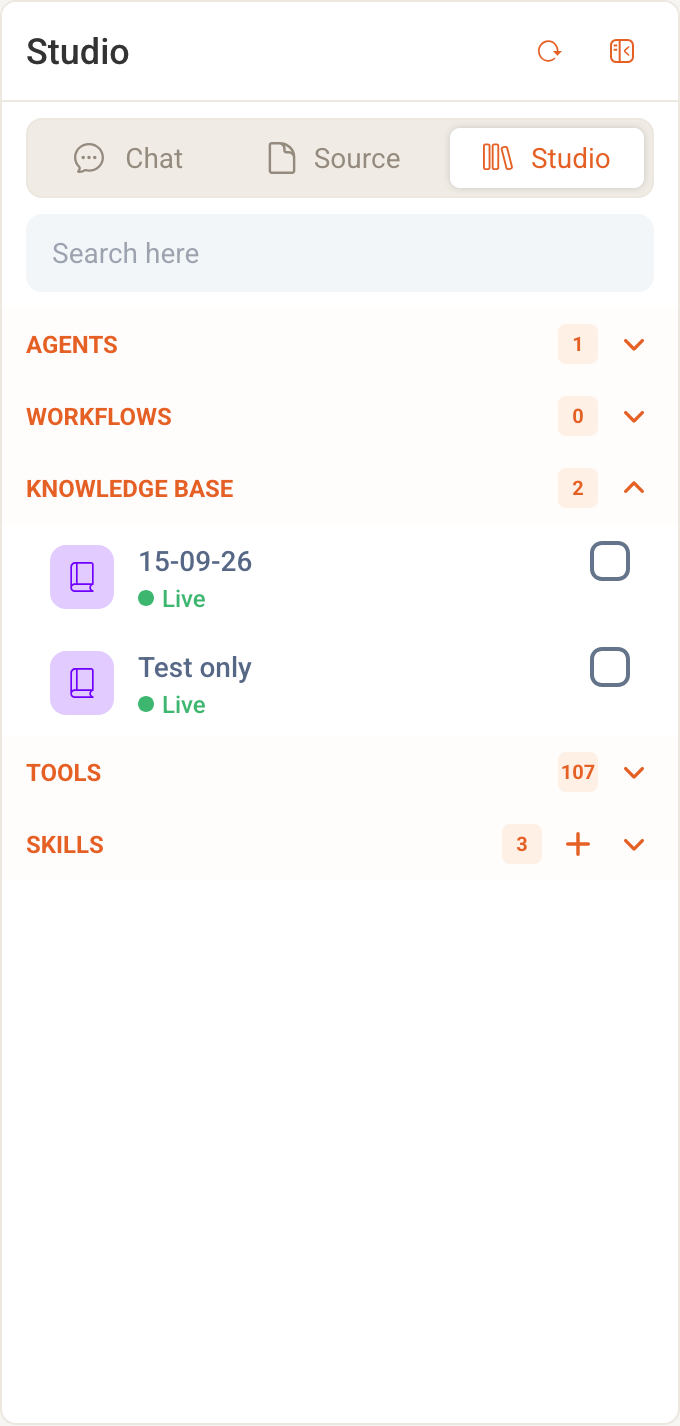
Studio can be found in the panel located on the left-hand side of the screen.
It provides users with building blocks available to AGIS Chat in the current workspace, consisting of Agents, Workflows, Knowledge Bases, Tools, and Skills.
Agents
Agents can be created and managed in Agent Builder. Only agents that have been published will be available in Studio.
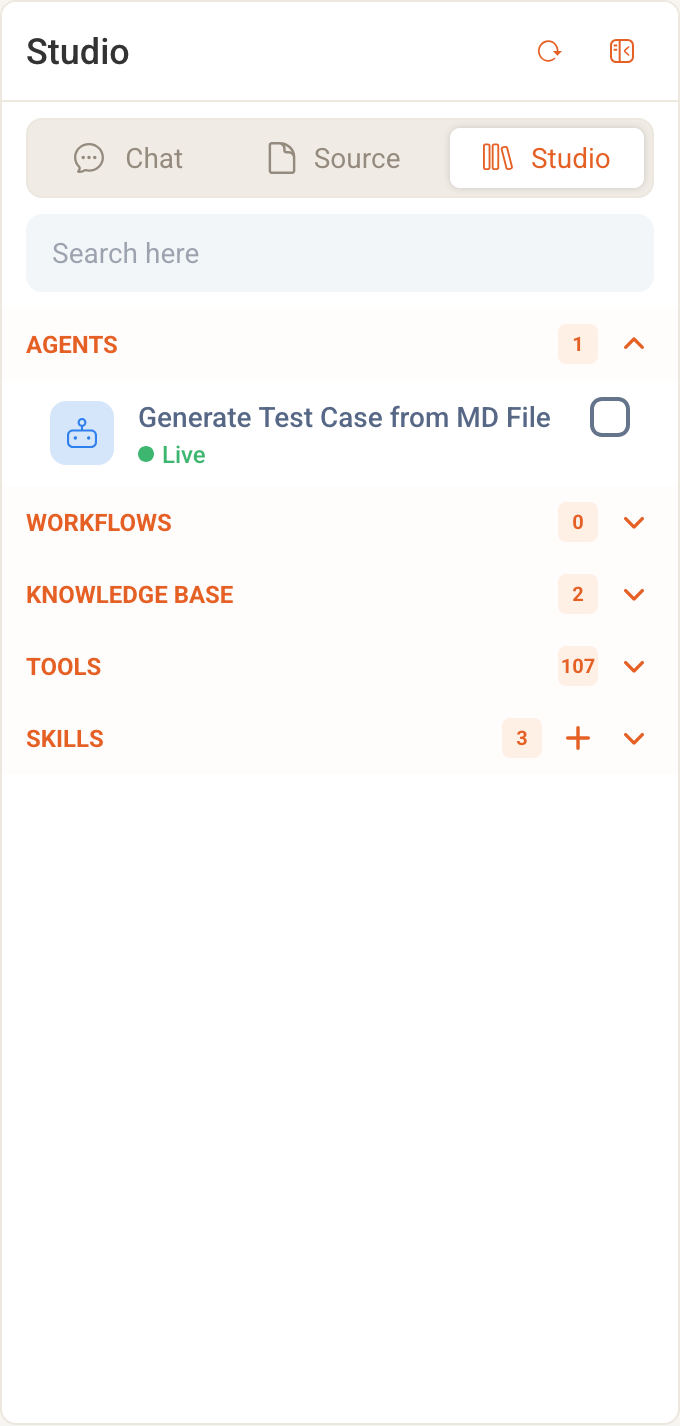
The API Tests - … agents (for example API Tests - Generate tests and API Tests - Run tests) also appear here once your administrator has installed and published them. Tick the one you need before you chat. See Generate tests with chat and, if they are missing, Ask your administrator for the agents.
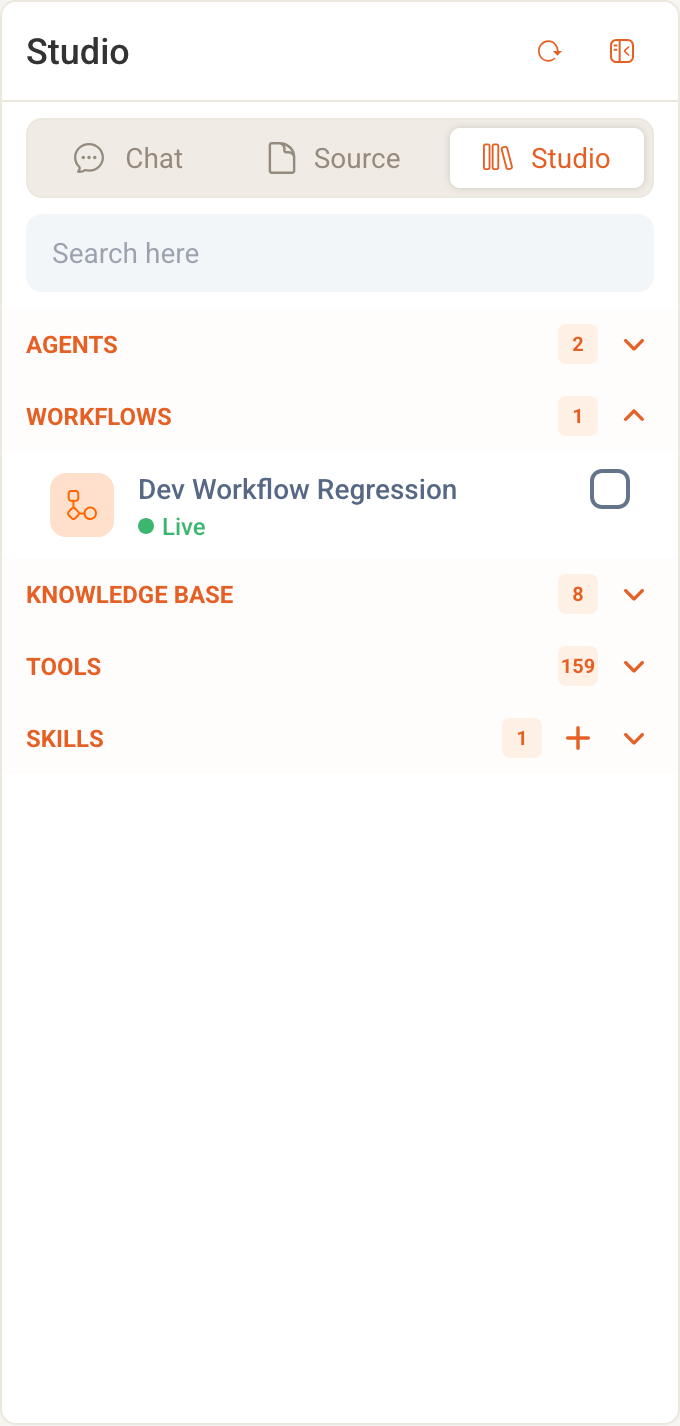
Workflows
Workflows can be created and managed in Workflow Builder. Only workflows that have been published will be available in Studio.
Knowledge Base
Knowledge Bases can be created and managed in Knowledge Base. Only Knowledge Bases that have been published will be available in Studio.
Tools
All active tools regardless of workspace will be available in Studio.