Retry
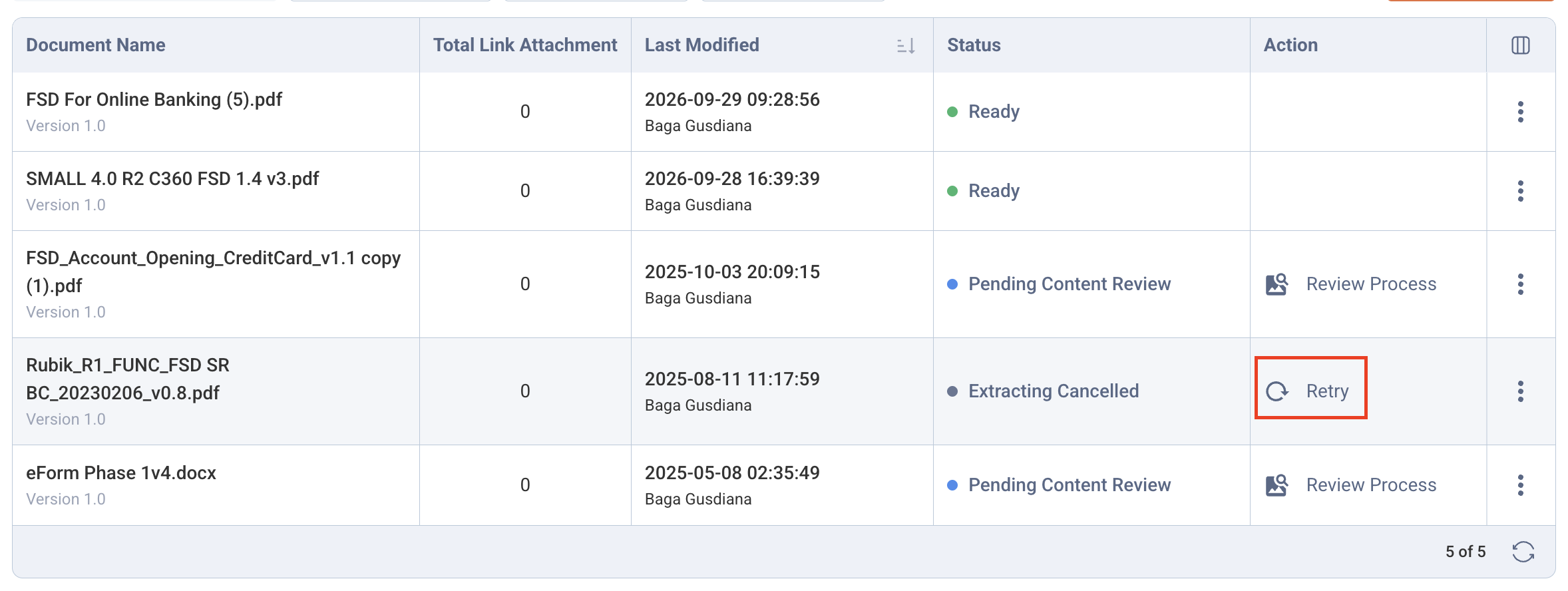
Retry is only available for documents with the Extracting Cancelled or Extracing Failed status.
It can be accessed in two ways:
- Click Retry in the Action column.
- Click the
⋮icon at the end of the row, then select Retry. For a document with this status, the menu only shows Retry and Delete Document.
Clicking Retry retries extracting the document's content.
