User Federation
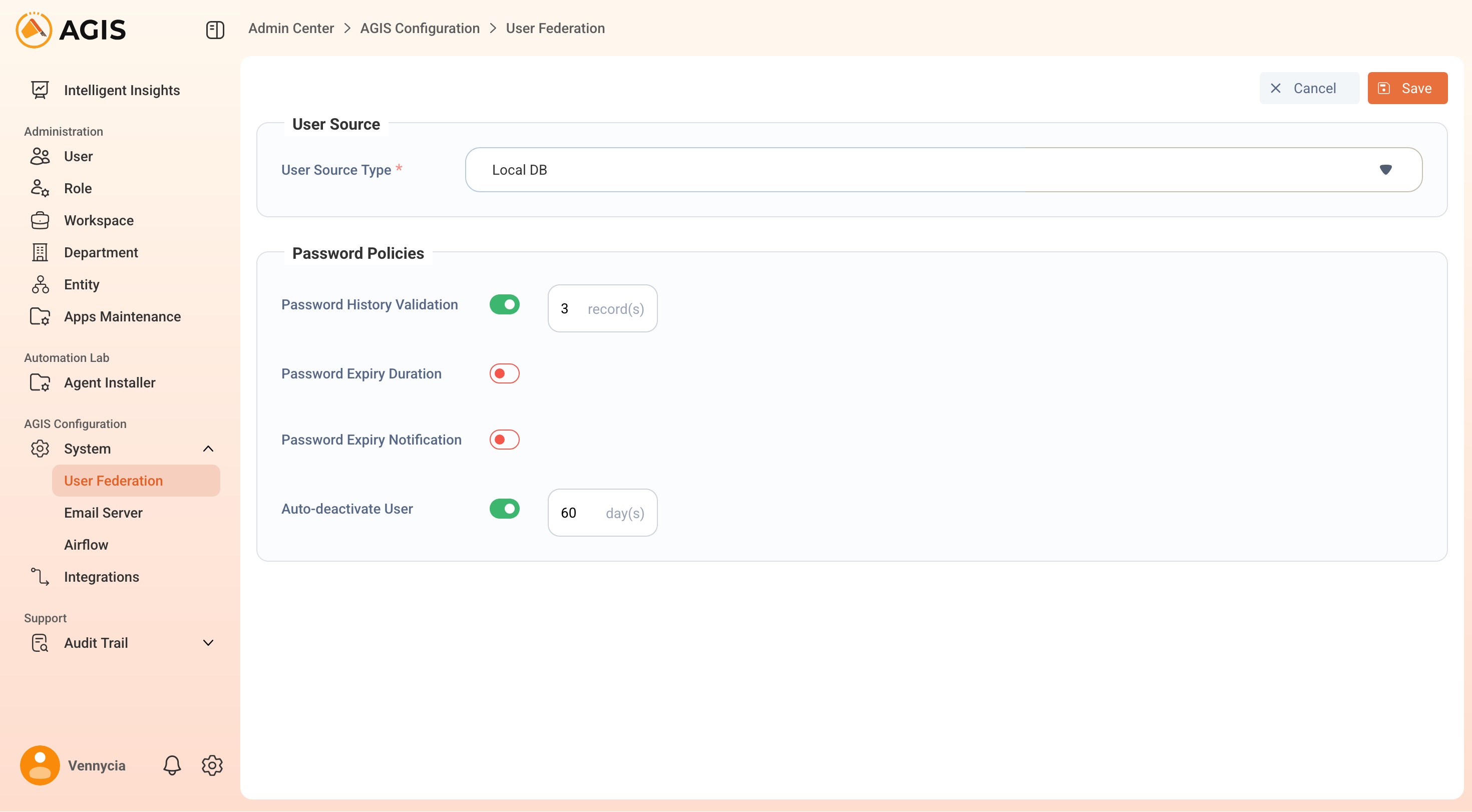
User Federation can be found in the Admin Center, under AGIS Configuration. User Federation serves as a centralized hub for managing external and internal identity sources. Access requires an Admin role along with Manage General Configuration and Manage User Federation permissions.
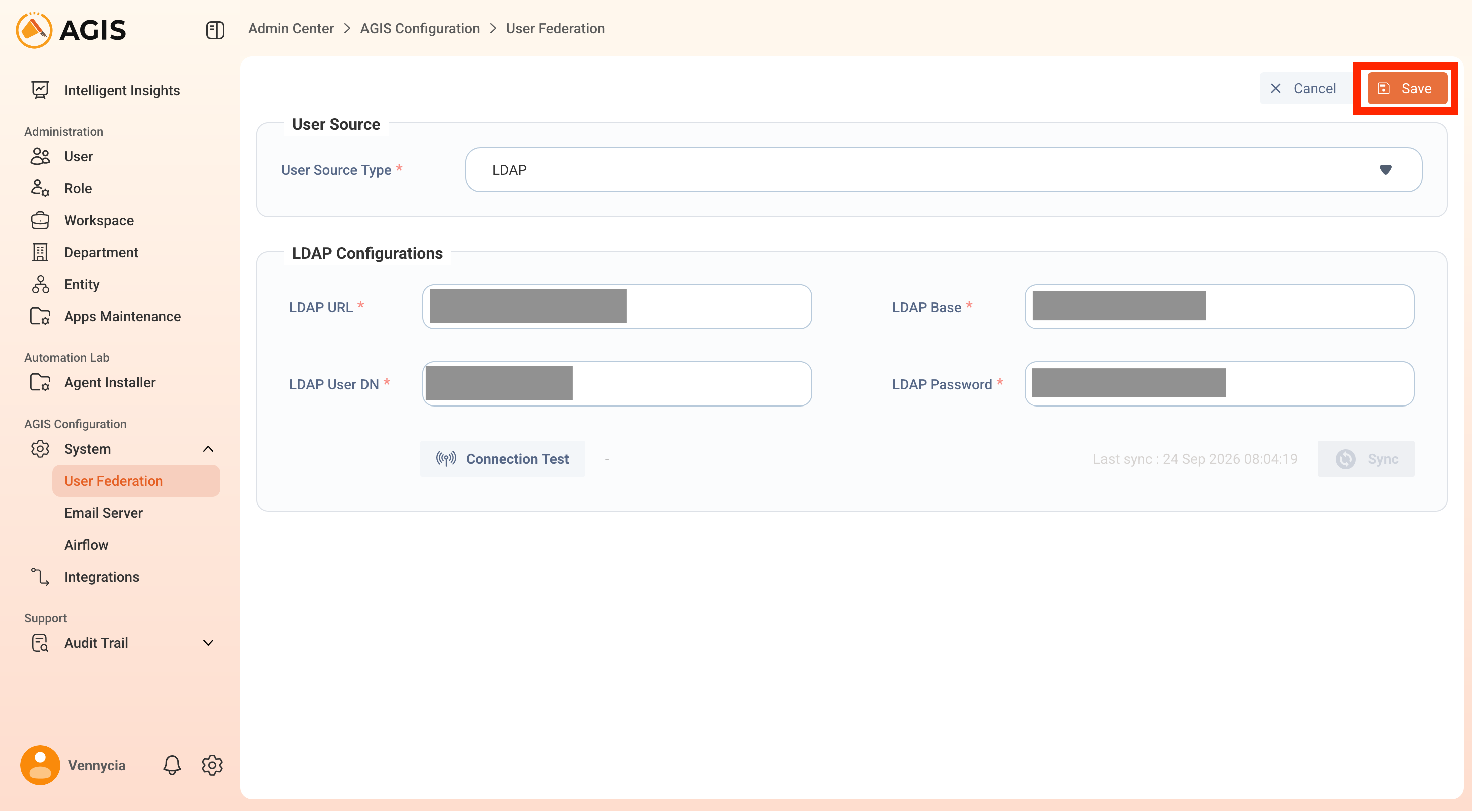
Saving will use the current user source type and its configurations.
LDAP (Lightweight Directory Access Protocol)
Connects to an external directory service for user authentication. LDAP Configurations must be configured for this source type.
- LDAP URL, the address of the LDAP server to connect to.
- LDAP Base the base distinguished name (DN) defining where in the directory to search for users.
- LDAP User DN, the distinguished name used to bind and authenticate to the LDAP server.
- LDAP Password, the password associated with the LDAP User DN.
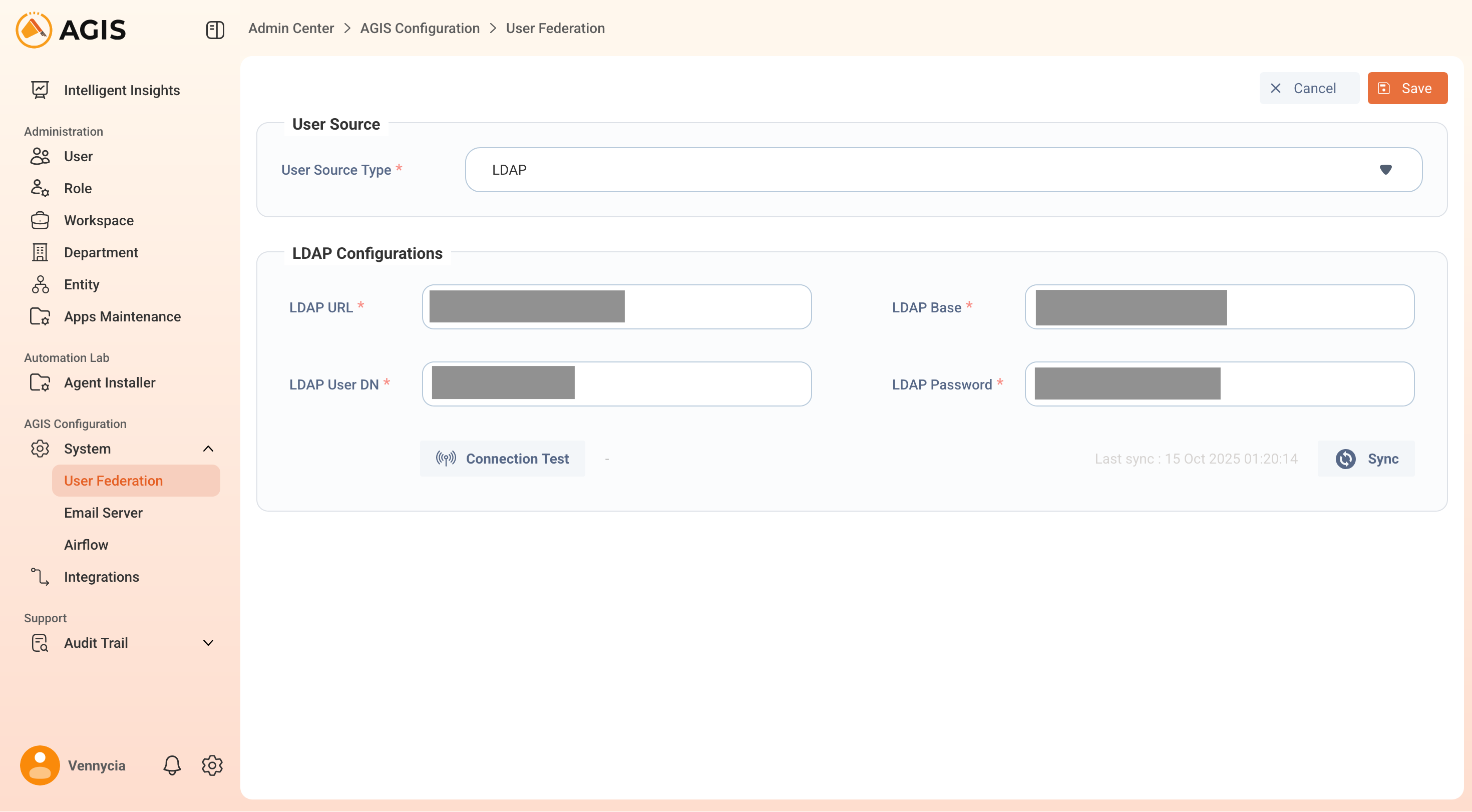
Entered credentials can be verified by performing a connection test using the Connection Test button. Once verified, syncing to the LDAP server can be done using the Sync button.
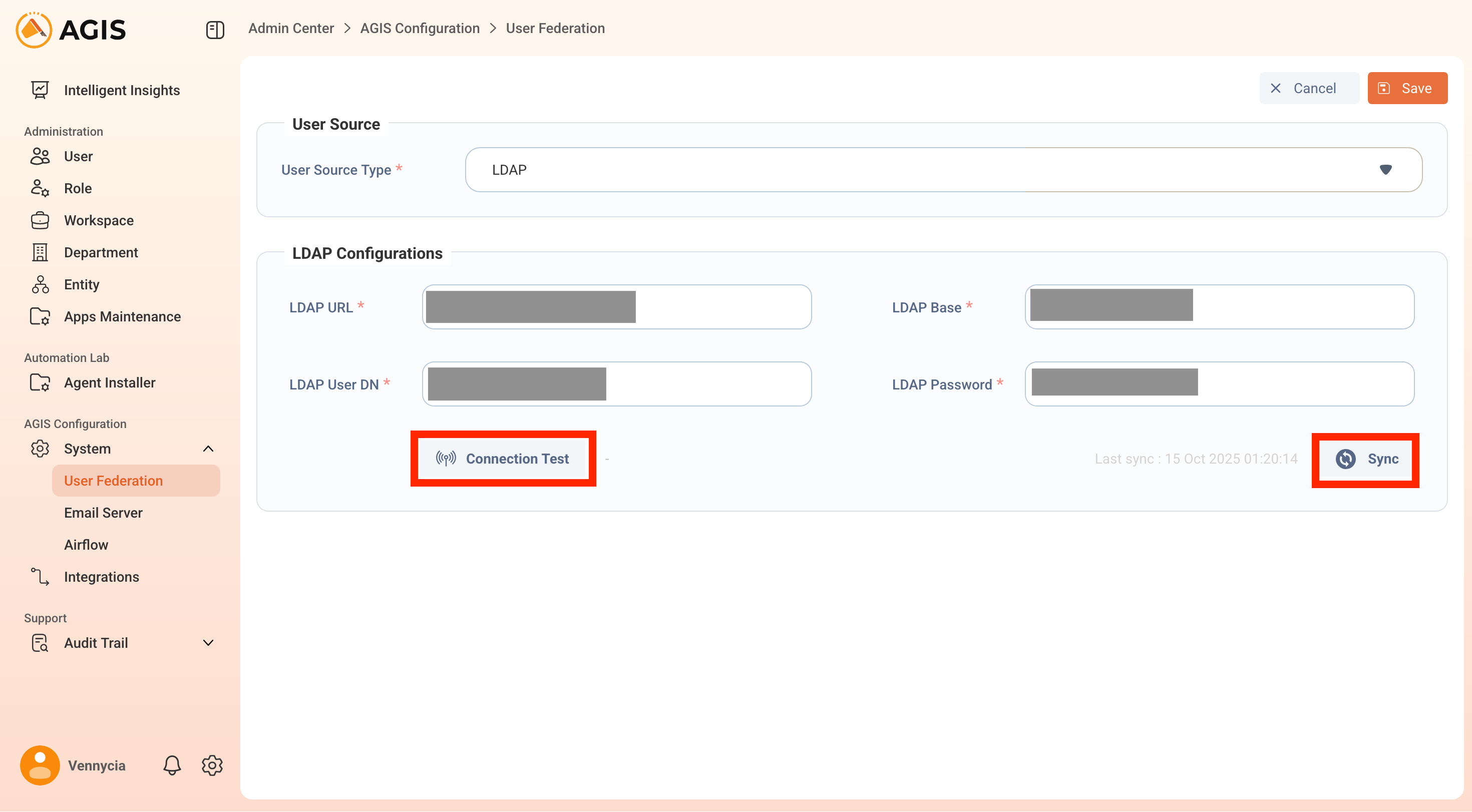
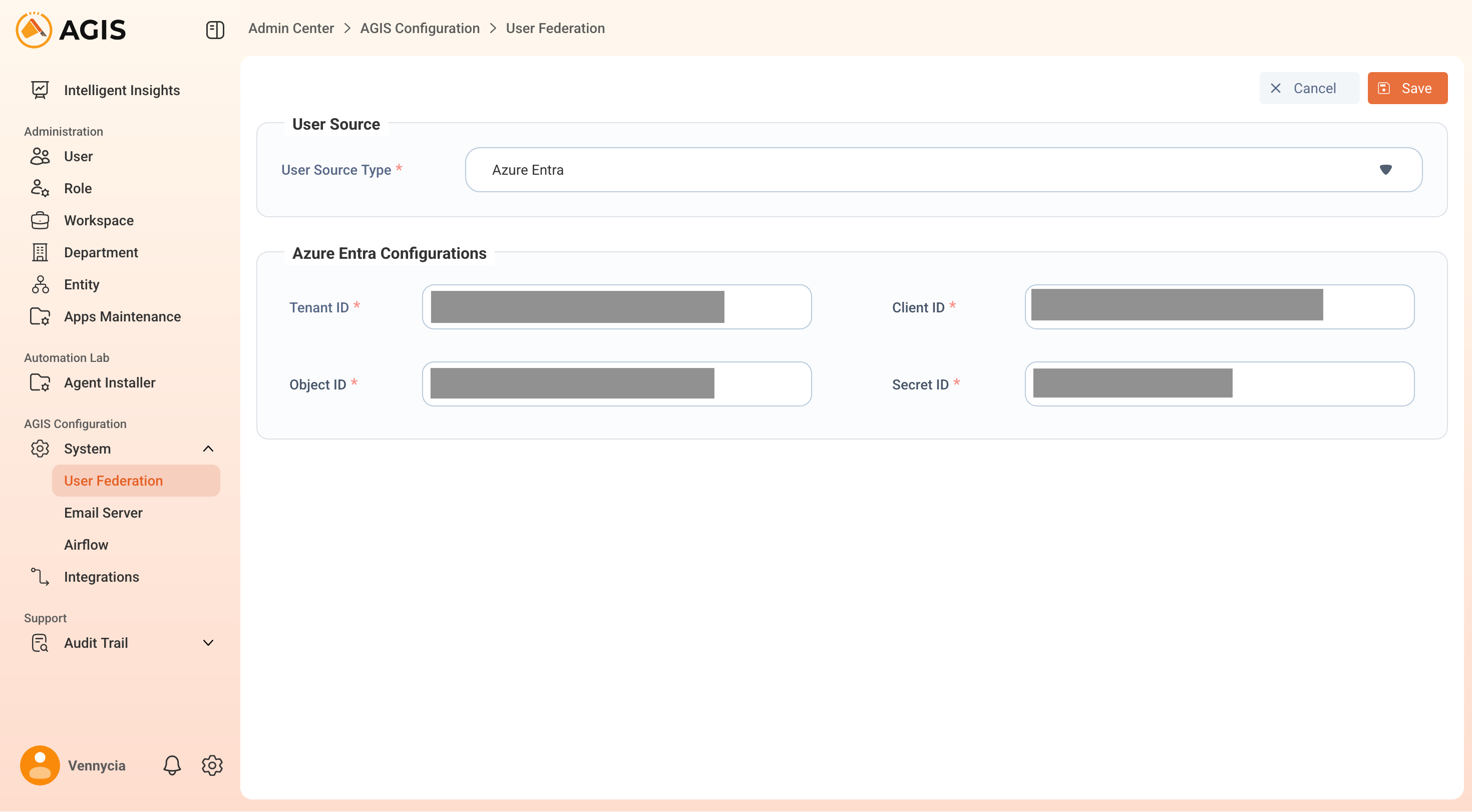
Azure Entra
Enables authentication through Microsoft's cloud-based identity platform. Azure Entra Configurations must be configured for this source type.
- Tenant ID, the unique identifier for the organization's Azure Entra tenant.
- Client ID, the application ID registered in the Azure Entra.
- Object ID, the unique identifier assigned to the registered application object.
- Secret ID, the client secret used to authenticate the application.
Local DB (Local Database)
Uses AGIS's local database to store and manage accounts directly. Password Policies must be configured for this source type.
- Password History Validation, can be enabled or disabled. If enabled, specify the number of previous passwords to retain for comparison.
- Password Expiry Duration, enable or disable password expiration.
- Password Expiry Notification, enable or disable notifications warning users of password expiry.
- Auto-deactivate User, enable or disable automatic account deactivation. If enabled, specify the number of inactive days before deactivation.