Add and Edit App
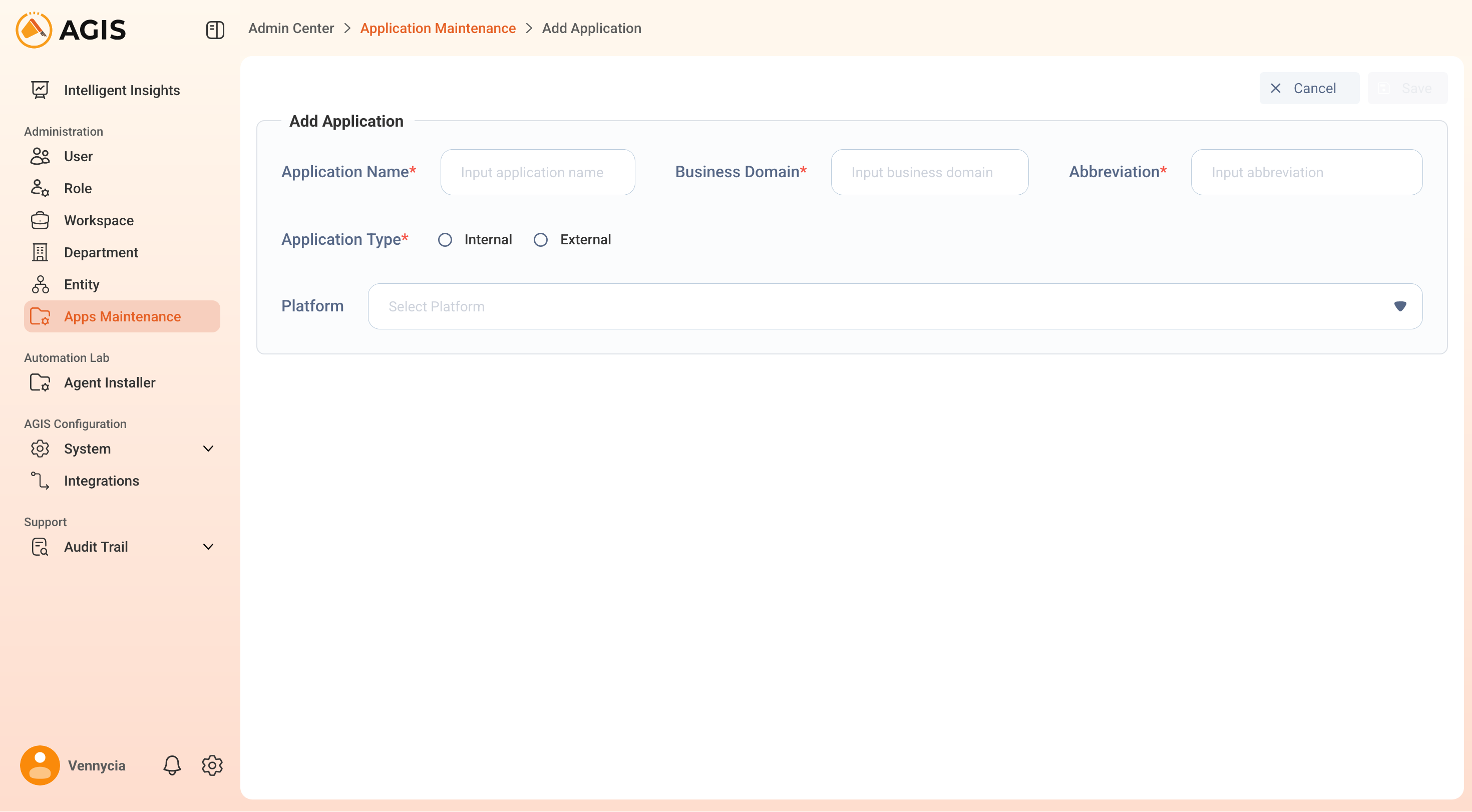
Add App
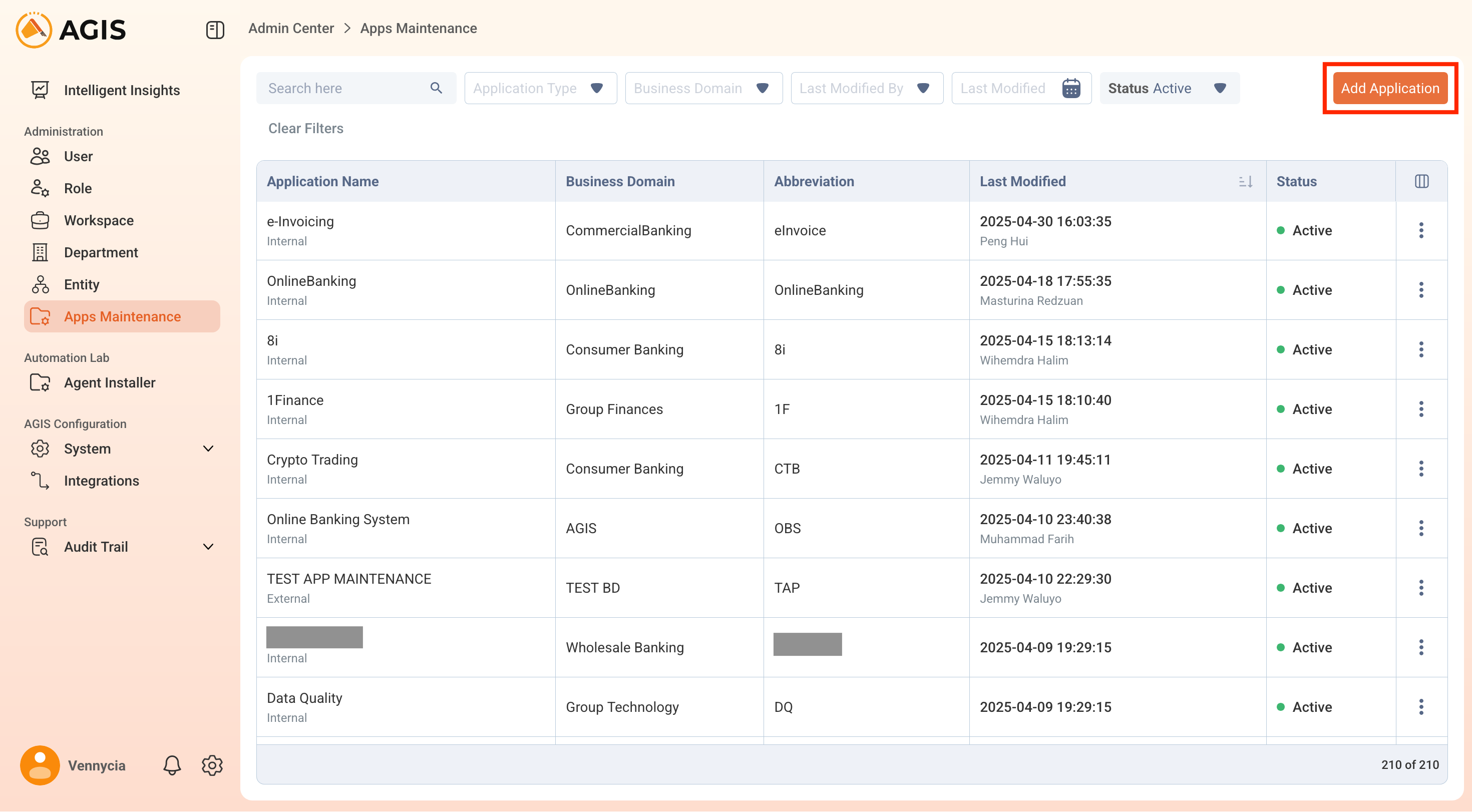
Adding a new app can be done by clicking on the Add Application Maintenance button.
Users must have an Admin role with the Add Application permission to add a new app.
Application Name, Business Domain, Abbreviation, and Application Type are required and must be filled in.
Click Save to confirm addition of the new app.
Edit
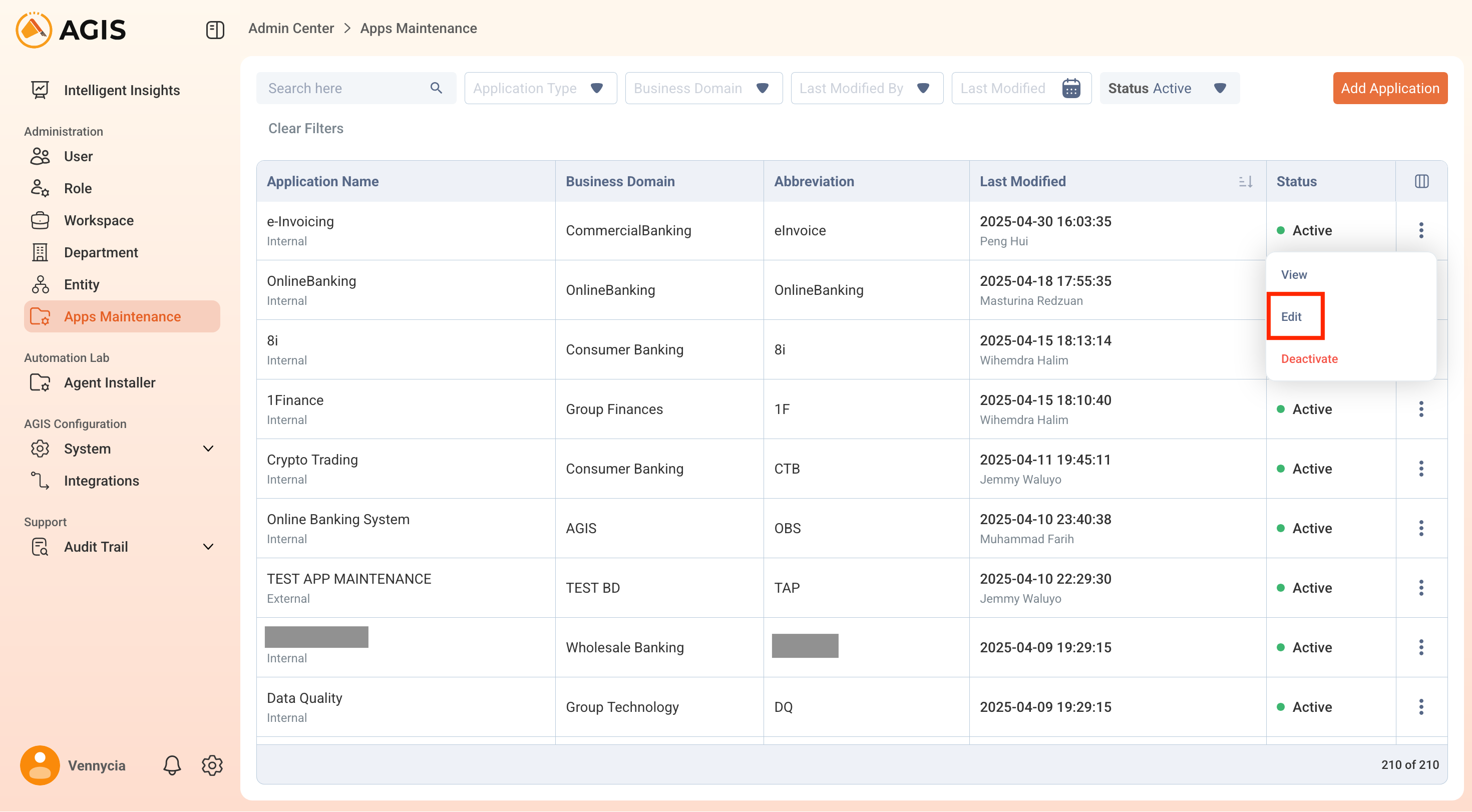
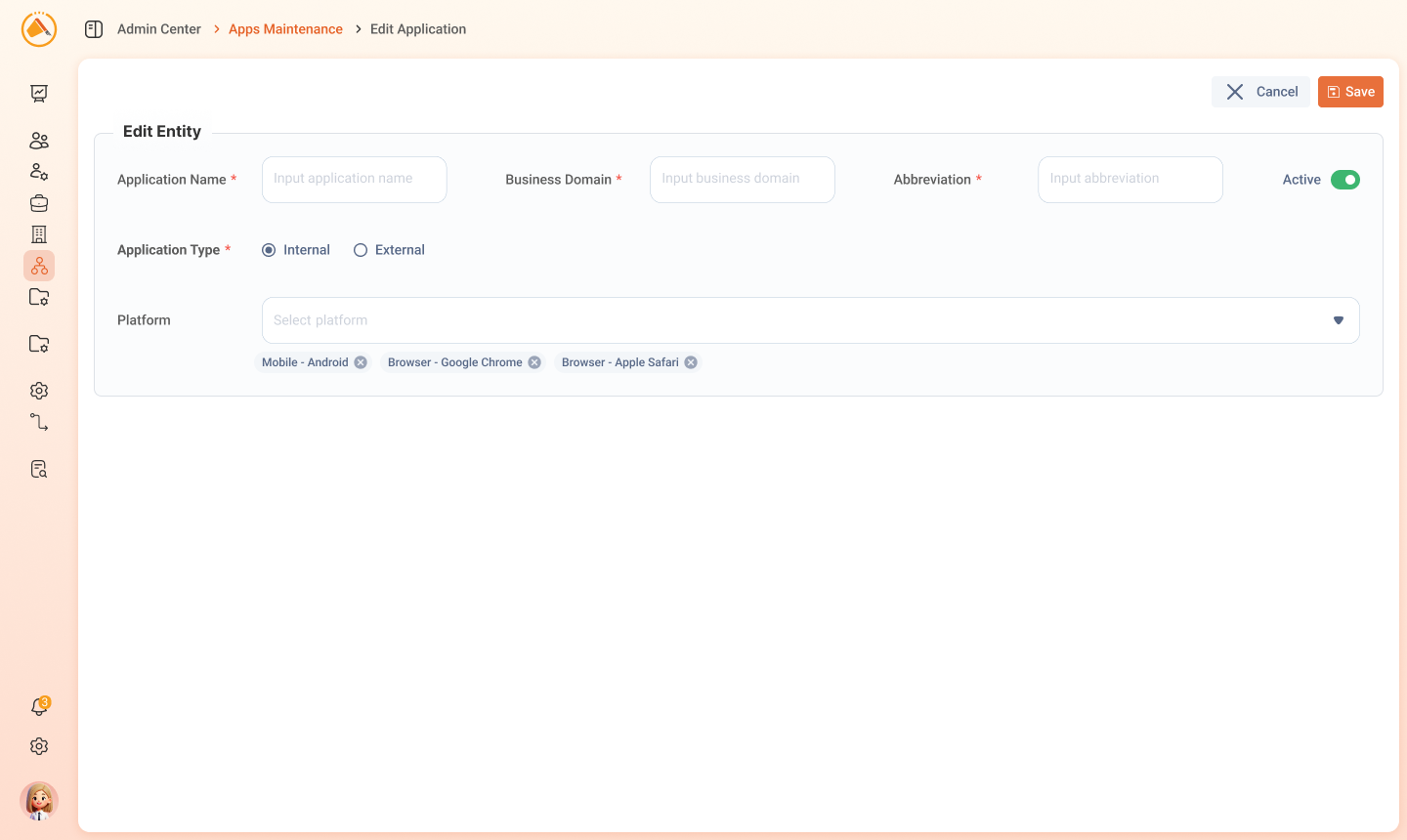
Edit can be accessed by clicking on the three-dots menu of an app. Users must have an Admin role with the Edit Application Maintenance permission to edit an existing app. Allows the editing of an existing app. Click Save to keep the changes that have been made.