Integrations Management
Integrations is where you connect AGIS to external tools such as ALM QC, Azure DevOps, Confluence, and Jira.
Integration List
Each available integration is shown as a card.
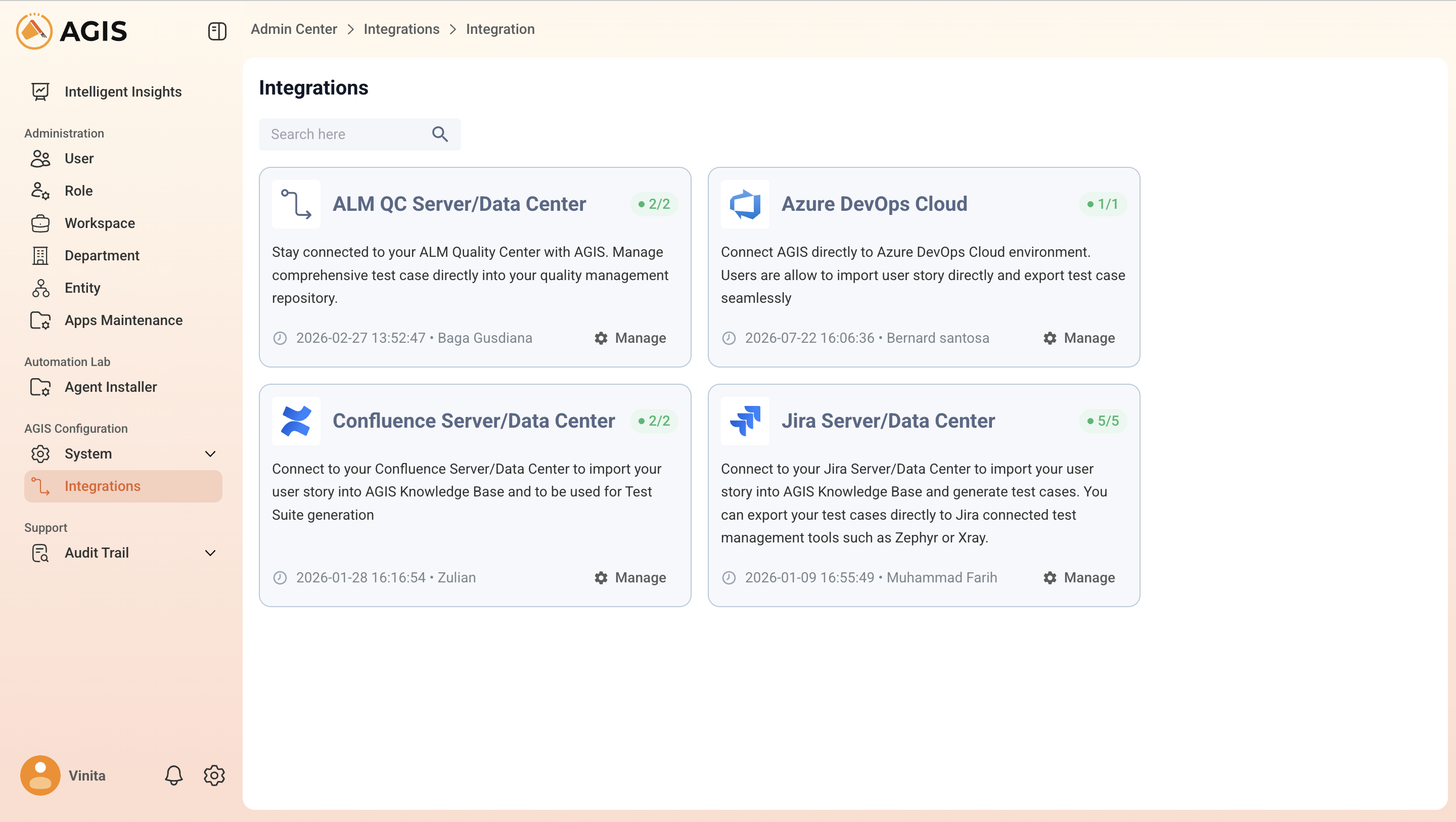
- Search here — search integrations by name.
Each card shows:
| Element | Description |
|---|---|
| Icon & name | The integration's name |
| Description | A short explanation of what the integration does |
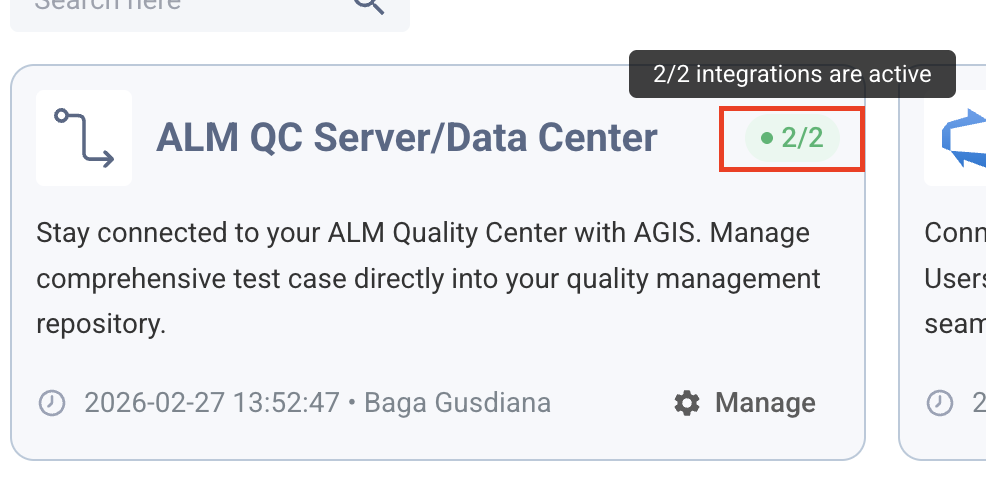
| Active count badge | The number of active configurations out of the total available for that integration, e.g. 2/2 |
| Last modified | Date/time of the last change, and who made it |
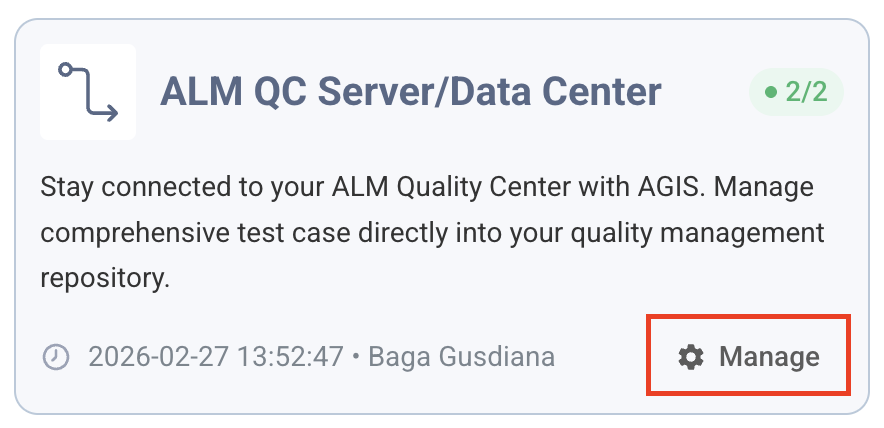
| Manage | Opens the configuration page for that integration |
Hovering over the active count badge shows a tooltip stating how many integrations are active, e.g. "2/2 integrations are active".
Manage an Integration
Click Manage on a card to open its configuration page.
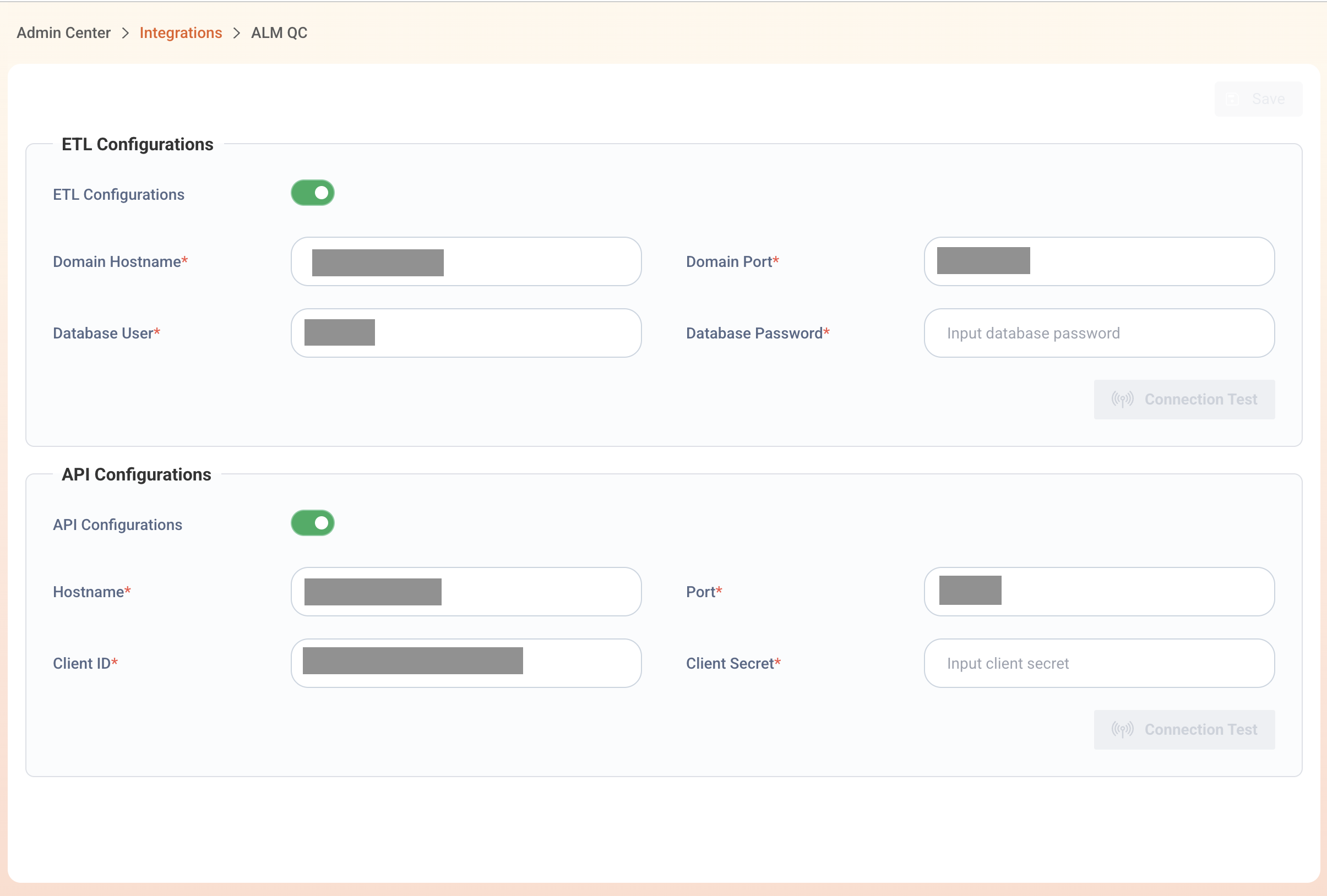
Configuration is grouped into sections, e.g. ETL Configurations and API Configurations. Each section has its own toggle to enable/disable it, its own set of fields, and its own Connection Test button.
- Turn on the toggle for a section to enable it.
- Fill in the required fields (marked with
*). - Click Connection Test to verify the connection works.
- Click Save (top-right) to save the configuration.
